Chart position — tracked daily by LaunchShots
Screenshot style breakdown
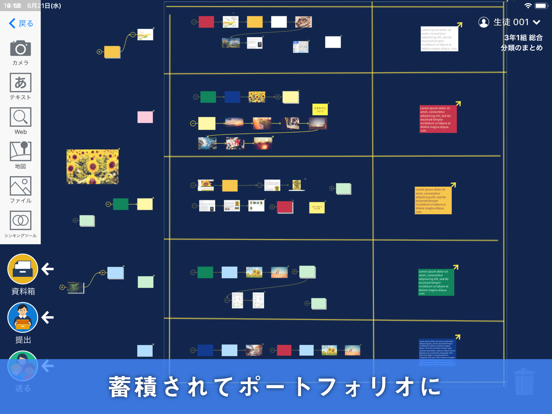
Sampled from 5 of ロイロノート・スクール's App Store screenshots — background, accent and theme, measured by LaunchShots (not something Apple publishes).
#14244C bg
#344265
#546484 accent
#FFFFFF text
Screenshots
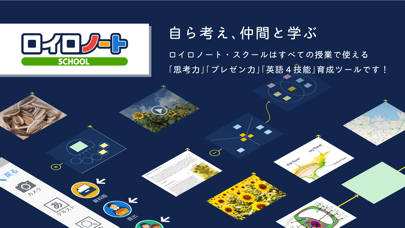
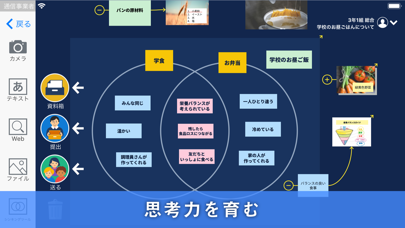
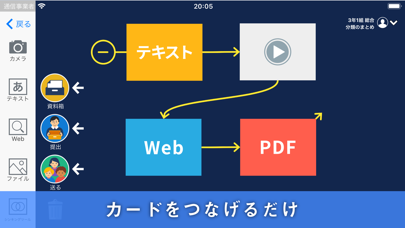
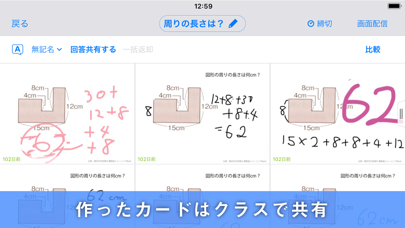

iPad screenshots
Icon palette
About this app
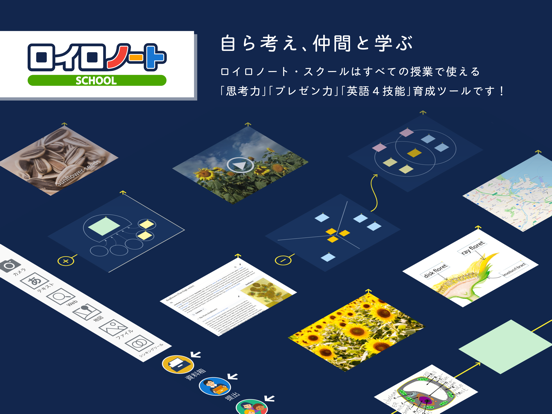
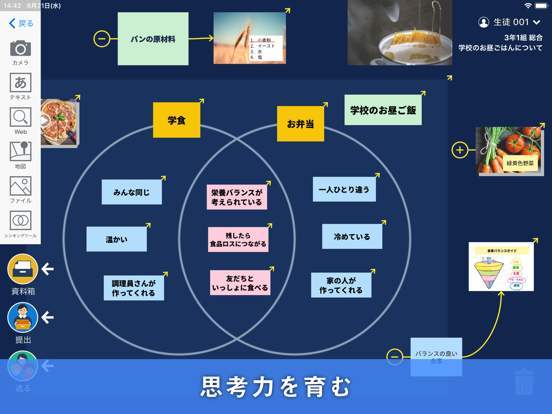
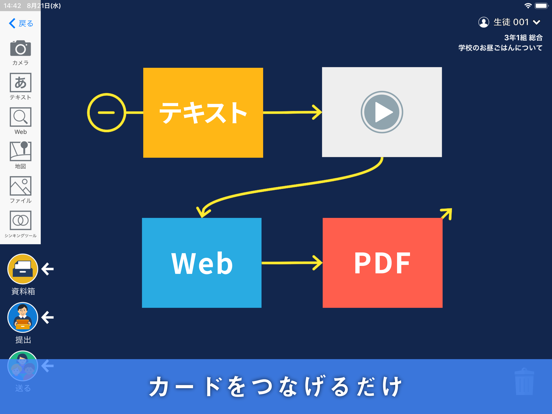
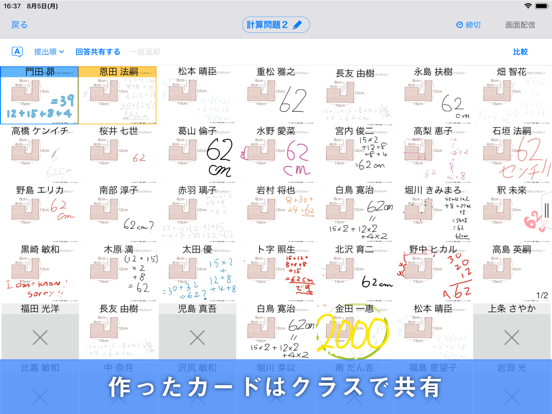
ロイロノート・スクールは、子どもたちが考えるのを助け、その考えを人に伝えることができる道具です。 主体的・対話的で深い学びづくりが求められる中、先生の授業アイディアをシンプルに実現し、子どもたちの学習活動をサポートします。 ●カードをつなげるだけ 自分の考えをカードに書き出しましょう。 カードを線でつなげるだけで順番に並べることができるので、短い時間で自分の考えをまとめることができます。 テキスト、PDF、写真や動画などメディアを選ばず、さまざまな種類のカードを作ることができます。 ●作ったカードはクラスで共有 作ったカードを先生に提出したり、生徒同士で交換したりしましょう。 提出されたカードでの発表やクラスメイトのカードとの比較で、学び合いが生まれます。 ●自分だけの授業ノートができる 授業中の活動記録やプレゼン、問題演習や感想カードなどを1つのノートを収めましょう。 いつでも振り返ることができる自分だけのノートができあがります。 ●授業に必要なすべてがあるから“使いやすい” ロイロノート・スク…
App details
What you can learn from ロイロノート・スクール
Every shipping app on the App Store has gone through the same decisions you're working through right now: which screenshot goes first, what caption sits over it, which device frame to show, what color the background should be. The 10 screenshots above are ロイロノート・スクール's answers to those questions — they're public, they're real, and they made it through Apple's review.
What the numbers say: ロイロノート・スクール runs a mixed light-and-dark set where the background shifts from screenshot to screenshot (first shot #14244C) — each image has to stand on its own, so the captions carry more of the story. The accent colour we picked up, #546484, is the one to reuse for badges, arrows and highlighted words if you borrow this look. Hit Use this style to open the editor with these exact colours and drop your own screenshot in.
Notice the first screenshot in particular. It's the one users see in search results and on the product page, and it's where most apps spend their best caption and tightest design. Look at the proportion of background to phone, where the text sits, what one thing the image is trying to communicate.
Want to see how other Education apps approach the same problem? Browse more Education apps in the showcase.
Take what works into your own screenshots
Open LaunchShots and design your App Store & Google Play screenshots — pick a device frame, drop captions, ship in minutes. Free, in your browser.
Open the screenshot editor →Apps with a similar look
Closest background + accent colours among the listings we've analysed — useful when you want to see the same palette handled by a different team.