Chart position — tracked daily by LaunchShots
Screenshot style breakdown
Sampled from 6 of 楽譜スキャナー Sheet Music Scanner's App Store screenshots — background, accent and theme, measured by LaunchShots (not something Apple publishes).
#24B4EC bg
#1F9ECF
#F49C9C accent
#111111 text
Screenshots
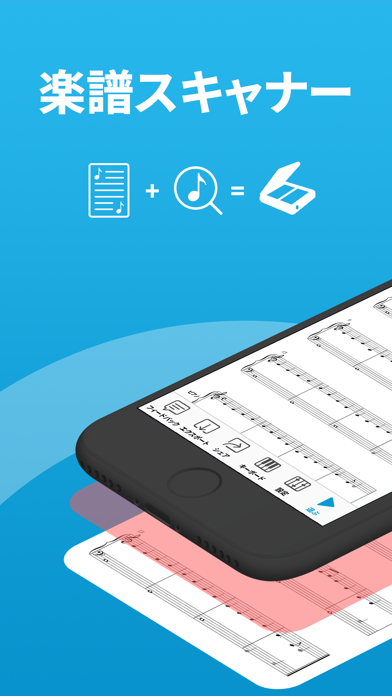

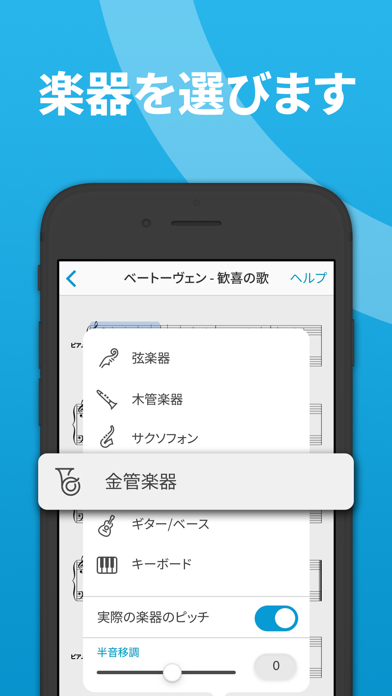
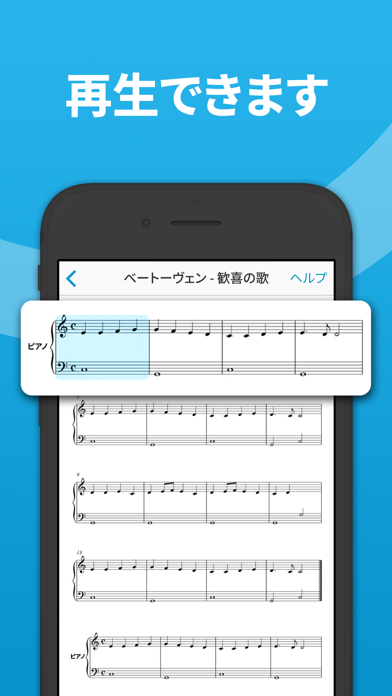
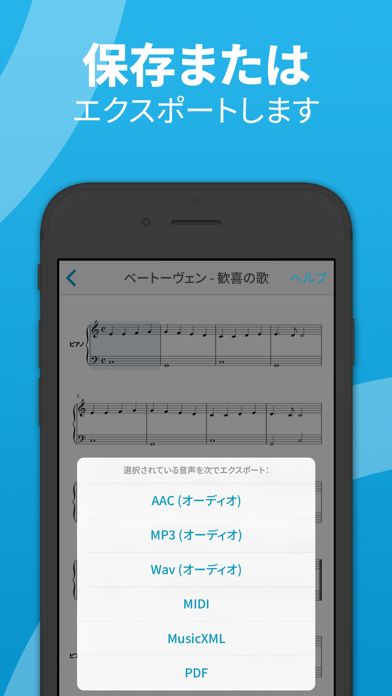
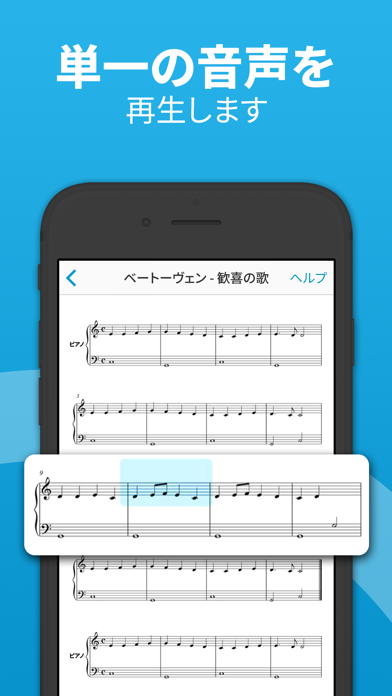
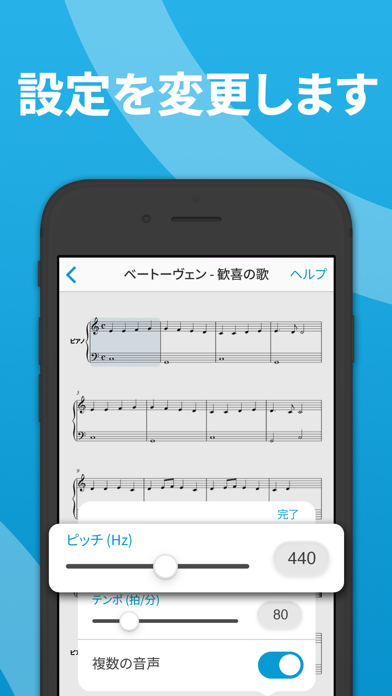

iPad screenshots


Icon palette
About this app
内蔵カメラを使用して印刷された楽譜をスキャンして演奏します。 おもしろそうな楽譜が実際にはどんな音を奏でるのだろうと思ったことがおありですか? 楽譜スキャナーで簡単に実行できます。 iPhone や iPad を楽譜に向けるとアプリが音符を演奏します。 楽器を選び、速度を選択してお楽しみください! 1回のご購入で2つのデバイスで使えるユニバーサル iOS アプリ:iPhone / iPod touch と iPad - 楽譜スキャナーを一度ご購入いただくと、お持ちの iOS デバイスすべてでご利用いただけます。 機能のリスト • 内蔵カメラを使用して楽譜全体を即座にスキャン • フォトライブラリまたは PDF から任意の画像をスキャンして演奏 * • 曲のどこからでも演奏 - 節をタップすると、演奏中の音符と符号がハイライトされます • MIDI、MusicXML、オーディオ (M4A/AAC、MP3、WAV)、PDF 形式でクラウド ストレージへ*、他のアプリに直接または AirDrop を使用してエクスポート • クラウド同期。 iCloud Drive を使用して、iPhone、iPad、または Mac からミュージック ライブラ…
App details
What you can learn from 楽譜スキャナー Sheet Music Scanner
Every shipping app on the App Store has gone through the same decisions you're working through right now: which screenshot goes first, what caption sits over it, which device frame to show, what color the background should be. The 16 screenshots above are 楽譜スキャナー Sheet Music Scanner's answers to those questions — they're public, they're real, and they made it through Apple's review.
What the numbers say: 楽譜スキャナー Sheet Music Scanner runs a mixed light-and-dark set where the background shifts from screenshot to screenshot (first shot #24B4EC) — each image has to stand on its own, so the captions carry more of the story. The accent colour we picked up, #F49C9C, is the one to reuse for badges, arrows and highlighted words if you borrow this look. Hit Use this style to open the editor with these exact colours and drop your own screenshot in.
Notice the first screenshot in particular. It's the one users see in search results and on the product page, and it's where most apps spend their best caption and tightest design. Look at the proportion of background to phone, where the text sits, what one thing the image is trying to communicate.
Want to see how other Music apps approach the same problem? Browse more Music apps in the showcase.
Take what works into your own screenshots
Open LaunchShots and design your App Store & Google Play screenshots — pick a device frame, drop captions, ship in minutes. Free, in your browser.
Open the screenshot editor →Apps with a similar look
Closest background + accent colours among the listings we've analysed — useful when you want to see the same palette handled by a different team.