Chart position — tracked daily by LaunchShots
Screenshot style breakdown
Sampled from 6 of Faceu激萌-你就这么好看's App Store screenshots — background, accent and theme, measured by LaunchShots (not something Apple publishes).
#BCECEC bg
#A5CFCF
#6C94AC accent
#111111 text
Screenshots
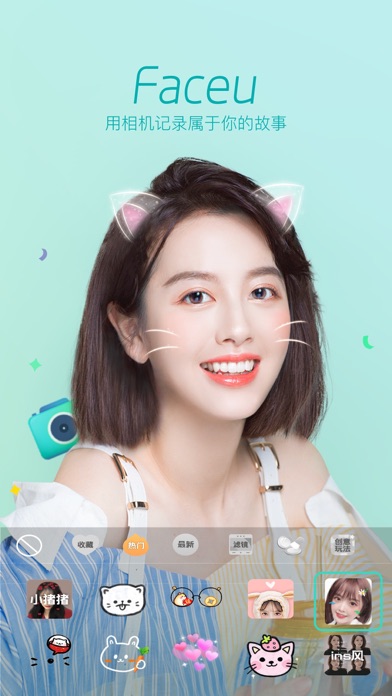
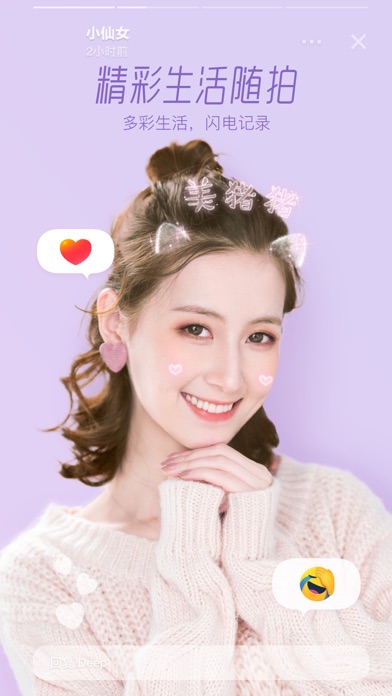
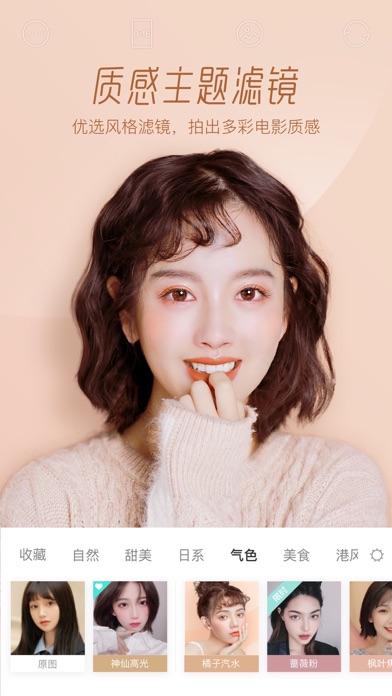
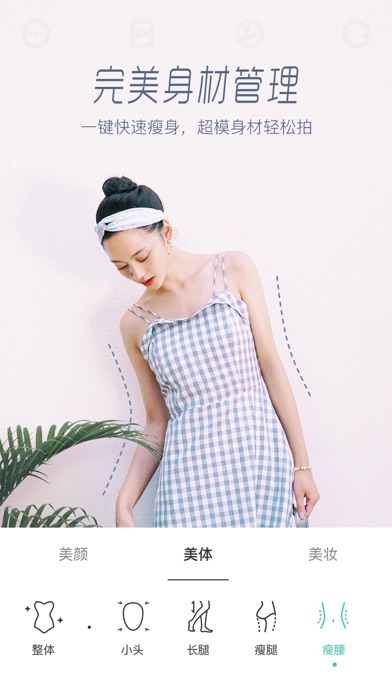

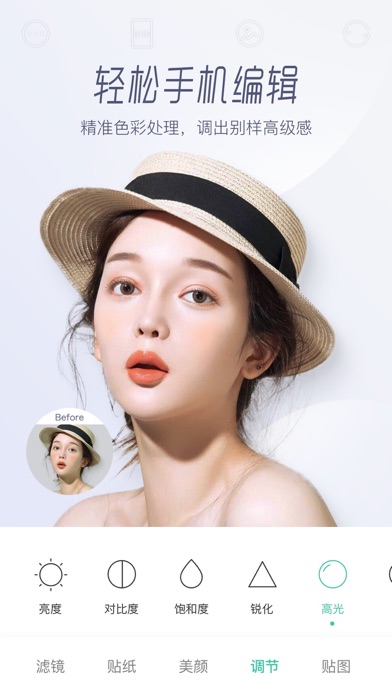

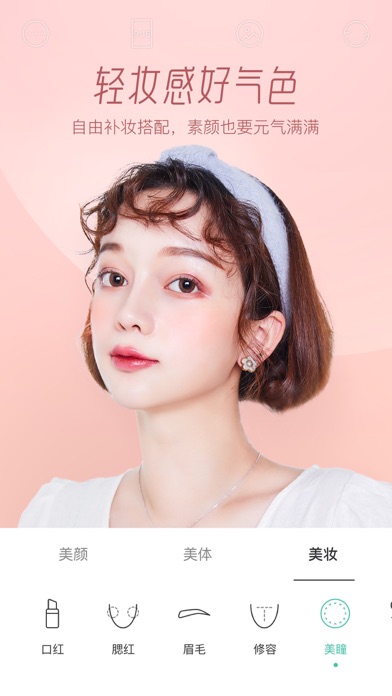
iPad screenshots


Icon palette
About this app
Faceu激萌 汇聚全网超火爆贴纸 致美滤镜 个性美颜 4亿人都在玩的卖萌自拍神器( ̄▽ ̄)~* ---总有新玩法的相机--- 【动态贴纸】2000+款激萌动态贴纸,猫咪兔耳朵、元气少女、潮酷恶搞百种风格应有尽有,每天定时更新,给你带来自拍新灵感 【美颜滤镜】一键美体+智能美颜+大眼瘦脸+水光磨皮+精致妆容,让你每一张自拍都好看,清新甜蜜高冷,滤镜风格百变 【视频跟拍】搜罗TOP短视频片段,附加小白教学辅助,轻松跟拍,全网最红就是你 【GIF表情包】拒绝尬聊!走在潮流尖端的素材,一键拍摄你的专属GIF表情包,从此斗图没输过 ===欢迎勾搭=== 官方新浪微博:@FaceuApp 意见反馈邮箱:supportfaceu@bytedance.com 商务合作邮箱:faceu.business@bytedance.com
App details
What you can learn from Faceu激萌-你就这么好看
Every shipping app on the App Store has gone through the same decisions you're working through right now: which screenshot goes first, what caption sits over it, which device frame to show, what color the background should be. The 15 screenshots above are Faceu激萌-你就这么好看's answers to those questions — they're public, they're real, and they made it through Apple's review.
What the numbers say: Faceu激萌-你就这么好看 runs a light set where the background shifts from screenshot to screenshot (first shot #BCECEC) — each image has to stand on its own, so the captions carry more of the story. The accent colour we picked up, #6C94AC, is the one to reuse for badges, arrows and highlighted words if you borrow this look. Hit Use this style to open the editor with these exact colours and drop your own screenshot in.
Notice the first screenshot in particular. It's the one users see in search results and on the product page, and it's where most apps spend their best caption and tightest design. Look at the proportion of background to phone, where the text sits, what one thing the image is trying to communicate.
Want to see how other Photo & Video apps approach the same problem? Browse more Photo & Video apps in the showcase.
Take what works into your own screenshots
Open LaunchShots and design your App Store & Google Play screenshots — pick a device frame, drop captions, ship in minutes. Free, in your browser.
Open the screenshot editor →Apps with a similar look
Closest background + accent colours among the listings we've analysed — useful when you want to see the same palette handled by a different team.