Chart position — tracked daily by LaunchShots
Screenshot style breakdown
Sampled from 6 of タウンWiFiでポイ活!Wi-Fi利用がポイ活に!'s App Store screenshots — background, accent and theme, measured by LaunchShots (not something Apple publishes).
#348CCC bg
#509CD3
#FCE43C accent
#FFFFFF text
Screenshots
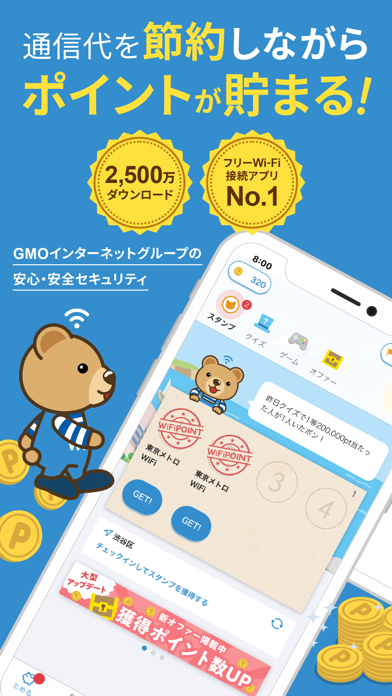


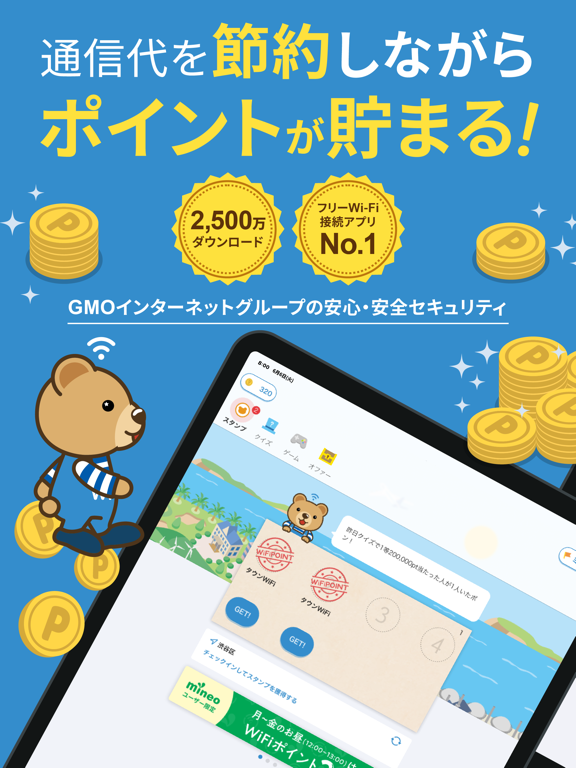
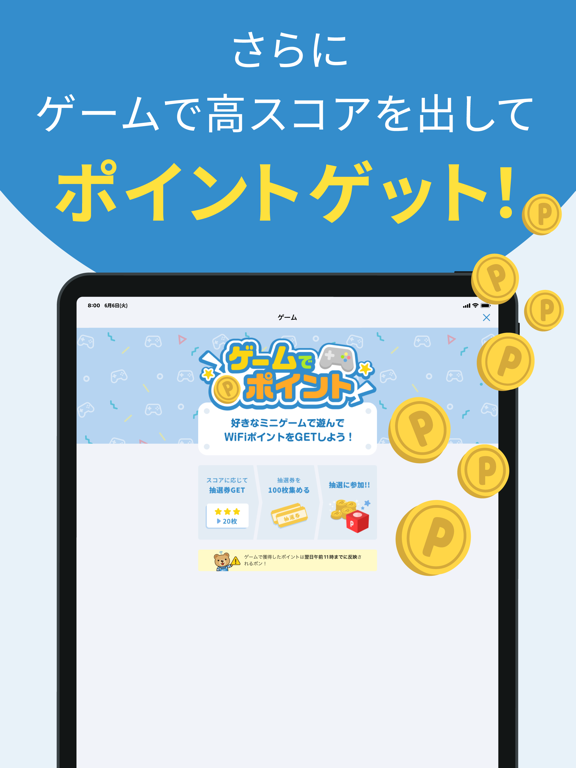
iPad screenshots


Icon palette
About this app
皆様のおかげで タウンWiFi はついに2,500万DLを突破しました!! これは、毎日たくさんの方がタウンWiFiを利用し、Wi-Fi接続でポイントを貯めながらポイ活やギガ節約を楽しんでくださっている証です。 Wi-Fi接続でポイントが貯まるポイ活アプリとして成長を続けるタウンWiFiは、これからも皆様にもっと便利でお得なポイ活体験を提供していきます。 __________ タウンWiFiのWi-Fi接続でポイ活をしよう! ポイントが貯まる タウンWiFi はWi-Fiに接続するだけでポイントが貯まる画期的な「ポイ活アプリ」です。 全国各地にある様々なWi-Fiスポットで利用でき、Wi-Fiを使うたびにポイントが貯まる仕組みで毎日のポイ活を無理なく続けられます。 日本全国に広がる 52万スポット以上のフリーWi-Fi に、自動でスムーズに接続できるのがタウンWiFiの強みです。 タウンWiFiなら「Wi-Fiに接続したいけど手動設定が面倒」「認証画面でイライラする」「繋がったのに遅い」なんて悩みは必要ありません。 タウンWiFi があれば速度制限の心配も軽減でき、Wi-Fiを活用して…
App details
What you can learn from タウンWiFiでポイ活!Wi-Fi利用がポイ活に!
Every shipping app on the App Store has gone through the same decisions you're working through right now: which screenshot goes first, what caption sits over it, which device frame to show, what color the background should be. The 12 screenshots above are タウンWiFiでポイ活!Wi-Fi利用がポイ活に!'s answers to those questions — they're public, they're real, and they made it through Apple's review.
What the numbers say: タウンWiFiでポイ活!Wi-Fi利用がポイ活に! runs a dark set with one background colour (#348CCC) carried across every screenshot — the listing reads as a single poster when the shots sit side by side in search results. The accent colour we picked up, #FCE43C, is the one to reuse for badges, arrows and highlighted words if you borrow this look. Hit Use this style to open the editor with these exact colours and drop your own screenshot in.
Notice the first screenshot in particular. It's the one users see in search results and on the product page, and it's where most apps spend their best caption and tightest design. Look at the proportion of background to phone, where the text sits, what one thing the image is trying to communicate.
Want to see how other Lifestyle apps approach the same problem? Browse more Lifestyle apps in the showcase.
Take what works into your own screenshots
Open LaunchShots and design your App Store & Google Play screenshots — pick a device frame, drop captions, ship in minutes. Free, in your browser.
Open the screenshot editor →Apps with a similar look
Closest background + accent colours among the listings we've analysed — useful when you want to see the same palette handled by a different team.