Screenshots


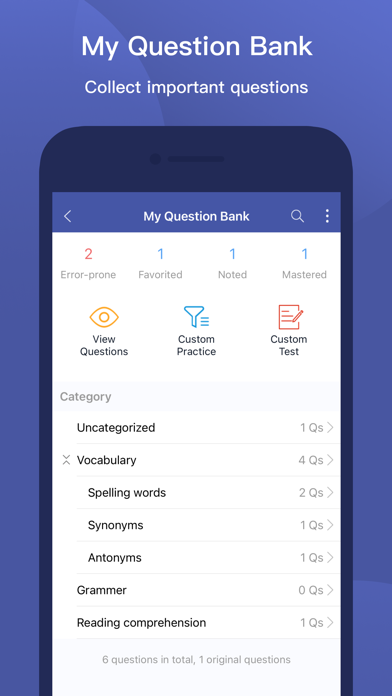
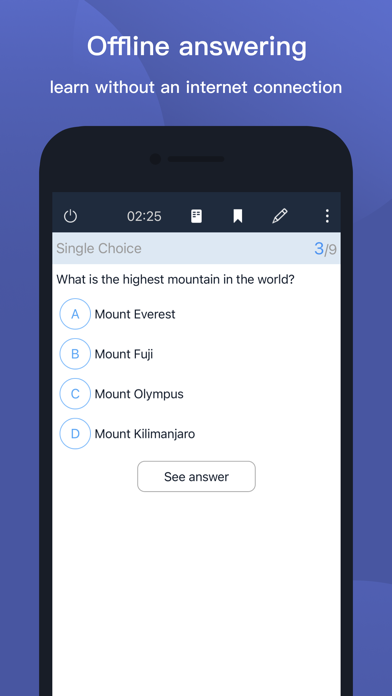
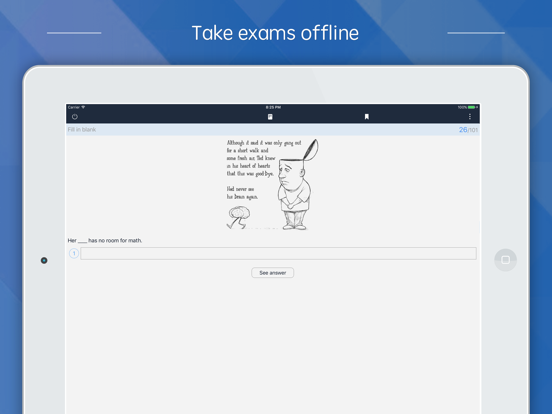
iPad screenshots


Icon palette
About this app
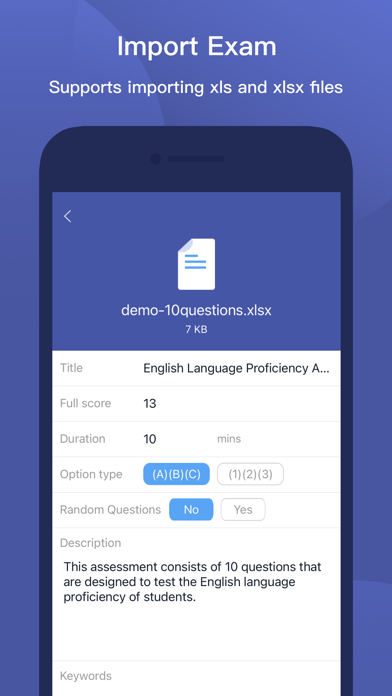
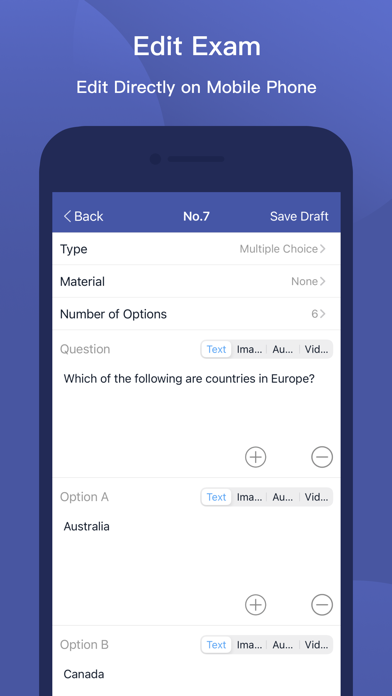
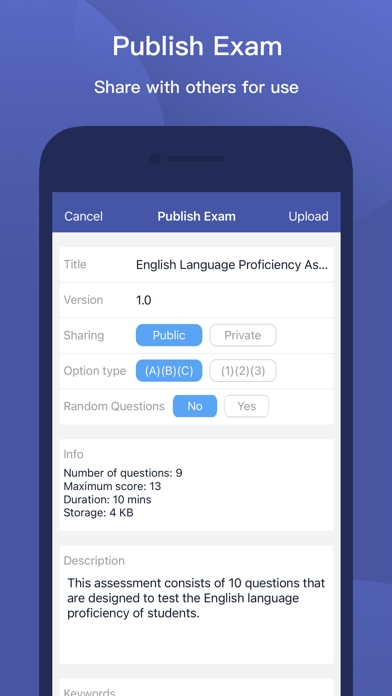
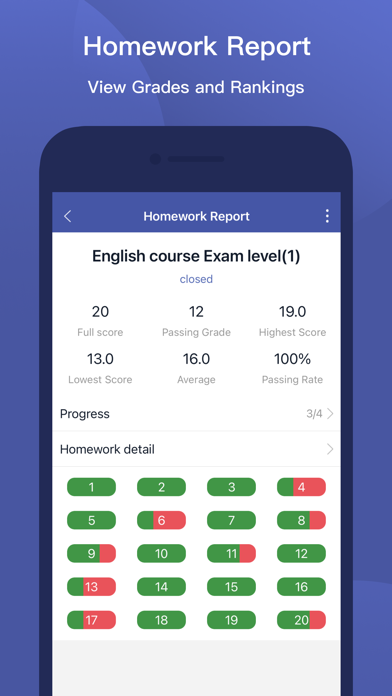
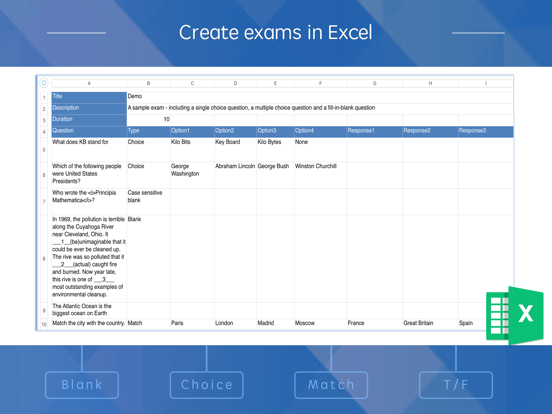
MTestM is an exam creator application that allows you to create, publish and share exams. Creating an exam has never been easier. You can add different types of questions on an Excel spreadsheet. MTestM is used by educators, trainers, non-profits, businesses and other professionals who need an easy way to quickly make exams, tests, and quizzes online. You can create and publish your first exam in a few minutes! 1.Create exams easily Excel is a great program for creating questions. Exams can be created offline using Excel. By taking a tour, it’s easy to understand the MTestM format and add your own questions in the spreadsheet. MTestM allows you to use Excel to write multiple-choice, fill-in-the-blank and matching questions in a simple format that can be imported. When creating a large numbers of questions, MTestM can provide a quick way of bulk importing questions. 2.Advanced questio…
App details
What you can learn from MTestM
Every shipping app on the App Store has gone through the same decisions you're working through right now: which screenshot goes first, what caption sits over it, which device frame to show, what color the background should be. The 13 screenshots above are MTestM's answers to those questions — they're public, they're real, and they made it through Apple's review.
Notice the first screenshot in particular. It's the one users see in search results and on the product page, and it's where most apps spend their best caption and tightest design. Look at the proportion of background to phone, where the text sits, what one thing the image is trying to communicate.
Want to see how other Education apps approach the same problem? Browse more Education apps in the showcase.
Take what works into your own screenshots
Open LaunchShots and design your App Store & Google Play screenshots — pick a device frame, drop captions, ship in minutes. Free, in your browser.
Open the screenshot editor →