Screenshot style breakdown
Sampled from 5 of ストリートミュージアム's App Store screenshots — background, accent and theme, measured by LaunchShots (not something Apple publishes).
#CCDCF4 bg
#B3C1D6
#1C348C accent
#111111 text
Screenshots


iPad screenshots



Icon palette
About this app
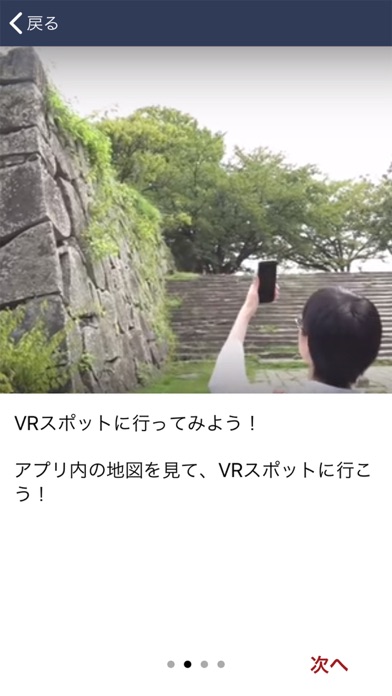
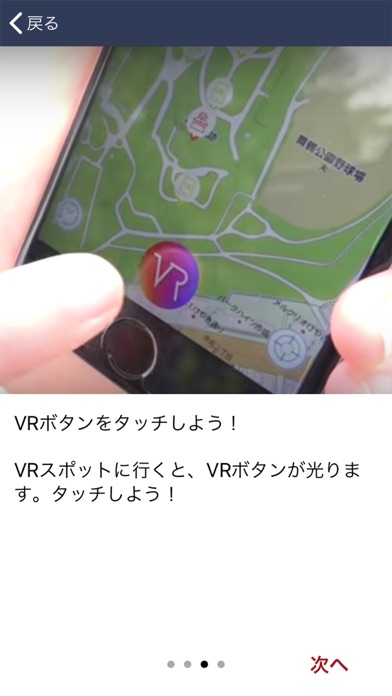
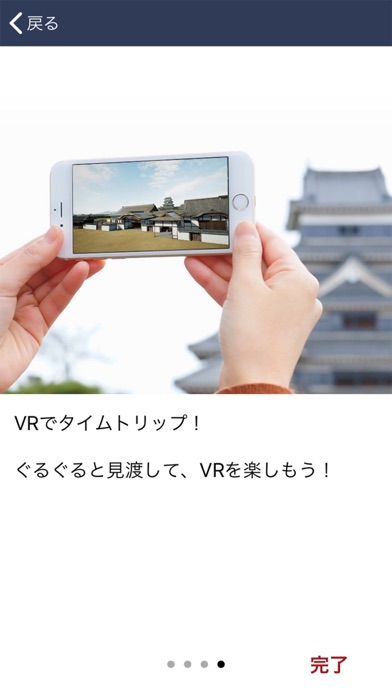
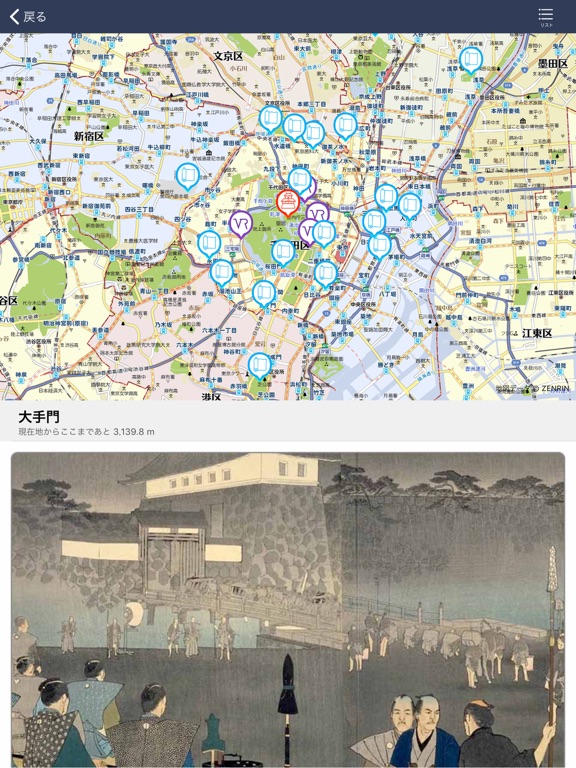
◇◆◇ まちかどをミュージアムに! ◇◆◇ ストリートミュージアム®は史跡散策をVR/ARでもっと楽しくするアプリです。 ストリートミュージアムは、かつて存在した城郭や産業遺産などの史跡を、高精細かつ色鮮やかなVR(Virtual Reality)/AR(Augmented Reality)で蘇らせます。GPS位置情報と連動して、まるでタイムトリップしたかのような感動体験を提供します。臨場感を高める音声解説も再生されます。 ◎1つのアプリで全国の史跡の魅力を発見! 日本全国の史跡で利用できるオールインワンアプリです。史跡は随時追加されていきます。 ◎周遊型ナビゲーション! まち巡りを楽しくする、史跡周辺の見どころスポットも多数掲載しています。 ◎古地図を片手にまちを散策! 現在地図と古地図の切り替えにより、古地図を見ながらのまち歩きも楽しめます。 ◎感動体験をその場でシェア! 史跡VRを背景とした記念写真撮影で、感動をSNSでシェア可能です。 ◎感動体験をお持ち帰り! 一度体験したVRコンテンツは、旅行を終えた後も楽しむことができます。全国の史跡VRをコレクシ…
App details
What you can learn from ストリートミュージアム
Every shipping app on the App Store has gone through the same decisions you're working through right now: which screenshot goes first, what caption sits over it, which device frame to show, what color the background should be. The 10 screenshots above are ストリートミュージアム's answers to those questions — they're public, they're real, and they made it through Apple's review.
What the numbers say: ストリートミュージアム runs a mixed light-and-dark set where the background shifts from screenshot to screenshot (first shot #CCDCF4) — each image has to stand on its own, so the captions carry more of the story. The accent colour we picked up, #1C348C, is the one to reuse for badges, arrows and highlighted words if you borrow this look. Hit Use this style to open the editor with these exact colours and drop your own screenshot in.
Notice the first screenshot in particular. It's the one users see in search results and on the product page, and it's where most apps spend their best caption and tightest design. Look at the proportion of background to phone, where the text sits, what one thing the image is trying to communicate.
Want to see how other Travel apps approach the same problem? Browse more Travel apps in the showcase.
Take what works into your own screenshots
Open LaunchShots and design your App Store & Google Play screenshots — pick a device frame, drop captions, ship in minutes. Free, in your browser.
Open the screenshot editor →Apps with a similar look
Closest background + accent colours among the listings we've analysed — useful when you want to see the same palette handled by a different team.