Chart position — tracked daily by LaunchShots
Screenshot style breakdown
Sampled from 6 of Lark - Work, Together's App Store screenshots — background, accent and theme, measured by LaunchShots (not something Apple publishes).
#D4E4FC bg
#BAC8DD
#1C2C8C accent
#111111 text
Screenshots

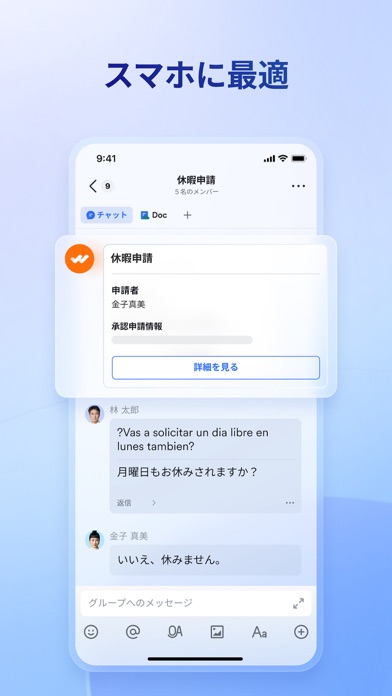
iPad screenshots


Icon palette
About this app
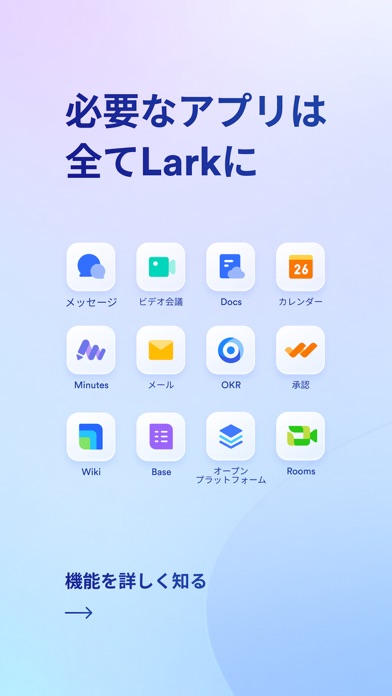
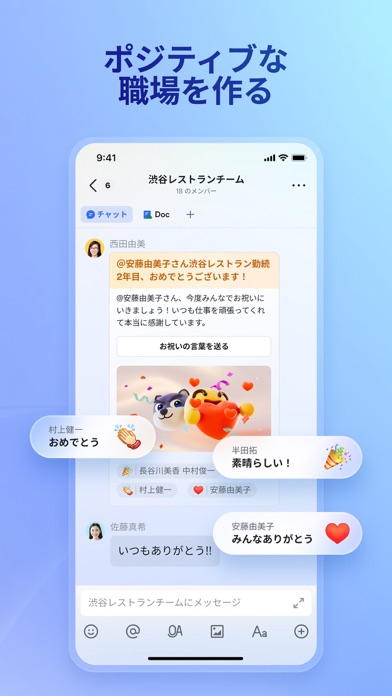
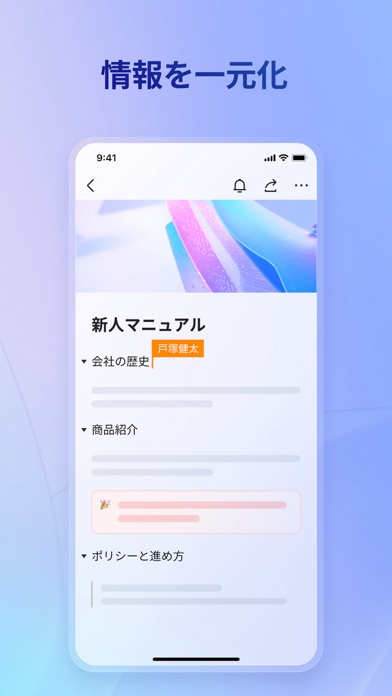
Lark は、メッセージ、スケジュール管理、文書の共同編集、ビデオ会議などの様々な機能を統合し、仕事を効率化する新世代のビジネスツールです。 Lark でできること - チャット機能で、プライベートでもチームでも簡潔かつスマートなコミュニケーションが可能です - Docs で、コンテンツの作成、編集、共有を快適に実現できます - カレンダー機能で、イベントの招待状から、ワンクリックで会議グループ・ビデオ会議・議事録を作成できます - いつでもどこでも音声通話とビデオ会議を開始でき、効率よくコンテンツを共有できます - 承認と勤怠管理機能を使用して、チーム内のワークフロー(承認プロセス、年次休暇など)を管理できます - Jira、GitHub、Asana などのプラグインを使用して、お気に入りのツールとサービスをこれまでと同様に使用できます 何より大事なのは、これらすべての機能は Lark という 1 つのアプリで実現できます。例えば、ドキュメントにグループチャットを挿入したり、チャット画面からメンバーのスケジュールを確認したり、カレンダーから…
App details
What you can learn from Lark - Work, Together
Every shipping app on the App Store has gone through the same decisions you're working through right now: which screenshot goes first, what caption sits over it, which device frame to show, what color the background should be. The 12 screenshots above are Lark - Work, Together's answers to those questions — they're public, they're real, and they made it through Apple's review.
What the numbers say: Lark - Work, Together runs a light set where the background shifts from screenshot to screenshot (first shot #D4E4FC) — each image has to stand on its own, so the captions carry more of the story. The accent colour we picked up, #1C2C8C, is the one to reuse for badges, arrows and highlighted words if you borrow this look. Hit Use this style to open the editor with these exact colours and drop your own screenshot in.
Notice the first screenshot in particular. It's the one users see in search results and on the product page, and it's where most apps spend their best caption and tightest design. Look at the proportion of background to phone, where the text sits, what one thing the image is trying to communicate.
Want to see how other Business apps approach the same problem? Browse more Business apps in the showcase.
Take what works into your own screenshots
Open LaunchShots and design your App Store & Google Play screenshots — pick a device frame, drop captions, ship in minutes. Free, in your browser.
Open the screenshot editor →Apps with a similar look
Closest background + accent colours among the listings we've analysed — useful when you want to see the same palette handled by a different team.