Screenshots


Icon palette
About this app
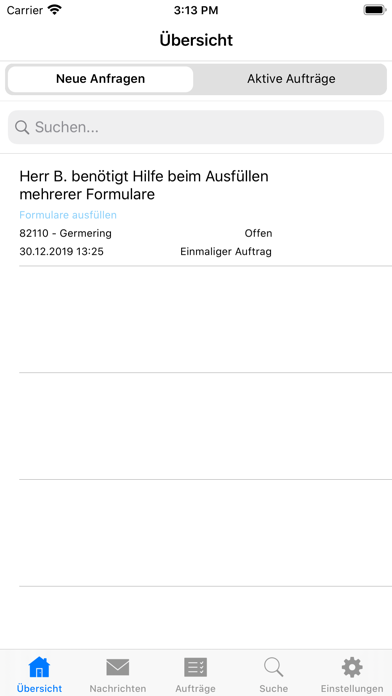
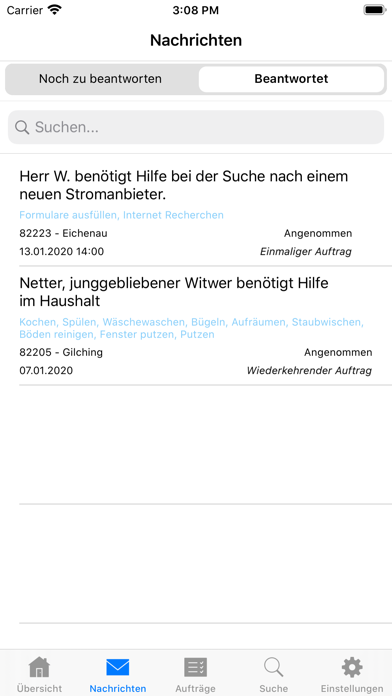
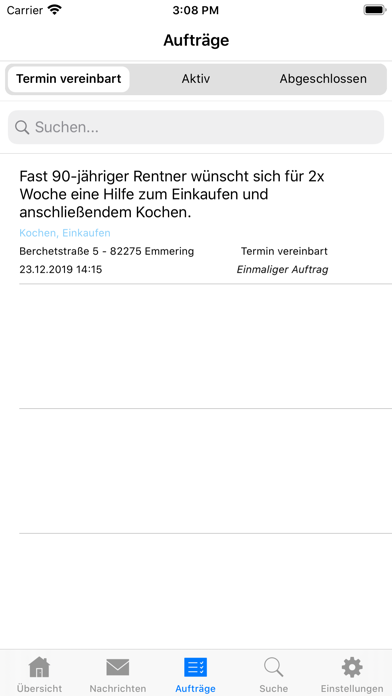
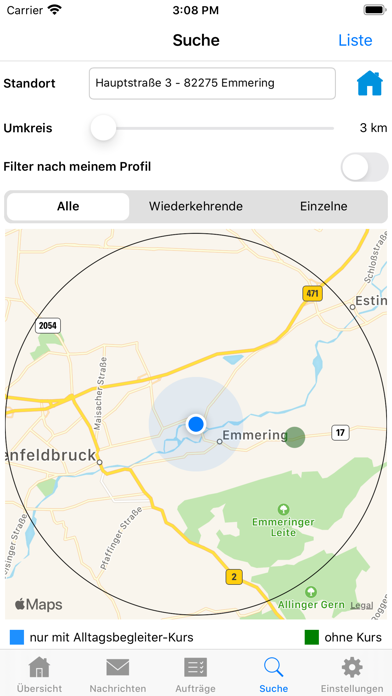
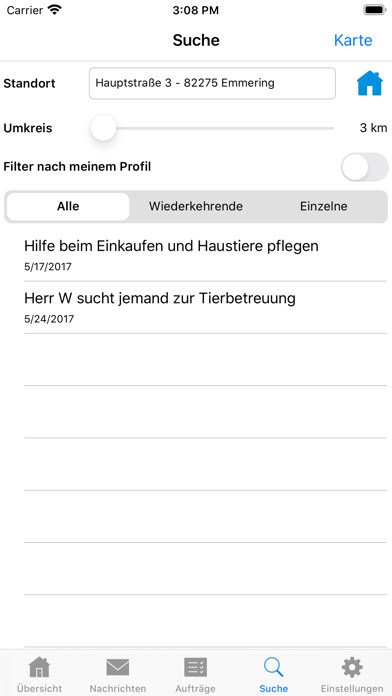
Mit der Helferportal App finden Sie Einsatzmöglichkeiten für Ihr ehrenamtliches Engagement. Dabei können Sie zwischen einmaligen und regelmäßigen Einsätzen wählen und Ihren Wirkungsradius, sowie das gewünschte Tätigkeitsfeld selbst bestimmen. Über die Push-Funktion werden Sie auf neue Einsatzmöglichkeiten, welche auf Ihr hinterlegtes Profil passen, hingewiesen. Je nachdem, ob Sie gerade Lust und Zeit haben, können Sie sich dafür per Knopfdruck bewerben oder absagen. Bei der Registrierung werden Sie an die koordinierende Organisation verwiesen, die Sie gerne als Helfer aufnimmt. Weitere Informationen finden Sie unter: https://www.helferportal.de
App details
What you can learn from Helferportal für Anbietende
Every shipping app on the App Store has gone through the same decisions you're working through right now: which screenshot goes first, what caption sits over it, which device frame to show, what color the background should be. The 7 screenshots above are Helferportal für Anbietende's answers to those questions — they're public, they're real, and they made it through Apple's review.
Notice the first screenshot in particular. It's the one users see in search results and on the product page, and it's where most apps spend their best caption and tightest design. Look at the proportion of background to phone, where the text sits, what one thing the image is trying to communicate.
Want to see how other Social Networking apps approach the same problem? Browse more Social Networking apps in the showcase.
Take what works into your own screenshots
Open LaunchShots and design your App Store & Google Play screenshots — pick a device frame, drop captions, ship in minutes. Free, in your browser.
Open the screenshot editor →