Chart position — tracked daily by LaunchShots
Screenshot style breakdown
Sampled from 5 of mDoğa's App Store screenshots — background, accent and theme, measured by LaunchShots (not something Apple publishes).
#8C9CB4 bg
#7B899E
#546484 accent
#111111 text
Screenshots

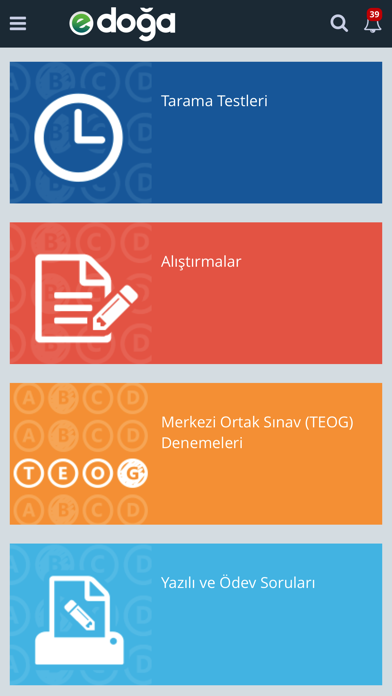
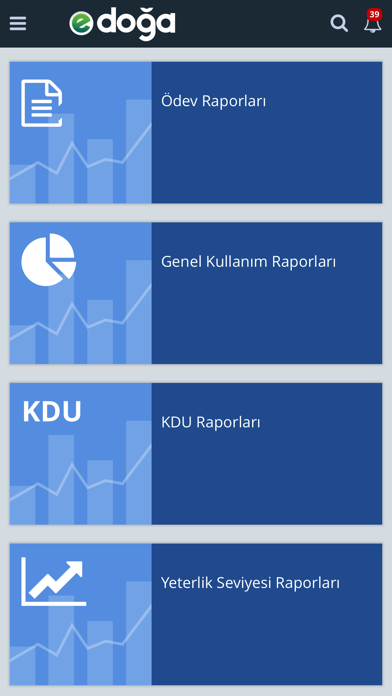
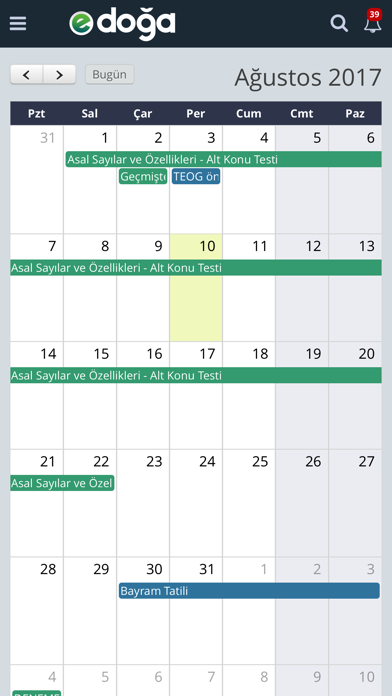

iPad screenshots


Icon palette
About this app
Türkiye’nin ilk “İş Birliğine Dayalı Yeni Nesil Eğitim Yönetimi Sistemi” mDoğa, Doğa Koleji’nin tüm eğitsel, yönetsel ve üretime dayalı süreçlerini “Akademik Omurga” yapısında bütünleştiren ve tek bir noktadan yönetilmesini sağlayan kapsamlı bir eğitim çözümüdür. mDoğa, bütünleşik bir süreç yönetimi olarak sunduğu toplam faydayla ve öğrenmenin okul sınırları dışında da kesintisiz devam etmesini sağlayan yapısıyla benzersizdir. Eğitsel süreçleri “Veriye Dayalı Bütünleşik Karar Destek Sistemi"yle tamamlayan mDoğa, her bir öğrenciye özel öğrenme ortamlarıyla eğitimde tam bir kişiselleştirme sağlar. Öğrenmeyi sınıf ortamlarıyla kısıtlamayan, iş birlikçi ve dinamik yeni eğitim anlayışına uyumu hızlandırır. Öğrencilerin performansını ve öğretmenlerin yetkinliklerini üst düzeye çıkararak toplam başarı yönetimini destekler. Ücretsiz mDoğa uygulaması herkes tarafından indirilebilir ancak kull…
App details
What you can learn from mDoğa
Every shipping app on the App Store has gone through the same decisions you're working through right now: which screenshot goes first, what caption sits over it, which device frame to show, what color the background should be. The 10 screenshots above are mDoğa's answers to those questions — they're public, they're real, and they made it through Apple's review.
What the numbers say: mDoğa runs a light set where the background shifts from screenshot to screenshot (first shot #8C9CB4) — each image has to stand on its own, so the captions carry more of the story. The accent colour we picked up, #546484, is the one to reuse for badges, arrows and highlighted words if you borrow this look. Hit Use this style to open the editor with these exact colours and drop your own screenshot in.
Notice the first screenshot in particular. It's the one users see in search results and on the product page, and it's where most apps spend their best caption and tightest design. Look at the proportion of background to phone, where the text sits, what one thing the image is trying to communicate.
Want to see how other Education apps approach the same problem? Browse more Education apps in the showcase.
Take what works into your own screenshots
Open LaunchShots and design your App Store & Google Play screenshots — pick a device frame, drop captions, ship in minutes. Free, in your browser.
Open the screenshot editor →Apps with a similar look
Closest background + accent colours among the listings we've analysed — useful when you want to see the same palette handled by a different team.