Chart position — tracked daily by LaunchShots
Screenshot style breakdown
Sampled from 4 of Edge Tracker 給与明細参照's App Store screenshots — background, accent and theme, measured by LaunchShots (not something Apple publishes).
#FCFCFC bg
#DDDDDD
#147CC4 accent
#111111 text
Screenshots


Icon palette
About this app
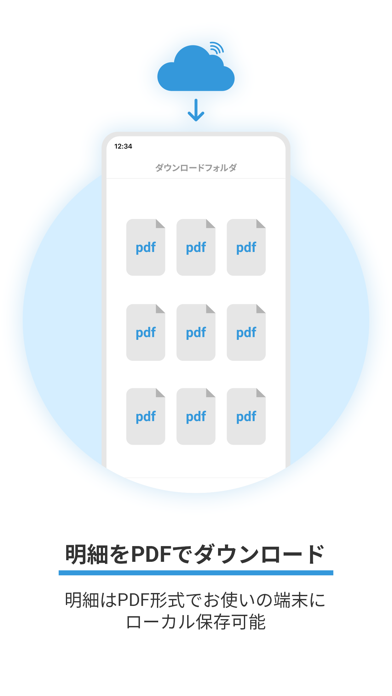
『Edge Tracker給与明細参照』はパソコンやスマートフォンを利用して「いつでも」、「どこでも」、給与明細など各種明細書を閲覧することができます。 【明細参照】 管理者(給与支払者)により配信された給与明細等をスマートフォンで閲覧できます。PDF形式で出力もできます。 【お知らせ参照】 管理者(給与支払者)により配信されたお知らせを閲覧できます。 ================ アカウントに関するお問い合わせ ================ 本アプリケーションは、株式会社ミロク情報サービスの『Edge Tracker給与明細参照』をご契約いただく必要があります。 ご契約後、管理者(給与支払者)が従業員のアカウントを発行します。 従業員の方は管理者(給与支払者)より連絡されたアカウントを使用して、利用を開始してください。 この条件にあてはまらないお客様が、本アプリケーションをインストールされてもご利用いただけませんのでご注意ください。 ログインできない等アカウントに関してお困りの場合は、ログイン画面下部にある『F…
App details
What you can learn from Edge Tracker 給与明細参照
Every shipping app on the App Store has gone through the same decisions you're working through right now: which screenshot goes first, what caption sits over it, which device frame to show, what color the background should be. The 4 screenshots above are Edge Tracker 給与明細参照's answers to those questions — they're public, they're real, and they made it through Apple's review.
What the numbers say: Edge Tracker 給与明細参照 runs a light set with one background colour (#FCFCFC) carried across every screenshot — the listing reads as a single poster when the shots sit side by side in search results. The accent colour we picked up, #147CC4, is the one to reuse for badges, arrows and highlighted words if you borrow this look. Hit Use this style to open the editor with these exact colours and drop your own screenshot in.
Notice the first screenshot in particular. It's the one users see in search results and on the product page, and it's where most apps spend their best caption and tightest design. Look at the proportion of background to phone, where the text sits, what one thing the image is trying to communicate.
Want to see how other Productivity apps approach the same problem? Browse more Productivity apps in the showcase.
Take what works into your own screenshots
Open LaunchShots and design your App Store & Google Play screenshots — pick a device frame, drop captions, ship in minutes. Free, in your browser.
Open the screenshot editor →Apps with a similar look
Closest background + accent colours among the listings we've analysed — useful when you want to see the same palette handled by a different team.