Screenshots


Icon palette
About this app
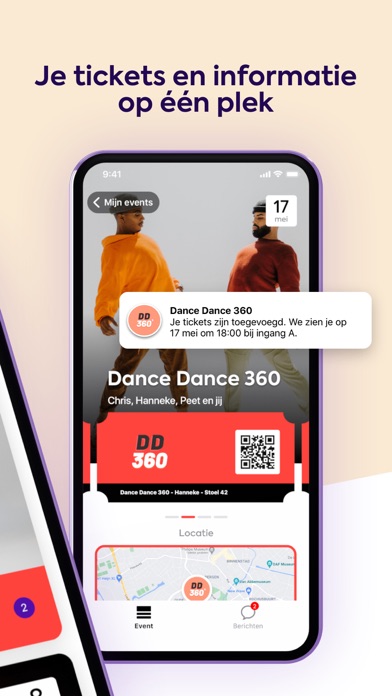
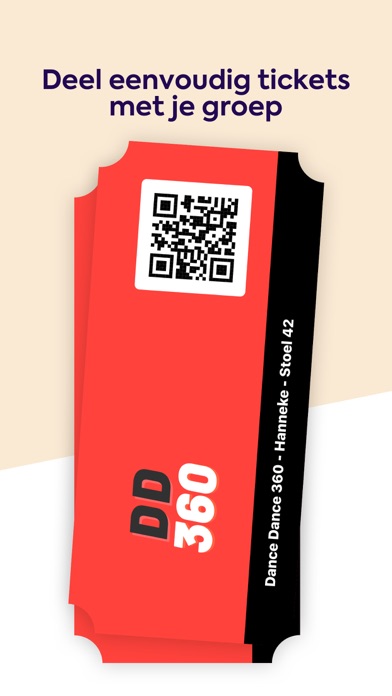
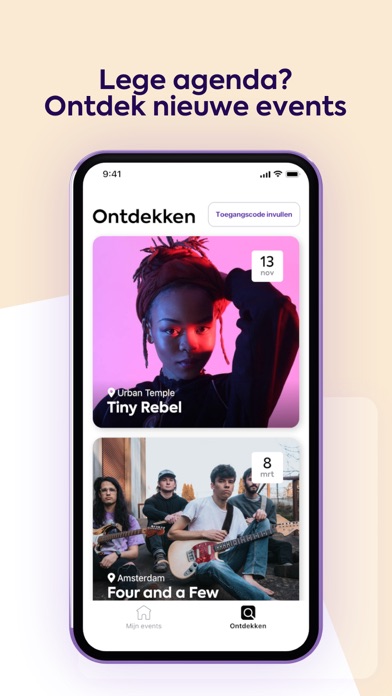
Met Close ga je er zorgeloos op uit! Al je tickets, informatie en updates van jouw events op één plek. DOEI ONHANDIGE PDF, HALLO HANDIGE APP Je kunt bij events die werken met Close bij aankoop je telefoonnummer opgeven. Zo krijg je toegang tot het event en je digitale tickets in de app. Ook wanneer je zonder internet komt te zitten, heb je je ticket(s) bij de hand. ALLES STAAT AL VOOR JULLIE KLAAR Hoe laat moeten jullie er zijn? Waar te parkeren? Welke maatregelen gelden? Geen stress! In de app staat alle relevante event informatie overzichtelijk op een rijtje. Iedereen in de groep ontvangt updates en handige reminders. DEEL TICKETS MET JE VRIENDEN Events beleef je met elkaar, maar tickets kopen en verdelen is vaak gedoe. Met Close deel je eenvoudig tickets met vrienden door ze voor je groep uit te nodigen via een speciale link. Foutje gemaakt? Geen zorgen, jij blijft de baas. GENI…
App details
What you can learn from Close
Every shipping app on the App Store has gone through the same decisions you're working through right now: which screenshot goes first, what caption sits over it, which device frame to show, what color the background should be. The 5 screenshots above are Close's answers to those questions — they're public, they're real, and they made it through Apple's review.
Notice the first screenshot in particular. It's the one users see in search results and on the product page, and it's where most apps spend their best caption and tightest design. Look at the proportion of background to phone, where the text sits, what one thing the image is trying to communicate.
Want to see how other Entertainment apps approach the same problem? Browse more Entertainment apps in the showcase.
Take what works into your own screenshots
Open LaunchShots and design your App Store & Google Play screenshots — pick a device frame, drop captions, ship in minutes. Free, in your browser.
Open the screenshot editor →