Screenshots

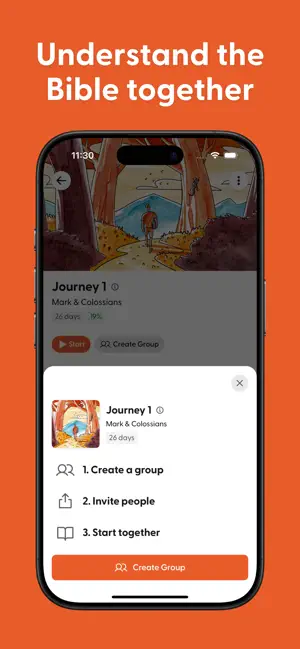

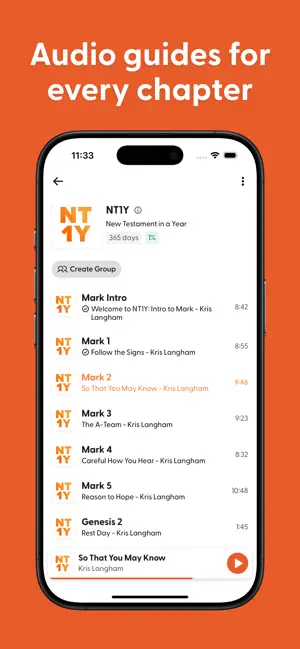


Icon palette
About this app
UNDERSTAND THE BIBLE IN JUST TEN MINUTES A DAY, with plans for every book and audio guides for every chapter. Through the Word is a guided audio journey through the entire Bible, one chapter at a time - with no ads, no fees, ever. Every day, more than 150,000 people around the world trust TTW for their daily Bible habit. Read their stories below! YOUR DAILY BIBLE HABIT Simple. Bible. Habit. One chapter today, next chapter tomorrow. BIBLE ON YOUR SCREEN, TEACHER IN YOUR HEADPHONES Every audio guide walks you through one Bible chapter with clear explanation and insightful application. UNDERSTAND THE BIBLE TOGETHER New in 4.0! TTW Together is now available for every Bible book, journey, and topical plan. Start or join a group today! FREE FOREVER & 10 MINUTES A DAY No fees and no ads. TTW fits a busy schedule, making it easy to listen on the road, while you work out, or whatever fi…
App details
What you can learn from Through the Word
Every shipping app on the App Store has gone through the same decisions you're working through right now: which screenshot goes first, what caption sits over it, which device frame to show, what color the background should be. The 6 screenshots above are Through the Word's answers to those questions — they're public, they're real, and they made it through Apple's review.
Notice the first screenshot in particular. It's the one users see in search results and on the product page, and it's where most apps spend their best caption and tightest design. Look at the proportion of background to phone, where the text sits, what one thing the image is trying to communicate.
Want to see how other Book apps approach the same problem? Browse more Book apps in the showcase.
Take what works into your own screenshots
Open LaunchShots and design your App Store & Google Play screenshots — pick a device frame, drop captions, ship in minutes. Free, in your browser.
Open the screenshot editor →