Screenshots


iPad screenshots


Icon palette
About this app
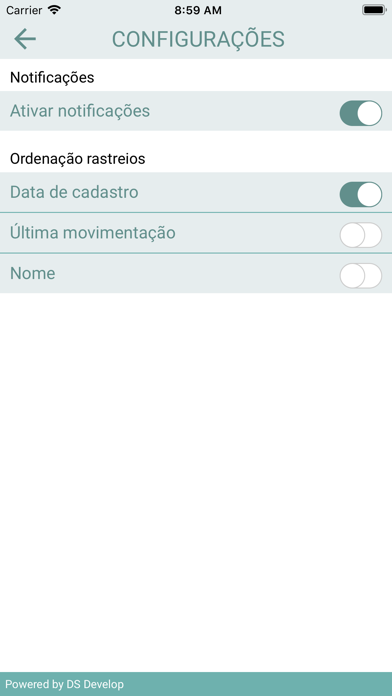
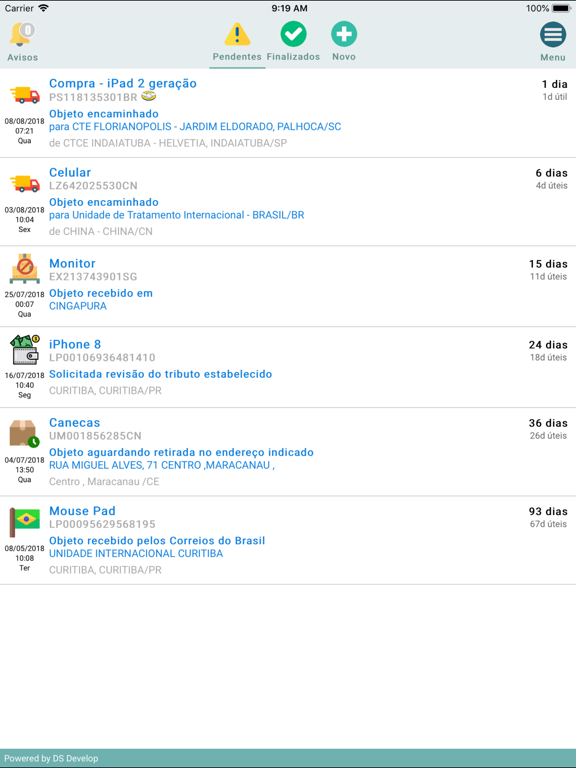
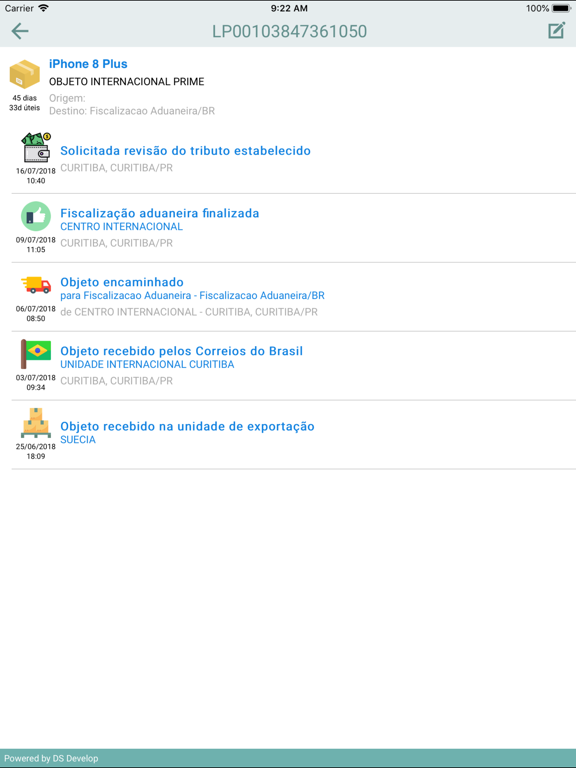
Com o app Rastreio Fácil, você pode rastrear todas as suas encomendas registradas no Correios, e nas transportadoras Patrus, GFL, Mercado Envios, Sequoia, J&T Express, e nas transportadoras do sistema SSW. Cansado de ficar digitando os códigos de rastreio de suas compras/vendas do ML? Agora com um toque na tela você sincroniza tudo sem precisar digitar nada, deixe esse serviço pra nós. Crie já sua conta do Rastreio Fácil para poder realizar e restaurar backup dos seus códigos de rastreio. * Interface simples e intuitiva; * Sincronização de códigos de rastreio de suas compras/vendas do Mercado Livre; * Rastreio de encomendas postadas no Brasil (PAC, SEDEX, transportadoras, entre outras); * Rastreio de encomendas postadas no exterior(China post, Epacket, entre outras); * Rastreio de códigos no formato LP00000000000000; * Avisos em tempo real do andamento das encomendas (por notificação…
App details
What you can learn from Rastreio Fácil
Every shipping app on the App Store has gone through the same decisions you're working through right now: which screenshot goes first, what caption sits over it, which device frame to show, what color the background should be. The 16 screenshots above are Rastreio Fácil's answers to those questions — they're public, they're real, and they made it through Apple's review.
Notice the first screenshot in particular. It's the one users see in search results and on the product page, and it's where most apps spend their best caption and tightest design. Look at the proportion of background to phone, where the text sits, what one thing the image is trying to communicate.
Want to see how other Utilities apps approach the same problem? Browse more Utilities apps in the showcase.
Take what works into your own screenshots
Open LaunchShots and design your App Store & Google Play screenshots — pick a device frame, drop captions, ship in minutes. Free, in your browser.
Open the screenshot editor →