Screenshot changes — detected by LaunchShots
Screenshot style breakdown
Sampled from 6 of Leer 35 talen met FunEasyLearn's App Store screenshots — background, accent and theme, measured by LaunchShots (not something Apple publishes).
#FCAC3C bg
#DD9734
#642C04 accent
#111111 text
Screenshots
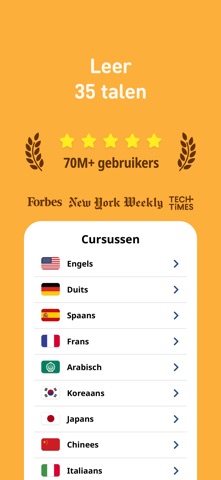
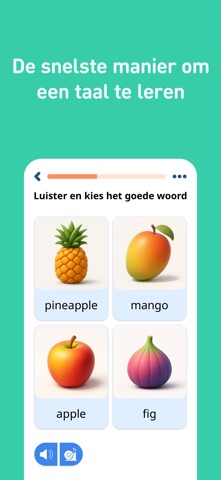

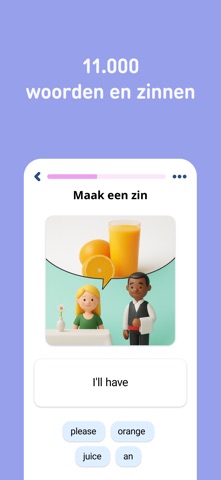
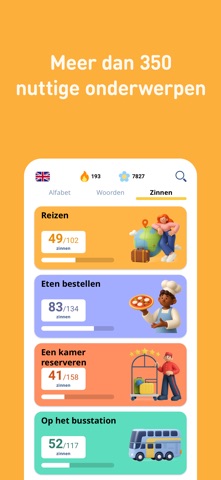
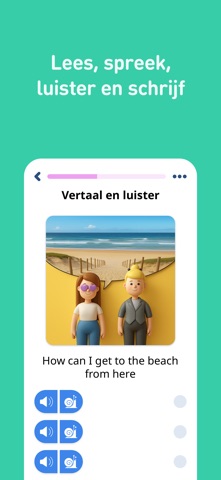

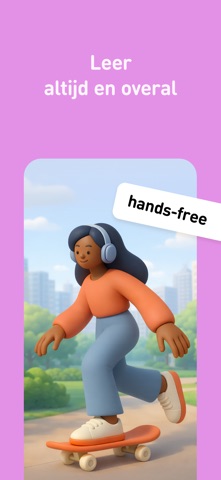
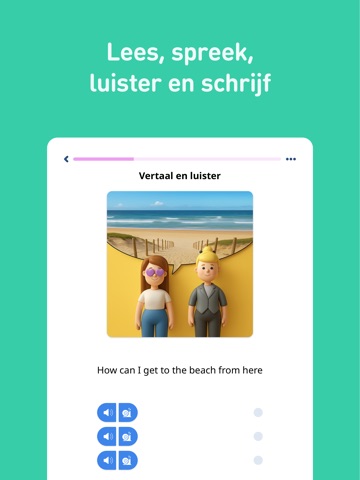
iPad screenshots




Icon palette
About this app
Doe mee met miljoenen lerenden wereldwijd die een taal lezen, luisteren, schrijven en spreken met FunEasyLearn. Het is gratis, effectief en kan offline gebruikt worden. FunEasyLearn gelooft dat iedereen een kans moet hebben een andere taal te leren vanuit hun moedertaal. Daarom voegen we steeds nieuwe talen toe om ons doel te bereiken. FunEasyLearn biedt uitgebreide en complete cursussen verdeeld in onderwerpen, sub-onderwerpen en moeilijkheidsgraad. Elk werkwoord, zelfstandig naamwoord, bijvoeglijk naamwoord, begroeting of nuttige zin is gerelateerd aan het dagelijks leven. Daarom werkt de app goed voor zowel persoonlijke behoefte als een doel voor een reis. Waarom deze app: - 34 taalcursussen - Inhoud: alfabet + ALLE leesregels + ALLE woorden (steeds geupdated) + 5000 zinnen - Ontworpen met hulp van professionele vertalers en stemacteurs - Kleurrijk en aantrekkelijk: grandioze app v…
App details
What you can learn from Leer 35 talen met FunEasyLearn
Every shipping app on the App Store has gone through the same decisions you're working through right now: which screenshot goes first, what caption sits over it, which device frame to show, what color the background should be. The 16 screenshots above are Leer 35 talen met FunEasyLearn's answers to those questions — they're public, they're real, and they made it through Apple's review.
What the numbers say: Leer 35 talen met FunEasyLearn runs a light set where the background shifts from screenshot to screenshot (first shot #FCAC3C) — each image has to stand on its own, so the captions carry more of the story. The accent colour we picked up, #642C04, is the one to reuse for badges, arrows and highlighted words if you borrow this look. Hit Use this style to open the editor with these exact colours and drop your own screenshot in.
Notice the first screenshot in particular. It's the one users see in search results and on the product page, and it's where most apps spend their best caption and tightest design. Look at the proportion of background to phone, where the text sits, what one thing the image is trying to communicate.
Want to see how other Education apps approach the same problem? Browse more Education apps in the showcase.
Take what works into your own screenshots
Open LaunchShots and design your App Store & Google Play screenshots — pick a device frame, drop captions, ship in minutes. Free, in your browser.
Open the screenshot editor →Apps with a similar look
Closest background + accent colours among the listings we've analysed — useful when you want to see the same palette handled by a different team.