Screenshots
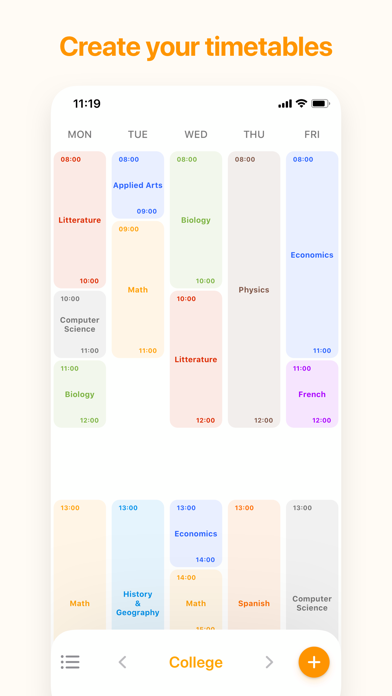
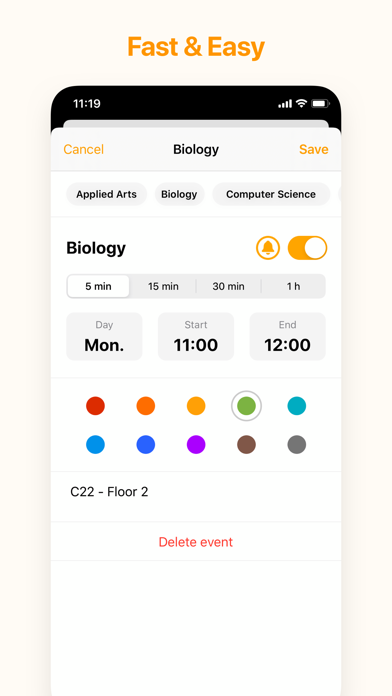
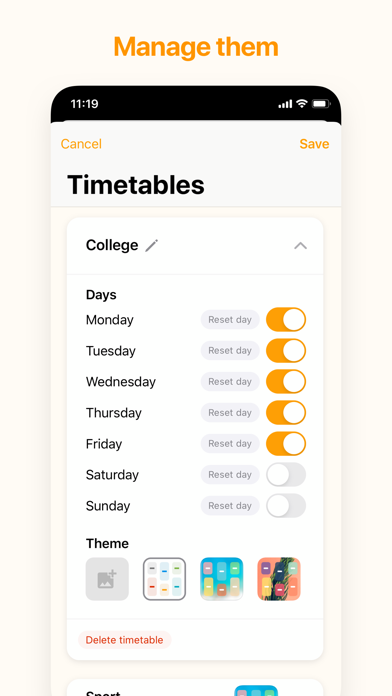
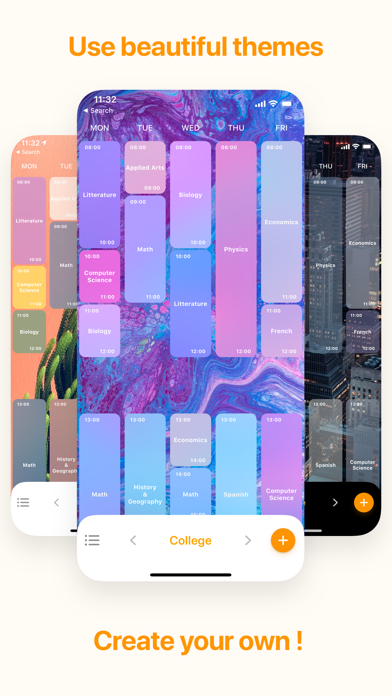
iPad screenshots


Icon palette
About this app
With My Timetable - Quick & Simple, create and personalize your weekly schedule in less than 5 minutes. Visualize your upcoming events at a glance! Accessible, fast and efficient, My Timetable - Quick & Simple supports you in your efforts, whether it be for lessons, appointments, your work and more. Add color to your week with the different shades available and make your schedule unique by adding your own images or using the various themes. - FEATURES - • Create your schedules easily in less than 5 minutes • See your week at a glance • Add as many lessons / schedules / events as you want • Choose the days present in your schedule • Edit or delete your events quickly by tapping on it • Add notes to your events • Reuse existing events to create your schedule even faster • Activate notifications to be informed at any time of your important events • Personalize your schedules using the p…
App details
What you can learn from My Timetable - Quick & Simple
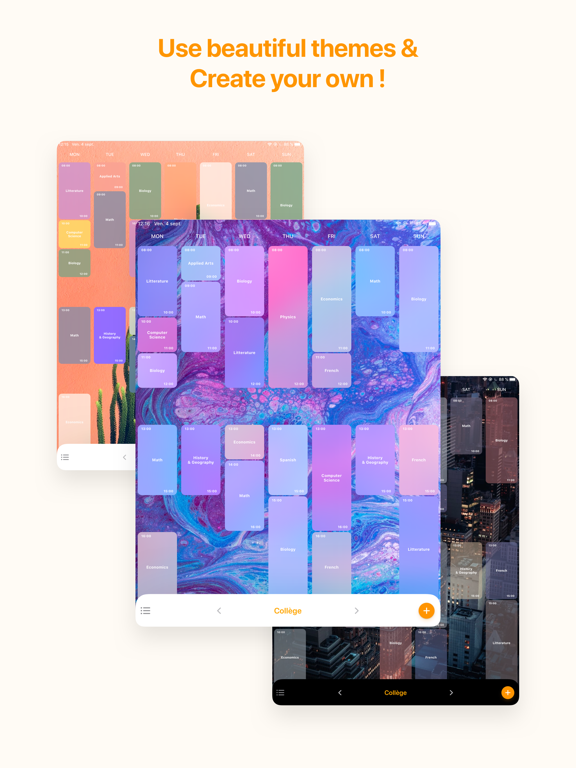
Every shipping app on the App Store has gone through the same decisions you're working through right now: which screenshot goes first, what caption sits over it, which device frame to show, what color the background should be. The 8 screenshots above are My Timetable - Quick & Simple's answers to those questions — they're public, they're real, and they made it through Apple's review.
Notice the first screenshot in particular. It's the one users see in search results and on the product page, and it's where most apps spend their best caption and tightest design. Look at the proportion of background to phone, where the text sits, what one thing the image is trying to communicate.
Want to see how other Education apps approach the same problem? Browse more Education apps in the showcase.
Take what works into your own screenshots
Open LaunchShots and design your App Store & Google Play screenshots — pick a device frame, drop captions, ship in minutes. Free, in your browser.
Open the screenshot editor →