Chart position — tracked daily by LaunchShots
Screenshot changes — detected by LaunchShots
Screenshot style breakdown
Sampled from 6 of au Wi-Fiアクセス-WiFi接続・ポイ活もできるアプリ's App Store screenshots — background, accent and theme, measured by LaunchShots (not something Apple publishes).
#FCFCFC bg
#DDDDDD
#EC6404 accent
#111111 text
Screenshots
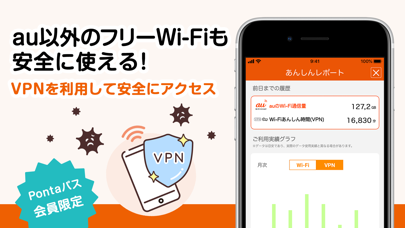
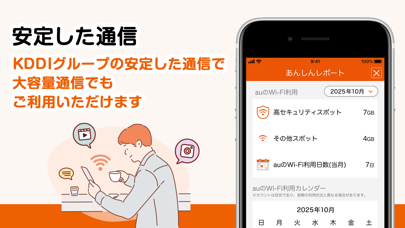
iPad screenshots


Icon palette
About this app
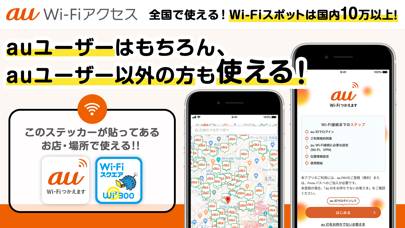
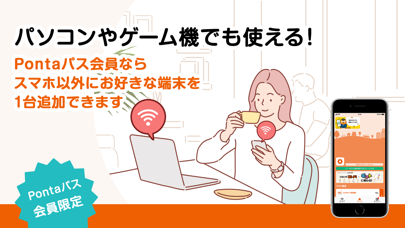
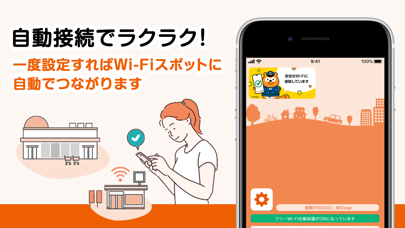
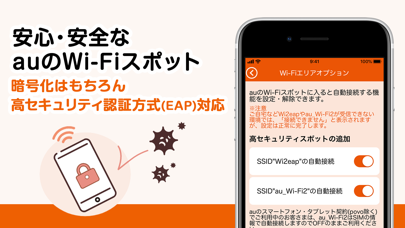
「Pontaパス」または「au PAY」ユーザーなら安心安全なauのWi-Fiスポットに自動接続! 「Pontaパス」または「au PAY」にご登録中のau IDでアプリにログインするだけで全国のカフェやファミリーレストラン、駅など、街中のさまざまな場所に設置された安全なauのWi-Fiスポットへ操作不要で接続できます。 Pontaパス会員なら様々なフリーWi-Fiでの通信も暗号化できるVPN機能が追加。外出先のWi-Fi通信をいつもauが守ります。 【主な機能】 ■ Wi-Fiの利用でさらにおトクに ■ auのWi-Fiスポットご利用時のPUSH通知限定でのクーポンの配信や、Wi-Fiスポットご利用によるキャンペーンなど開催しています。 ※実施有無・内容は時期により異なります。最新の情報はアプリ内でご確認いただけます。 ポイ活(ぽいかつ)機能をONにするとauのWi-Fiスポット接続でスタンプが貯まります。スタンプをポイントに変換して、貯めたポイントは特典と交換できてさらにおトクに! ■ 安心・安全なauのWi-Fiスポット ■ 全国に設置しているauのWi-Fiスポットは、高セキュリティ認証方式(E…
App details
What you can learn from au Wi-Fiアクセス-WiFi接続・ポイ活もできるアプリ
Every shipping app on the App Store has gone through the same decisions you're working through right now: which screenshot goes first, what caption sits over it, which device frame to show, what color the background should be. The 9 screenshots above are au Wi-Fiアクセス-WiFi接続・ポイ活もできるアプリ's answers to those questions — they're public, they're real, and they made it through Apple's review.
What the numbers say: au Wi-Fiアクセス-WiFi接続・ポイ活もできるアプリ runs a light set with one background colour (#FCFCFC) carried across every screenshot — the listing reads as a single poster when the shots sit side by side in search results. The accent colour we picked up, #EC6404, is the one to reuse for badges, arrows and highlighted words if you borrow this look. Hit Use this style to open the editor with these exact colours and drop your own screenshot in.
Notice the first screenshot in particular. It's the one users see in search results and on the product page, and it's where most apps spend their best caption and tightest design. Look at the proportion of background to phone, where the text sits, what one thing the image is trying to communicate.
Want to see how other Utilities apps approach the same problem? Browse more Utilities apps in the showcase.
Take what works into your own screenshots
Open LaunchShots and design your App Store & Google Play screenshots — pick a device frame, drop captions, ship in minutes. Free, in your browser.
Open the screenshot editor →Apps with a similar look
Closest background + accent colours among the listings we've analysed — useful when you want to see the same palette handled by a different team.