Chart position — tracked daily by LaunchShots
Screenshot style breakdown
Sampled from 4 of Người Lạ Ơi's App Store screenshots — background, accent and theme, measured by LaunchShots (not something Apple publishes).
#FCFCFC bg
#DDDDDD
#140C6C accent
#111111 text
Screenshots
Icon palette
About this app
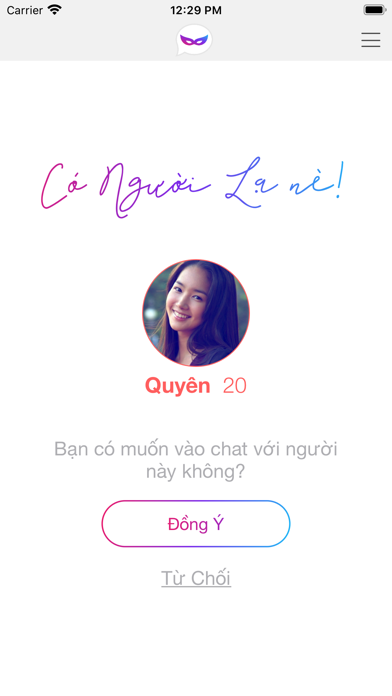
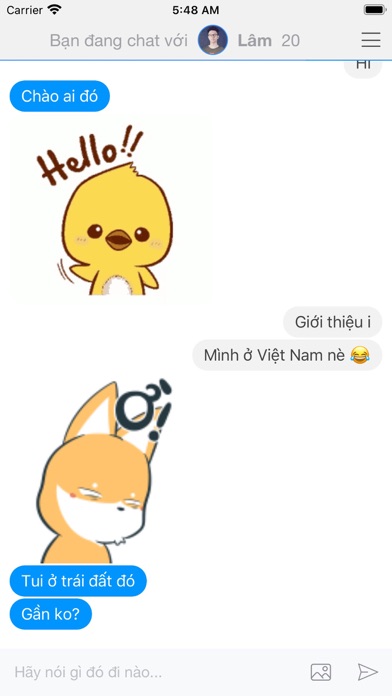
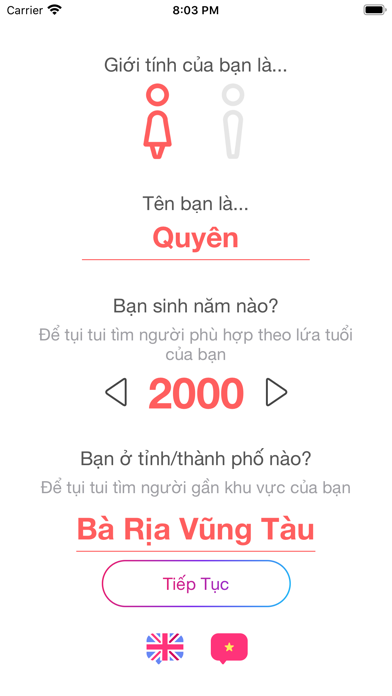
Lần cuối cùng bạn gặp gỡ với 1 người lạ là khi nào nhỉ? Bạn có cơ hội gặp gỡ người lạ & bạn bè mới mỗi ngày không? Với ứng dụng này, bạn hoàn toàn có thể đấy! Ứng dụng này cho phép bạn trò chuyện với người lạ khác. Bạn có thể bắt đầu chém gió với người lạ chỉ sau vài bước cực kì đơn giản. Chúng tôi không đòi hỏi bất cứ thông tin nào có liên quan đến danh tín cá nhân của bạn. Bạn hãy chọn đúng năm sinh & tỉnh hoặc thành phố bạn đang ở nhé. Hệ thống sẽ tìm người lạ khác phái, gần tuổi & gần vị trí với bạn nhất có thế. Tất cả tin nhắn được mã hoá riêng biệt giữa 2 thiết bị người dùng đang nhắn tin với nhau & được xoá sau khi bạn kết thúc chat. Bạn có thể yên tâm chém gió mà không lo ai đang soi mói nhé.
App details
What you can learn from Người Lạ Ơi
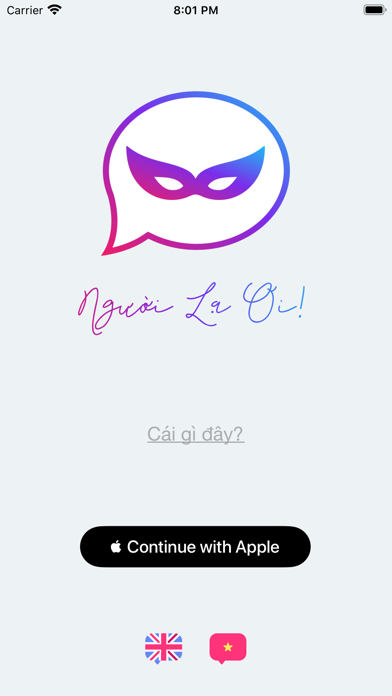
Every shipping app on the App Store has gone through the same decisions you're working through right now: which screenshot goes first, what caption sits over it, which device frame to show, what color the background should be. The 4 screenshots above are Người Lạ Ơi's answers to those questions — they're public, they're real, and they made it through Apple's review.
What the numbers say: Người Lạ Ơi runs a light set with one background colour (#FCFCFC) carried across every screenshot — the listing reads as a single poster when the shots sit side by side in search results. The accent colour we picked up, #140C6C, is the one to reuse for badges, arrows and highlighted words if you borrow this look. Hit Use this style to open the editor with these exact colours and drop your own screenshot in.
Notice the first screenshot in particular. It's the one users see in search results and on the product page, and it's where most apps spend their best caption and tightest design. Look at the proportion of background to phone, where the text sits, what one thing the image is trying to communicate.
Want to see how other Social Networking apps approach the same problem? Browse more Social Networking apps in the showcase.
Take what works into your own screenshots
Open LaunchShots and design your App Store & Google Play screenshots — pick a device frame, drop captions, ship in minutes. Free, in your browser.
Open the screenshot editor →Apps with a similar look
Closest background + accent colours among the listings we've analysed — useful when you want to see the same palette handled by a different team.