Screenshot changes — detected by LaunchShots
Screenshot style breakdown
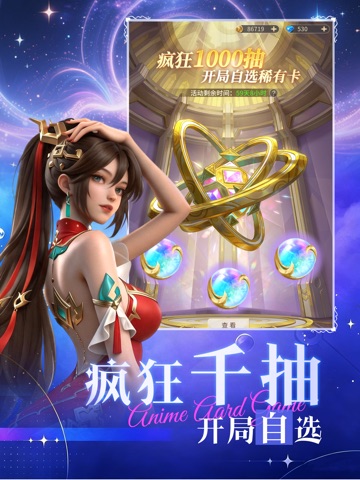
Sampled from 5 of 器灵宝塔-休闲动作游戏's App Store screenshots — background, accent and theme, measured by LaunchShots (not something Apple publishes).
#FCFCFC bg
#DDDDDD
#0C146C accent
#111111 text
Screenshots
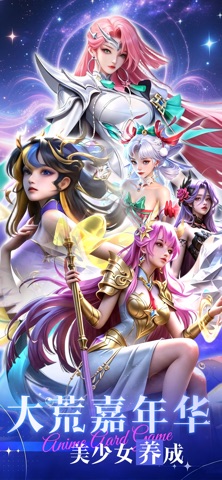
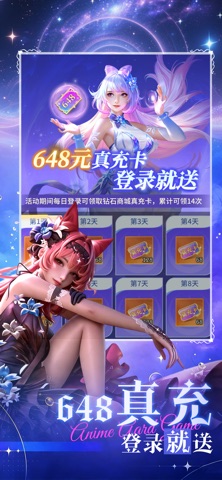
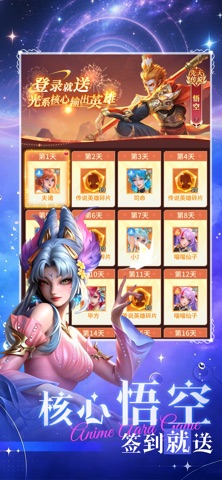

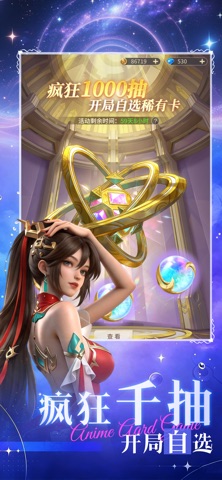
iPad screenshots


Icon palette
About this app
在时间秩序崩塌、维度边界交叠的战场上,每一秒都决定着生死。你可以自由组合武器和技能,定制战术装备,踏入瞬息万变、变幻莫测的战场。融合了末日废墟、未来科技和时空裂缝的美学元素,战场在永恒的暮色和月蚀之下展开,等待着你去把握每一个机会。
App details
What you can learn from 器灵宝塔-休闲动作游戏
Every shipping app on the App Store has gone through the same decisions you're working through right now: which screenshot goes first, what caption sits over it, which device frame to show, what color the background should be. The 10 screenshots above are 器灵宝塔-休闲动作游戏's answers to those questions — they're public, they're real, and they made it through Apple's review.
What the numbers say: 器灵宝塔-休闲动作游戏 runs a mixed light-and-dark set where the background shifts from screenshot to screenshot (first shot #FCFCFC) — each image has to stand on its own, so the captions carry more of the story. The accent colour we picked up, #0C146C, is the one to reuse for badges, arrows and highlighted words if you borrow this look. Hit Use this style to open the editor with these exact colours and drop your own screenshot in.
Notice the first screenshot in particular. It's the one users see in search results and on the product page, and it's where most apps spend their best caption and tightest design. Look at the proportion of background to phone, where the text sits, what one thing the image is trying to communicate.
Want to see how other Entertainment apps approach the same problem? Browse more Entertainment apps in the showcase.
Take what works into your own screenshots
Open LaunchShots and design your App Store & Google Play screenshots — pick a device frame, drop captions, ship in minutes. Free, in your browser.
Open the screenshot editor →Apps with a similar look
Closest background + accent colours among the listings we've analysed — useful when you want to see the same palette handled by a different team.