Screenshot style breakdown
Sampled from 5 of ハイウェイバスドットコム's App Store screenshots — background, accent and theme, measured by LaunchShots (not something Apple publishes).
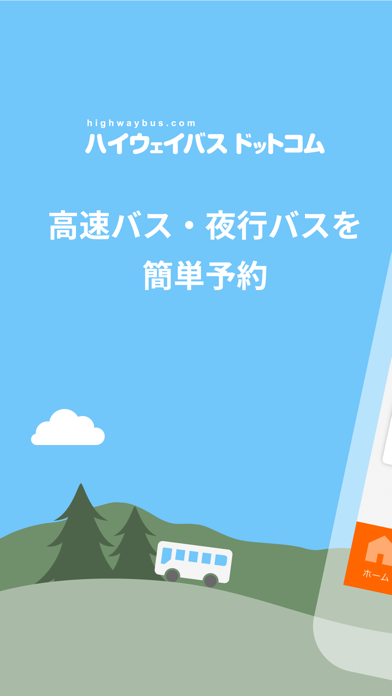
#74C4FC bg
#66ACDD
#FC6404 accent
#111111 text
Reading the caption text from the screenshots in your browser…
Screenshots
Icon palette
About this app
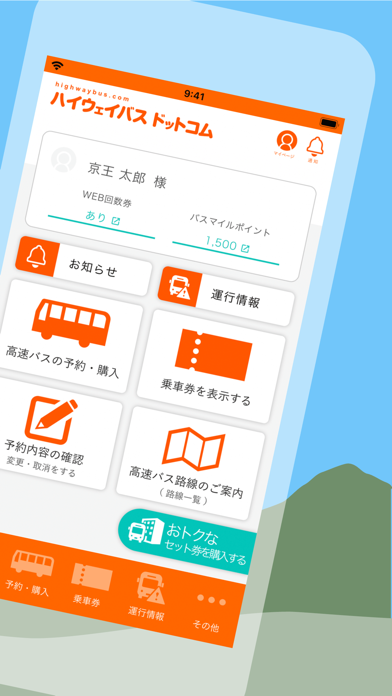
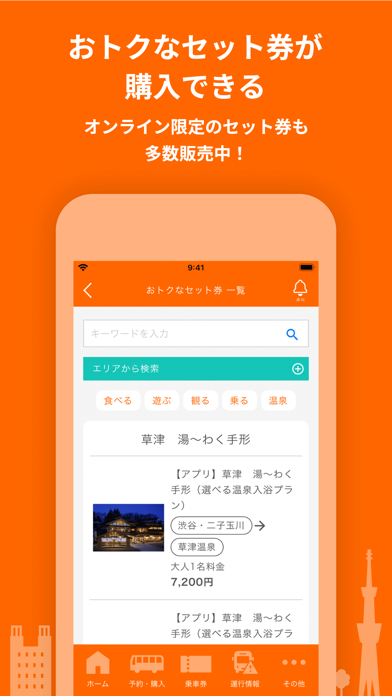
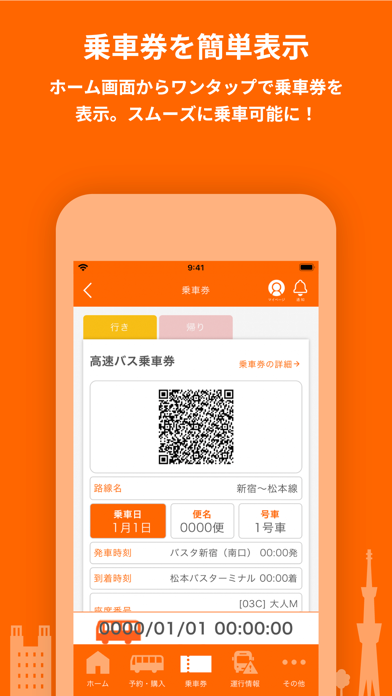
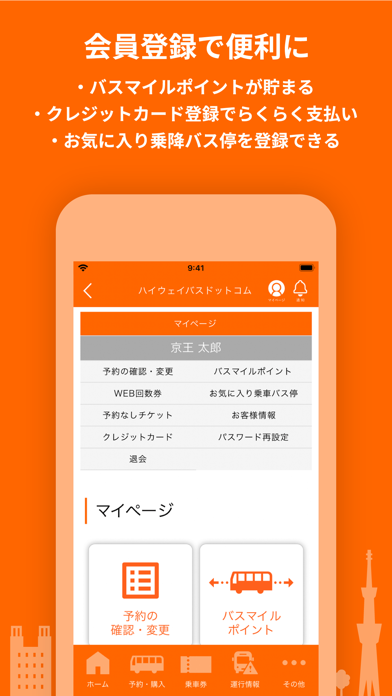
■はじめに ・1日の利用者が約50万人にのぼる高速バス予約サイト「ハイウェイバスドットコム」アプリ版です。 ・全国のバス会社45社、140路線以上をお取り扱いしております。 ・新宿・名古屋・福岡を中心に、東北、東海・甲信越、北陸、近畿、中国、四国地方など全国各地の高速バスを予約できます。 ・東京ディズニーリゾートやユニバーサル・スタジオ・ジャパン(USJ)、空港連絡バス、バスツアーなど様々な行き先の高速バスをお取り扱いしております。 ■ハイウェイバスドットコムアプリの特徴 ・路線や発着地からの予約、いつものバスから予約など、初心者からリピーターまで簡単に予約できるアプリです。 ・会員登録をすると、乗車券はホーム画面からワンタップで表示できます。 ・高速バスの時刻表や運賃表、バス停案内などの路線情報を掲載しております。 ・オンライン決済割引や早期購入割引、WEB回数券など、路線により様々な割引がご利用いただけます。 ・バスタ新宿、渋谷マークシティ、名鉄バスセンター、仙台高速バスセンター、博多バスターミナル…
App details
What you can learn from ハイウェイバスドットコム
Every shipping app on the App Store has gone through the same decisions you're working through right now: which screenshot goes first, what caption sits over it, which device frame to show, what color the background should be. The 5 screenshots above are ハイウェイバスドットコム's answers to those questions — they're public, they're real, and they made it through Apple's review.
What the numbers say: ハイウェイバスドットコム runs a mixed light-and-dark set where the background shifts from screenshot to screenshot (first shot #74C4FC) — each image has to stand on its own, so the captions carry more of the story. The accent colour we picked up, #FC6404, is the one to reuse for badges, arrows and highlighted words if you borrow this look. Hit Use this style to open the editor with these exact colours and drop your own screenshot in.
Notice the first screenshot in particular. It's the one users see in search results and on the product page, and it's where most apps spend their best caption and tightest design. Look at the proportion of background to phone, where the text sits, what one thing the image is trying to communicate.
Want to see how other Travel apps approach the same problem? Browse more Travel apps in the showcase.
Take what works into your own screenshots
Open LaunchShots and design your App Store & Google Play screenshots — pick a device frame, drop captions, ship in minutes. Free, in your browser.
Open the screenshot editor →Apps with a similar look
Closest background + accent colours among the listings we've analysed — useful when you want to see the same palette handled by a different team.