Chart position — tracked daily by LaunchShots
Screenshot style breakdown
Sampled from 6 of My LEXUS's App Store screenshots — background, accent and theme, measured by LaunchShots (not something Apple publishes).
#040C0C bg
#272E2E
#BCA464 accent
#FFFFFF text
Screenshots
Icon palette
About this app
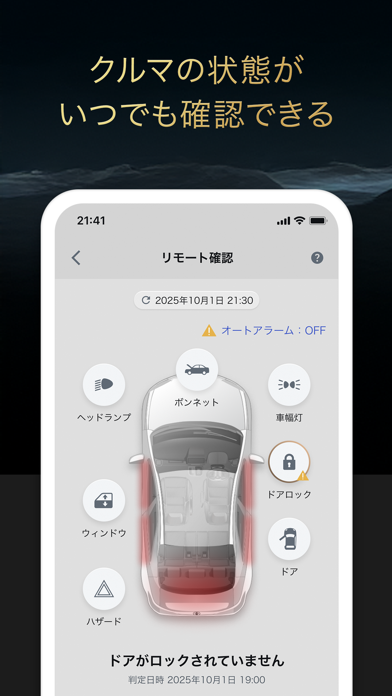
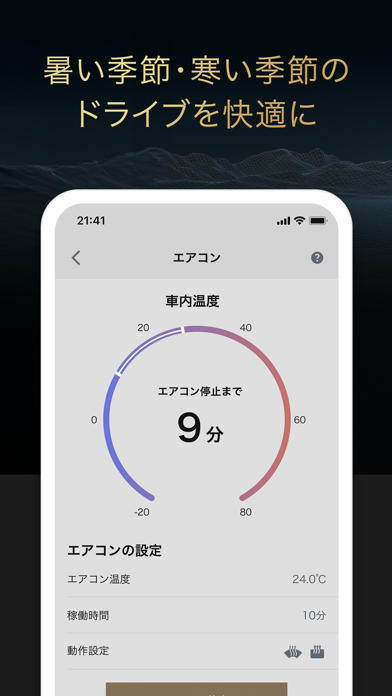
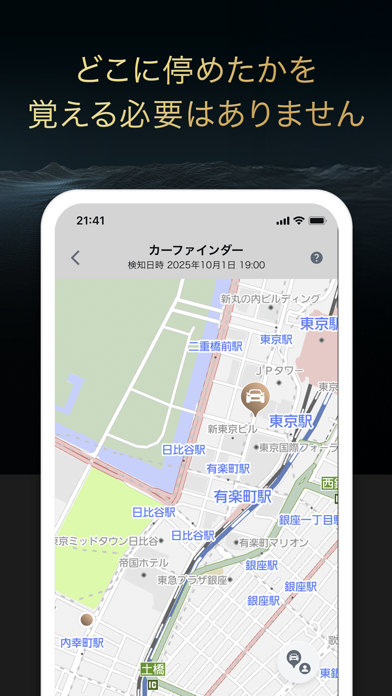
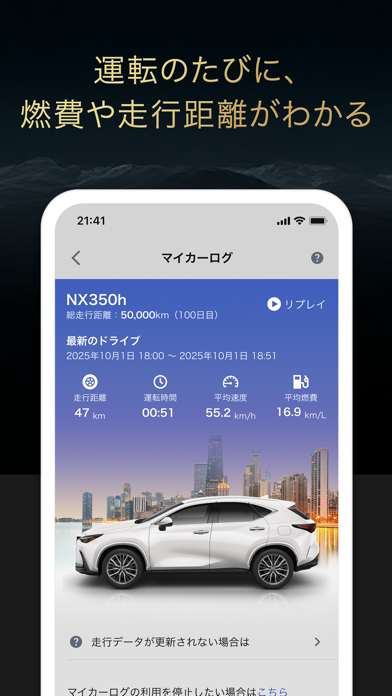
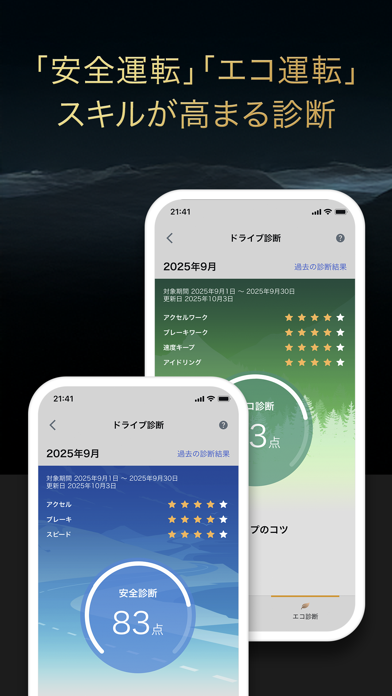
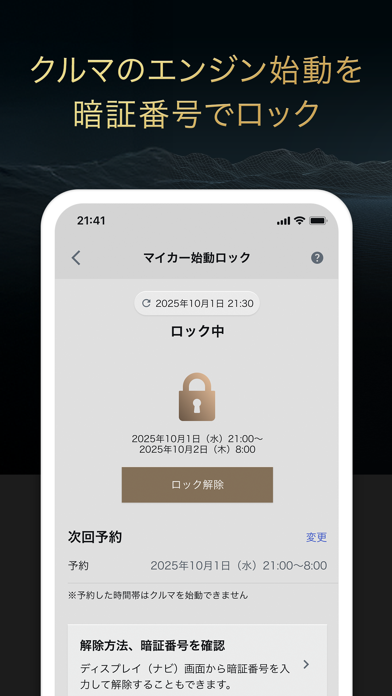
My LEXUSはクルマと連携してご利用いただくG-Linkご契約者様向けのアプリです。クルマの状態確認やリモート操作ができ、安心・便利なカーライフをサポートします。 ※ご利用には「TOYOTAアカウント」が必要です。 「TOYOTA/LEXUSの共通ID」⇒「TOYOTAアカウント」に呼称変更になりました。 お持ちでない方はアプリのログイン画面から「TOYOTAアカウント」の新規登録を行い、レクサスのご契約ID(レクサスオーナーズカードID、またはG-Link Lite ID)とのサービス連携をお願いします。 ※一部の機能はご契約者様以外にもご利用いただけます。 ◆主な機能 ・クルマの状態をいつでも確認。鍵の閉め忘れをスマホに通知して、その場でロック。 ・お出かけ前にスマホでエアコンをON。 ・駐車場で迷った時、スマホで簡単に駐車位置を確認。 ・おでかけ毎に走行距離や燃費、移動経路を自動で記録。 ・安全運転スコアを自動診断して改善ポイントをアドバイス。 ・乗っていない時は、パスワードでクルマをロックして盗難防止。 ※車両により利用可能な機能が異なります。 ◆動作確…
App details
What you can learn from My LEXUS
Every shipping app on the App Store has gone through the same decisions you're working through right now: which screenshot goes first, what caption sits over it, which device frame to show, what color the background should be. The 6 screenshots above are My LEXUS's answers to those questions — they're public, they're real, and they made it through Apple's review.
What the numbers say: My LEXUS runs a dark set with one background colour (#040C0C) carried across every screenshot — the listing reads as a single poster when the shots sit side by side in search results. The accent colour we picked up, #BCA464, is the one to reuse for badges, arrows and highlighted words if you borrow this look. Hit Use this style to open the editor with these exact colours and drop your own screenshot in.
Notice the first screenshot in particular. It's the one users see in search results and on the product page, and it's where most apps spend their best caption and tightest design. Look at the proportion of background to phone, where the text sits, what one thing the image is trying to communicate.
Want to see how other Utilities apps approach the same problem? Browse more Utilities apps in the showcase.
Take what works into your own screenshots
Open LaunchShots and design your App Store & Google Play screenshots — pick a device frame, drop captions, ship in minutes. Free, in your browser.
Open the screenshot editor →Apps with a similar look
Closest background + accent colours among the listings we've analysed — useful when you want to see the same palette handled by a different team.