Screenshots

Icon palette
About this app
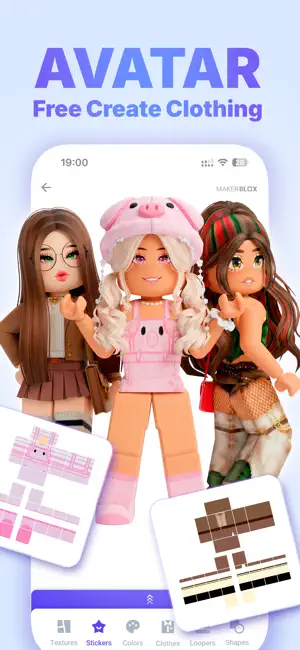
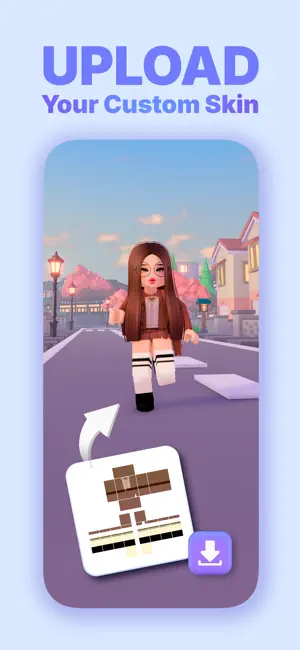
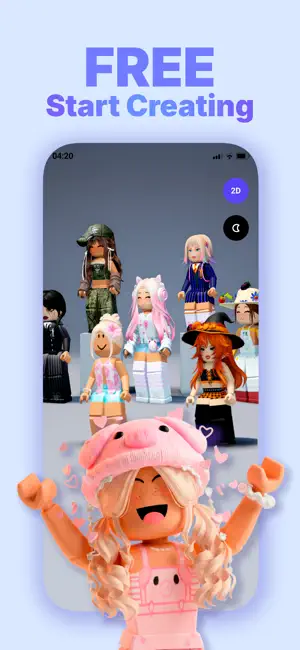
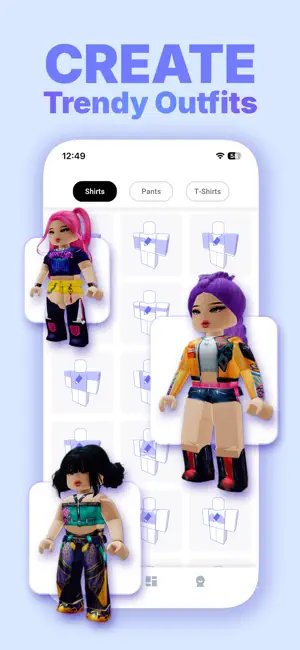
Create a bright design and the most stylish avatar! Our team has designed the powerful app, allowing you to create your own clothing for skins! You have never seen an app like this! Now you can make your own clothes for your avatar and load into the game! - Free You no longer need to buy clothes for your avatar. Now you can create your own outfits. - Simply Don't know any special programs? No problem, just use your phone and this editor and create as many clothes as you want! Сreate your clothes, hundreds of customized personalized options to match your creative inspiration, let you show your exclusive style in favourite game. App Features: - You can create shirts, t-shirts, pants and clothing sets - You can make clothing for male or female avatar in different styles - Various stickers accessories: hoods, pockets, ties, scarves, jewelry, etc, to make your personal style distinctive …
App details
What you can learn from Makerblox - #1 Skin Creator
Every shipping app on the App Store has gone through the same decisions you're working through right now: which screenshot goes first, what caption sits over it, which device frame to show, what color the background should be. The 5 screenshots above are Makerblox - #1 Skin Creator's answers to those questions — they're public, they're real, and they made it through Apple's review.
Notice the first screenshot in particular. It's the one users see in search results and on the product page, and it's where most apps spend their best caption and tightest design. Look at the proportion of background to phone, where the text sits, what one thing the image is trying to communicate.
Want to see how other Entertainment apps approach the same problem? Browse more Entertainment apps in the showcase.
Take what works into your own screenshots
Open LaunchShots and design your App Store & Google Play screenshots — pick a device frame, drop captions, ship in minutes. Free, in your browser.
Open the screenshot editor →