Screenshots


Icon palette
About this app
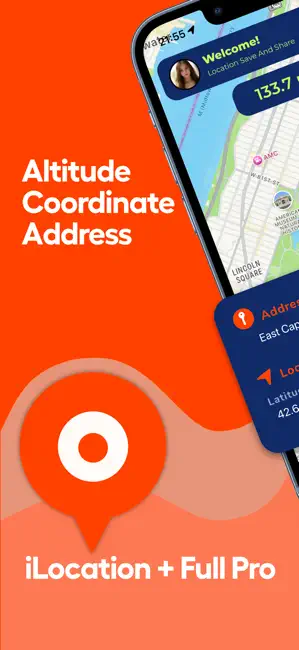
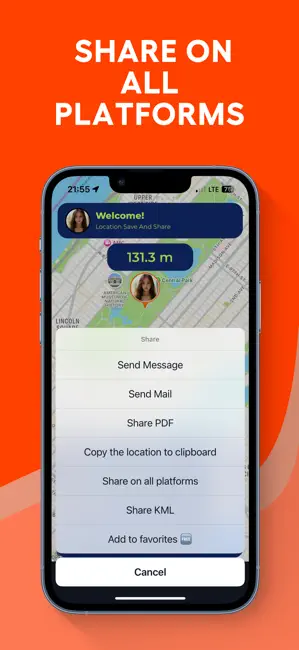
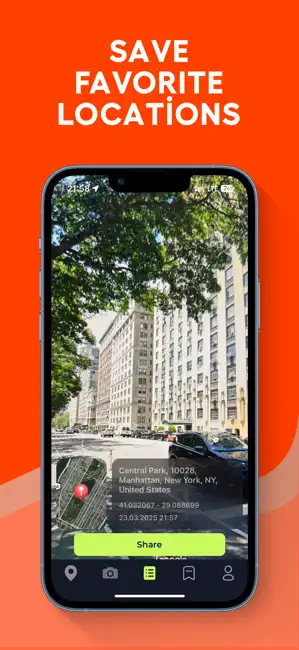
Location: Your Comprehensive Location and Orientation Companion Discover the power of myLocation, a user-friendly tool designed to simplify location search and sharing. With just a few screen clicks, effortlessly navigate between your current and specified locations. Need to uncover the coordinates or address of your current spot? Look no further than iLocation (ife). Whether you have an important appointment to explain or find yourself in need of your current whereabouts, my Location has you covered. Simply pin your desired location on the map and effortlessly select your preferred transportation method to share it with others. Key Features at a Glance: While traveling with a vehicle (car, bicycle, etc.), while hiking or climbing, you can instantly discover your location and altitude, direction, geographic coordinate, address and atmospheric pressure on the map. While following you…
App details
What you can learn from Location Changer GPS Joystick
Every shipping app on the App Store has gone through the same decisions you're working through right now: which screenshot goes first, what caption sits over it, which device frame to show, what color the background should be. The 6 screenshots above are Location Changer GPS Joystick's answers to those questions — they're public, they're real, and they made it through Apple's review.
Notice the first screenshot in particular. It's the one users see in search results and on the product page, and it's where most apps spend their best caption and tightest design. Look at the proportion of background to phone, where the text sits, what one thing the image is trying to communicate.
Want to see how other Navigation apps approach the same problem? Browse more Navigation apps in the showcase.
Take what works into your own screenshots
Open LaunchShots and design your App Store & Google Play screenshots — pick a device frame, drop captions, ship in minutes. Free, in your browser.
Open the screenshot editor →