Chart position — tracked daily by LaunchShots
Screenshot style breakdown
Sampled from 6 of TED's App Store screenshots — background, accent and theme, measured by LaunchShots (not something Apple publishes).
#E42C1C bg
#E7493B
#741C14 accent
#FFFFFF text
Reading the caption text from the screenshots in your browser…
Screenshots




iPad screenshots
Icon palette
About this app
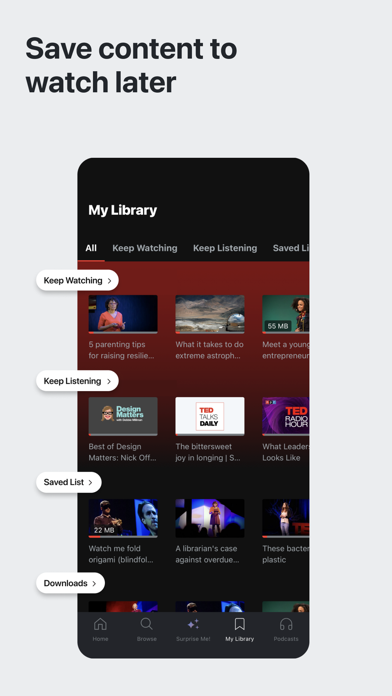
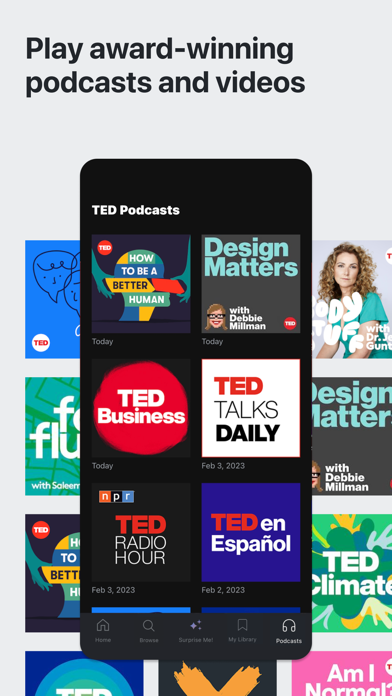
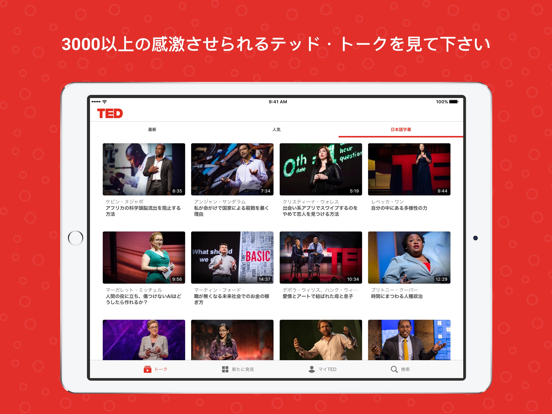
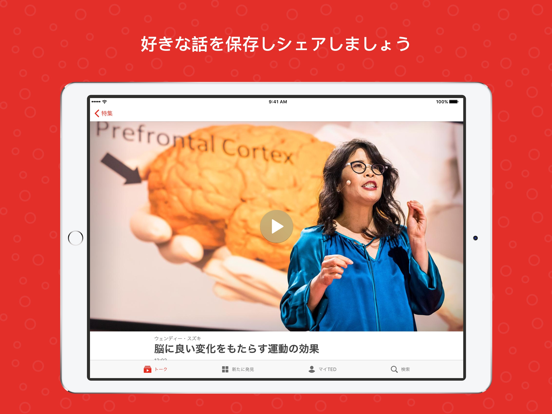
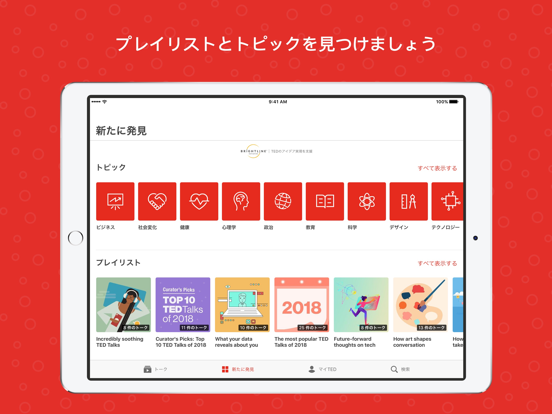
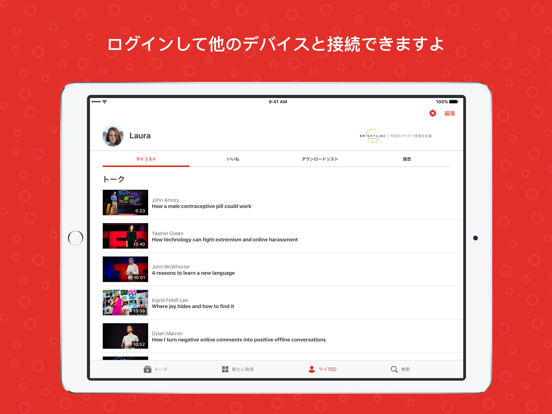
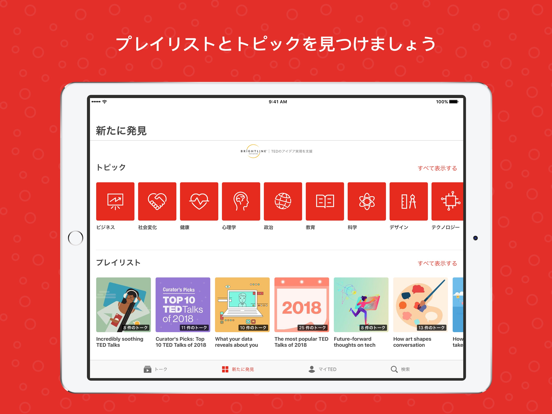
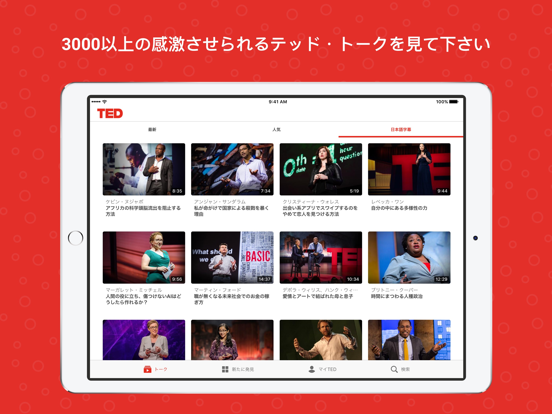
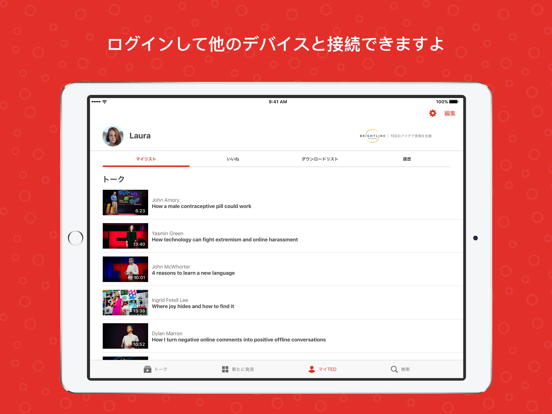
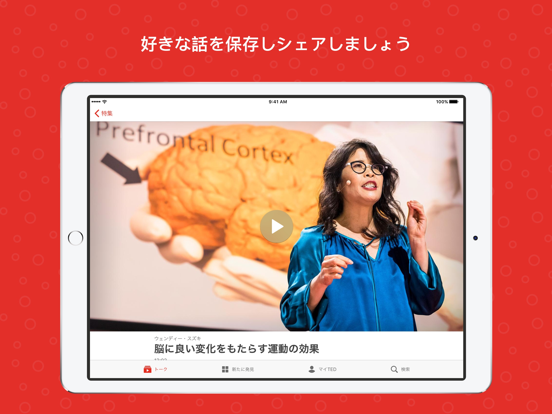
TED トークであなたの好奇心を満たし、世界観を広げましょう。テクノロジーや科学から、知らなかった自分が見つかる心理学まで、卓越した人々による 2,000 以上の TED トークから、トピックや気分によってお選びいただけます。 iOS の機能: - 100 以上の言語字幕付きの TED トーク動画ライブラリすべてをブラウズできます。 - 動画や音声をダウンロードするとオフラインでも再生できます。 - トークをブックマークして後で楽しめます。 - 感動のトーク、楽しいトーク、驚愕的なトークなどさまざまな講演や、キュレートされたプレイリストを発見できます。 - あなたの時間に合わせたカスタムプレイリストを作成します。 - デバイスで再生したり、Chromecast や AirPlay でホームエンターテインメントシステムへ送信することができます。 TED アプリをダウンロードして、常に世界の動きにアンテナを張り、心を好奇心とインスピレーションで満たしましょう。
App details
What you can learn from TED
Every shipping app on the App Store has gone through the same decisions you're working through right now: which screenshot goes first, what caption sits over it, which device frame to show, what color the background should be. The 16 screenshots above are TED's answers to those questions — they're public, they're real, and they made it through Apple's review.
What the numbers say: TED runs a mixed light-and-dark set where the background shifts from screenshot to screenshot (first shot #E42C1C) — each image has to stand on its own, so the captions carry more of the story. The accent colour we picked up, #741C14, is the one to reuse for badges, arrows and highlighted words if you borrow this look. Hit Use this style to open the editor with these exact colours and drop your own screenshot in.
Notice the first screenshot in particular. It's the one users see in search results and on the product page, and it's where most apps spend their best caption and tightest design. Look at the proportion of background to phone, where the text sits, what one thing the image is trying to communicate.
Want to see how other Education apps approach the same problem? Browse more Education apps in the showcase.
Take what works into your own screenshots
Open LaunchShots and design your App Store & Google Play screenshots — pick a device frame, drop captions, ship in minutes. Free, in your browser.
Open the screenshot editor →Apps with a similar look
Closest background + accent colours among the listings we've analysed — useful when you want to see the same palette handled by a different team.