Chart position — tracked daily by LaunchShots
Screenshot style breakdown
Sampled from 6 of 乗換案内 台北's App Store screenshots — background, accent and theme, measured by LaunchShots (not something Apple publishes).
#ECECF4 bg
#CFCFD6
#F46474 accent
#111111 text
Screenshots
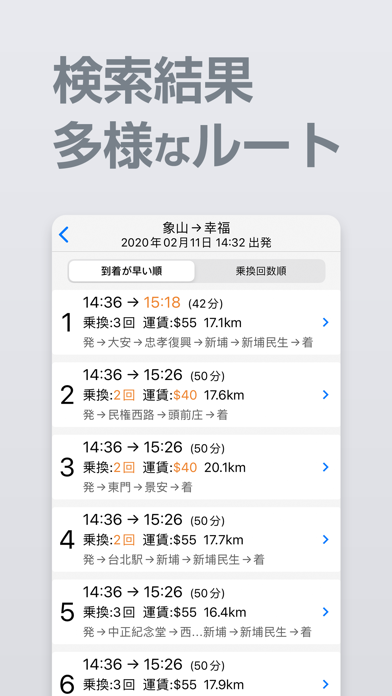
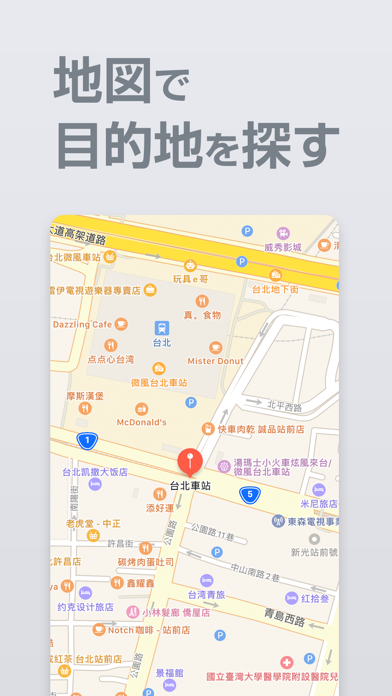
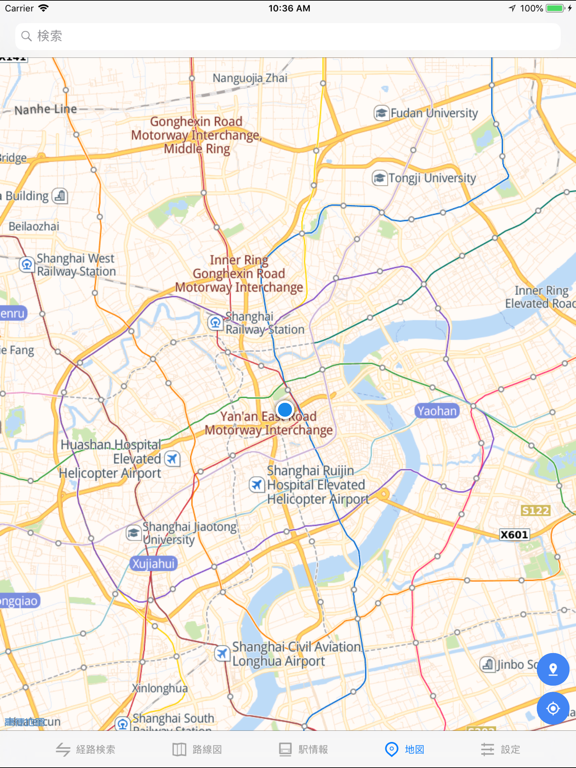
iPad screenshots
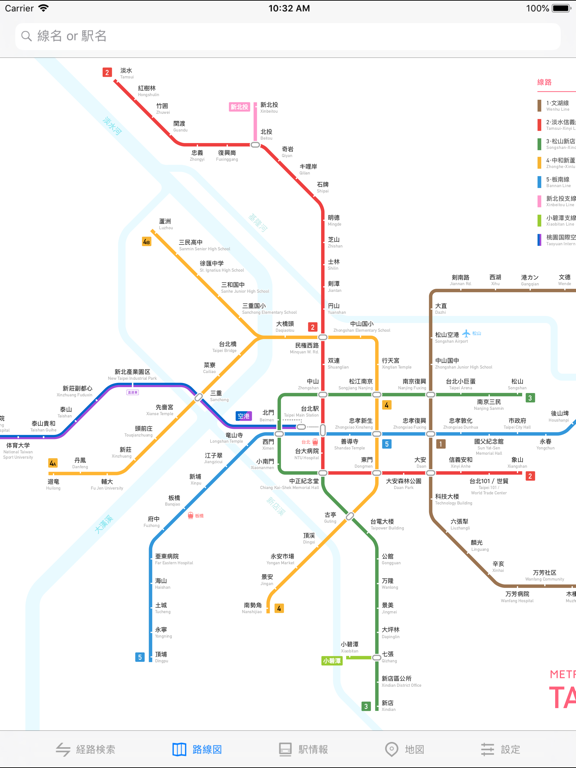
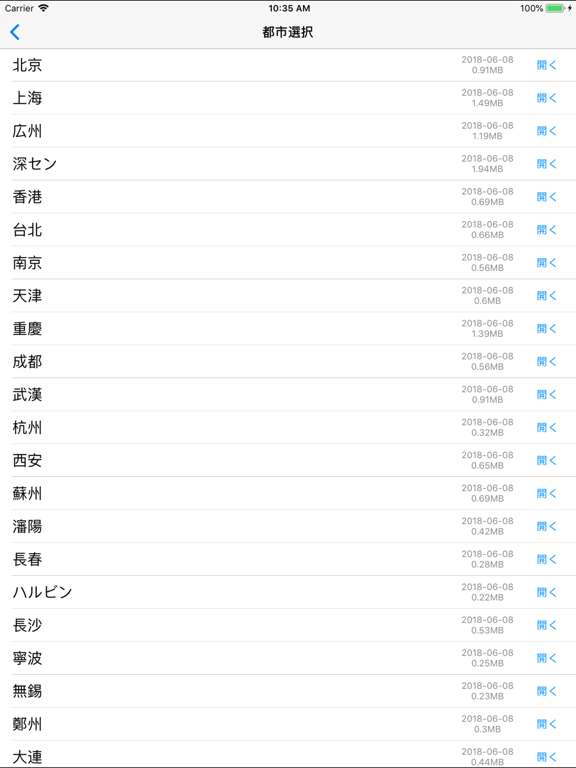
Icon palette
About this app
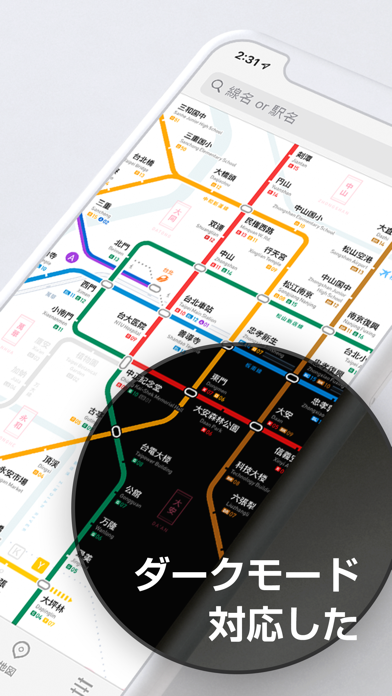
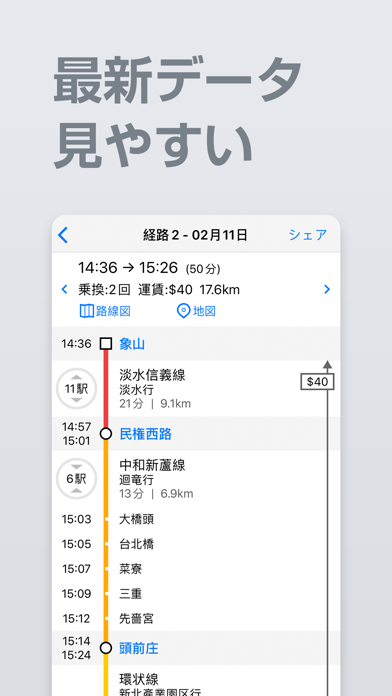
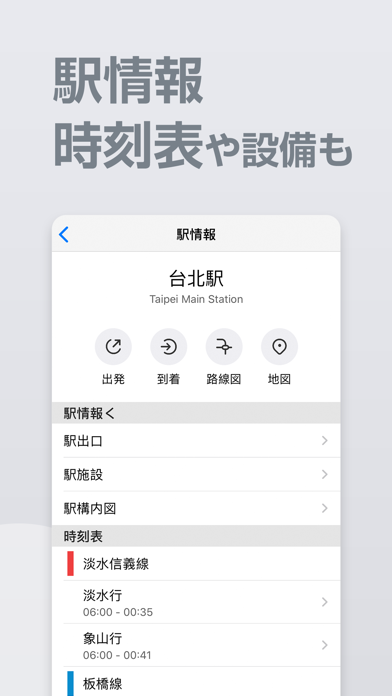
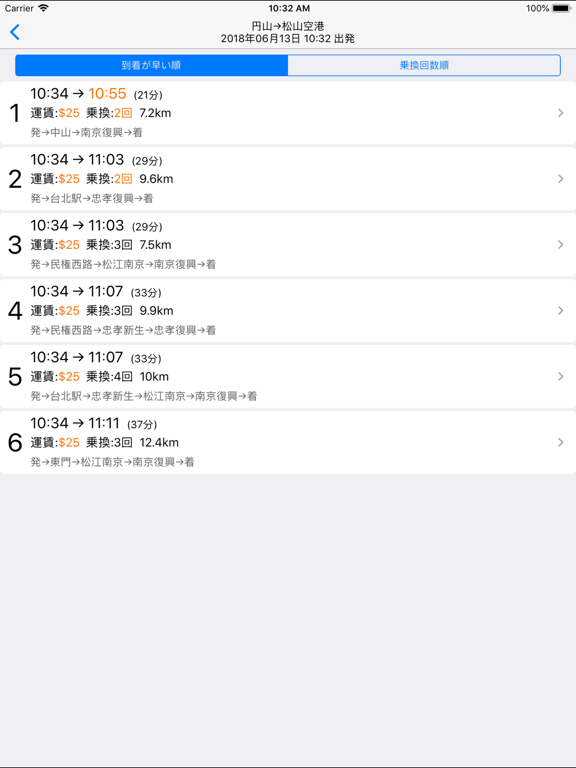
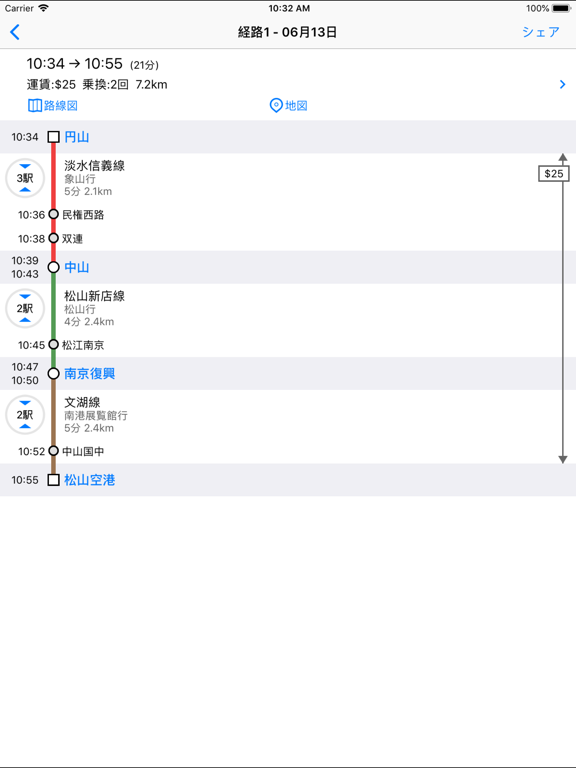
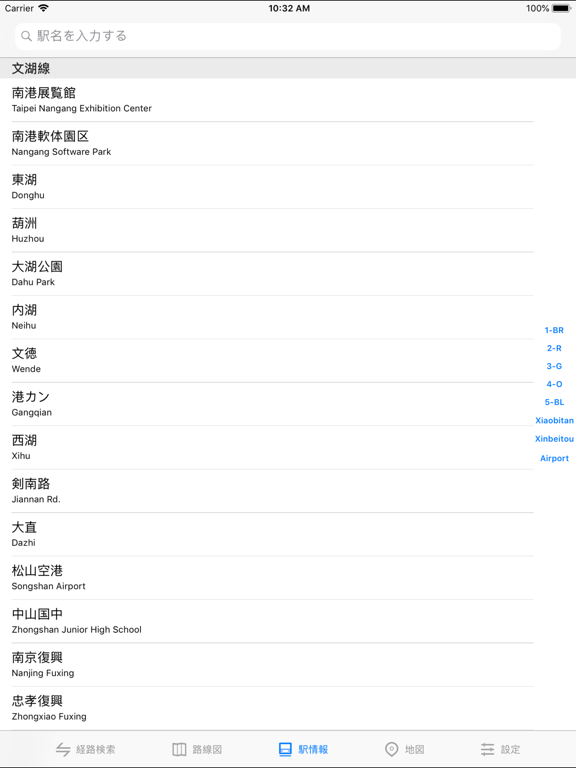
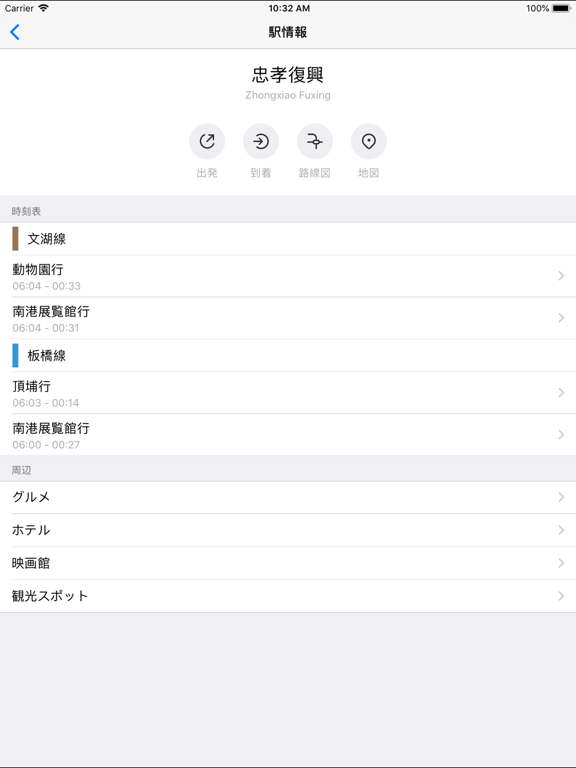
スマートNO.1の台北捷運(Taipei Metro)アプリです。 1. 2026最新情報 素晴らしい地下鉄路線図と詳細な情報を提供。 2. 乗換案内 簡単で効率的なルート案内ツール。ルート、所要時間、料金の詳細情報を取得可能。 3. オフライン対応 インターネット接続不要。 4. 11言語に対応 English, 简体中文, 繁體中文, 日本語, 한국어, Русский, Français, Español, Deutsch, Português, Italiano 5. 10都市をカバー 台北, 台中, 高雄, 香港, マカオ, 広州, 深圳, 東莞, 福州, 廈門 ---- ** MetroMan Pro の機能 ** • 広告を非表示 • すべてのプロ機能を利用可能 • 継続的な開発を支援 ---- ** 購入および購読規約 ** * MetroMan Pro 生涯プラン (Lifetime): $14.99 USD (一度の購入で、すべての機能を永久にご利用いただけます) * 自動更新サブスクリプションのオプション: - 1ヶ月更新: $1.99 USD - 1年更新: $7.99 USD * お支払いは、購入確認時に iTunes アカウントに請求されます。 * 現在の期間が終了する少なくとも 24 時間前に自動更新をオフにしない限り…
App details
What you can learn from 乗換案内 台北
Every shipping app on the App Store has gone through the same decisions you're working through right now: which screenshot goes first, what caption sits over it, which device frame to show, what color the background should be. The 13 screenshots above are 乗換案内 台北's answers to those questions — they're public, they're real, and they made it through Apple's review.
What the numbers say: 乗換案内 台北 runs a light set with one background colour (#ECECF4) carried across every screenshot — the listing reads as a single poster when the shots sit side by side in search results. The accent colour we picked up, #F46474, is the one to reuse for badges, arrows and highlighted words if you borrow this look. Hit Use this style to open the editor with these exact colours and drop your own screenshot in.
Notice the first screenshot in particular. It's the one users see in search results and on the product page, and it's where most apps spend their best caption and tightest design. Look at the proportion of background to phone, where the text sits, what one thing the image is trying to communicate.
Want to see how other Navigation apps approach the same problem? Browse more Navigation apps in the showcase.
Take what works into your own screenshots
Open LaunchShots and design your App Store & Google Play screenshots — pick a device frame, drop captions, ship in minutes. Free, in your browser.
Open the screenshot editor →Apps with a similar look
Closest background + accent colours among the listings we've analysed — useful when you want to see the same palette handled by a different team.