Screenshots
iPad screenshots
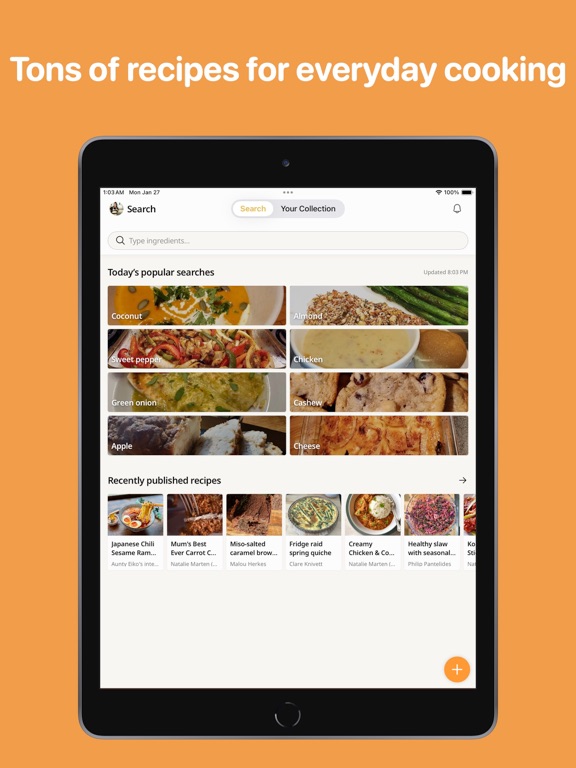
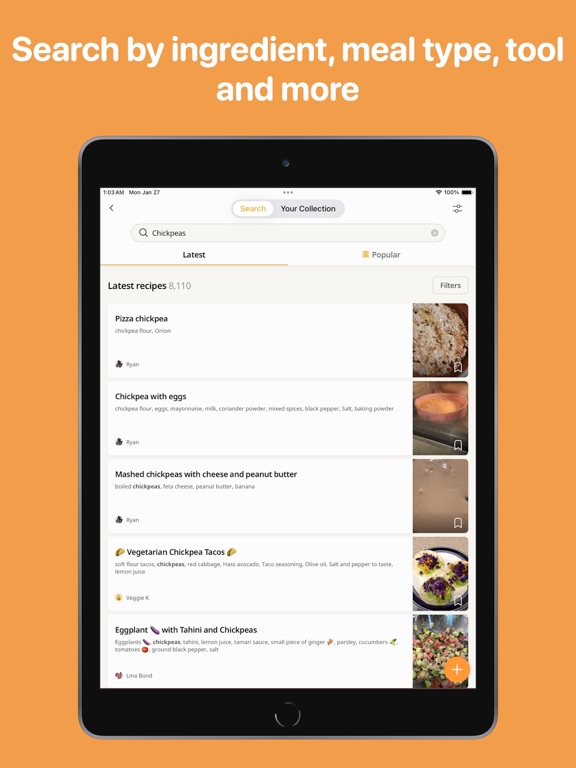

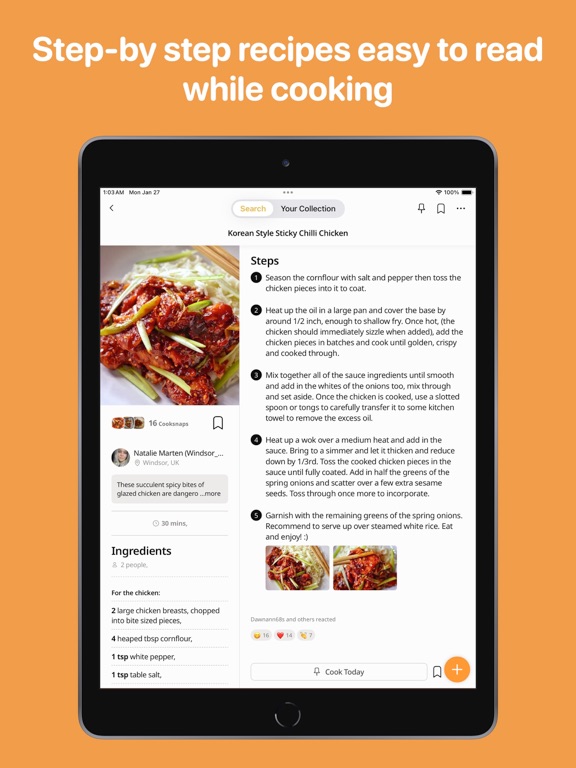

Icon palette
About this app
Save recipes from the web and social media with a tap — paste any link and the recipe lands in your collection: filet mignon for date night, quick chicken soup, or those pancakes you keep meaning to make. Write your own recipes with the AI Recipe Assistant and never forget a step. Transform the way you collect and cook recipes. Cookpad is one of the world's largest home cooking communities — trusted by millions of home cooks to write and share their own recipes, import recipes from any website or social media in one tap, and then find everything instantly by ingredient or name. YOUR PERSONAL RECIPE COLLECTION — FROM ANYWHERE • Import any recipe from any website or social media posts to your collection in one tap. Every recipe you love, from any source, searchable by ingredient or name in one place. • Snap a photo of a handwritten recipe or cookbook page — AI helps convert it into a di…
App details
What you can learn from Cookpad Recipes, homemade food
Every shipping app on the App Store has gone through the same decisions you're working through right now: which screenshot goes first, what caption sits over it, which device frame to show, what color the background should be. The 5 screenshots above are Cookpad Recipes, homemade food's answers to those questions — they're public, they're real, and they made it through Apple's review.
Notice the first screenshot in particular. It's the one users see in search results and on the product page, and it's where most apps spend their best caption and tightest design. Look at the proportion of background to phone, where the text sits, what one thing the image is trying to communicate.
Want to see how other Food & Drink apps approach the same problem? Browse more Food & Drink apps in the showcase.
Take what works into your own screenshots
Open LaunchShots and design your App Store & Google Play screenshots — pick a device frame, drop captions, ship in minutes. Free, in your browser.
Open the screenshot editor →