Chart position — tracked daily by LaunchShots
Screenshot style breakdown
Sampled from 4 of 酷米客-实时公交及同城社区's App Store screenshots — background, accent and theme, measured by LaunchShots (not something Apple publishes).
#F4F4F4 bg
#D6D6D6
#0474C4 accent
#111111 text
Reading the caption text from the screenshots in your browser…
Screenshots
Icon palette
About this app
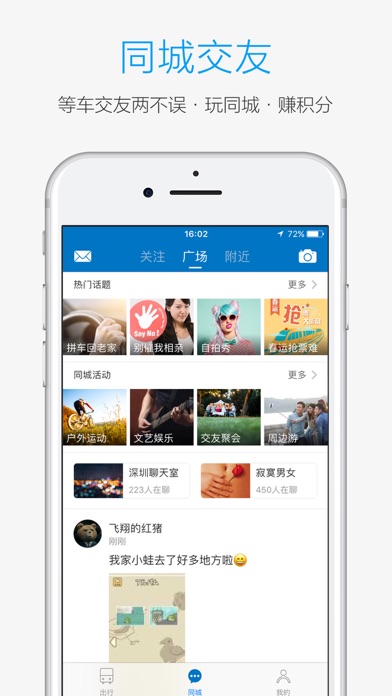
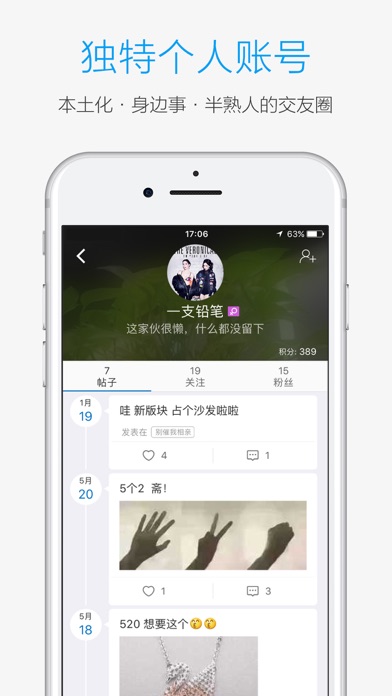
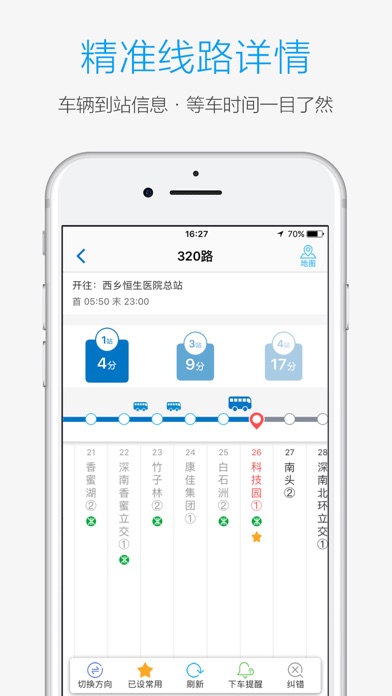
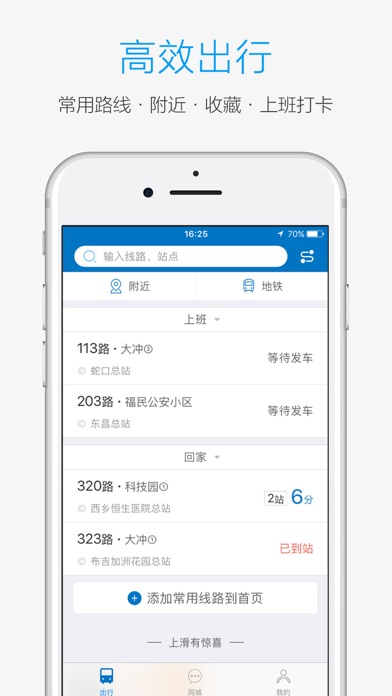
实时公交神器,泛娱乐化的实用工具。让您轻松知道最近的公交站、地铁站位置,一键规划公交、地铁最优出行线路,实时公交电子站牌,随身移动。从此摆脱傻等公交、追公交、上不了公交的尴尬局面。另设上班打卡功能,是上班族不迟到的首选,等车进入同城逛一逛,看看新鲜事、撩撩美女,一不小心还有礼品…… 【软件介绍】 1、数据精准:出门前查好公交,你到了公交站,刚好上车。 2、方便快捷:可通过换乘获取便捷出行方案;常用线路收藏直接在APP首页显示;可一键切换公交行车方向;地图上查看公车在线路上精准位置。 3、标签管理:收藏线路命名,一键批量上车提醒,可自定义到站时间或站点提醒。 4、精神支持:上班打卡不迟到,还有金币可以挥霍哦~ 5、同城功能:同城功能解决等车无聊烦恼,积分兑换生活便利,一边撩妹一边等车,了解身边事,同城事,好玩有趣的故事就在等车时发生。 【支持城市】 实时公交: 深圳、北京、上海、广州、杭州、西安、重庆、武汉、哈尔滨、大连、成都、安庆、池州、滁州、合肥、马鞍山、宿州、东莞、佛山、惠州、梅州、清远、来宾、…
App details
What you can learn from 酷米客-实时公交及同城社区
Every shipping app on the App Store has gone through the same decisions you're working through right now: which screenshot goes first, what caption sits over it, which device frame to show, what color the background should be. The 4 screenshots above are 酷米客-实时公交及同城社区's answers to those questions — they're public, they're real, and they made it through Apple's review.
What the numbers say: 酷米客-实时公交及同城社区 runs a light set with one background colour (#F4F4F4) carried across every screenshot — the listing reads as a single poster when the shots sit side by side in search results. The accent colour we picked up, #0474C4, is the one to reuse for badges, arrows and highlighted words if you borrow this look. Hit Use this style to open the editor with these exact colours and drop your own screenshot in.
Notice the first screenshot in particular. It's the one users see in search results and on the product page, and it's where most apps spend their best caption and tightest design. Look at the proportion of background to phone, where the text sits, what one thing the image is trying to communicate.
Want to see how other Navigation apps approach the same problem? Browse more Navigation apps in the showcase.
Take what works into your own screenshots
Open LaunchShots and design your App Store & Google Play screenshots — pick a device frame, drop captions, ship in minutes. Free, in your browser.
Open the screenshot editor →Apps with a similar look
Closest background + accent colours among the listings we've analysed — useful when you want to see the same palette handled by a different team.