Chart position — tracked daily by LaunchShots
Screenshot changes — detected by LaunchShots
Screenshot style breakdown
Sampled from 6 of Toidoc - Cộng đồng đọc truyện's App Store screenshots — background, accent and theme, measured by LaunchShots (not something Apple publishes).
#FCFCFC bg
#DDDDDD
#0CACCC accent
#111111 text
Screenshots
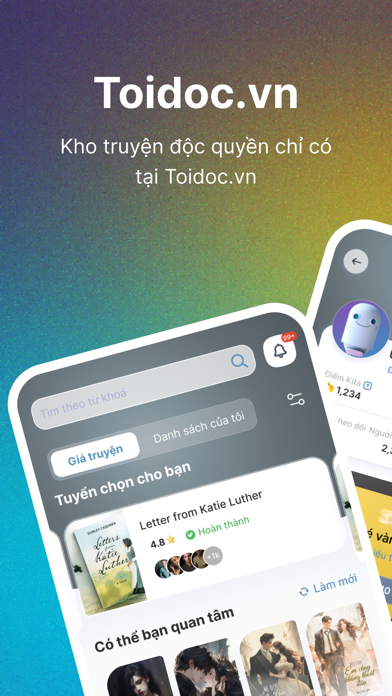

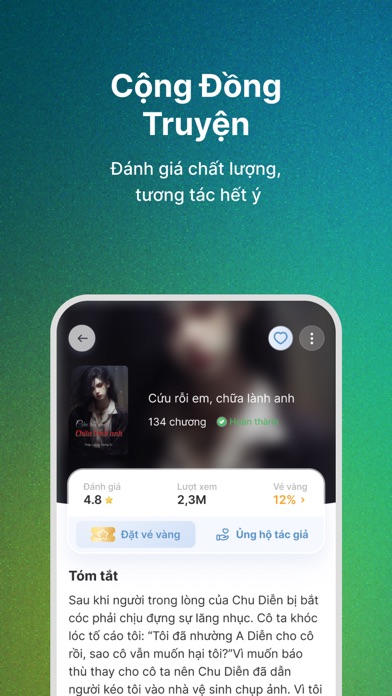

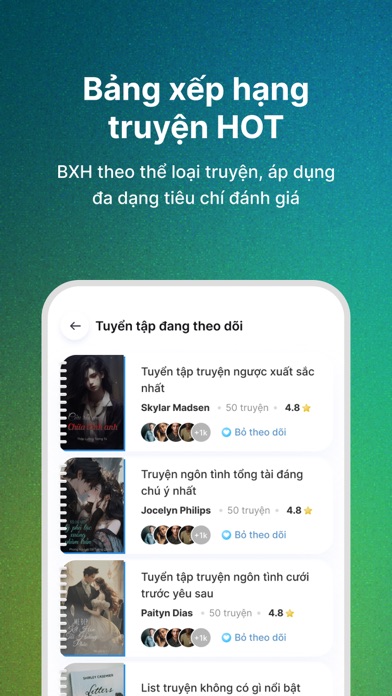

Icon palette
About this app
Nền Tảng Đọc Truyện, Bình Truyện ra Kim Cương Bạn yêu thích đọc truyện và muốn khám phá thế giới văn học internet đầy bất ngờ? Bạn mong muốn được giao lưu, chia sẻ và thậm chí kiếm tiền từ truyện mà bạn yêu thích? Hãy đến với nền tảng TOIDOC, nơi đam mê và tài năng của bạn được công nhận. Hãy tham khảo một số tài nguyên nổi bật của nền tảng nè: 1. Nhiều Nhiệm Vụ Nhận Phần Thưởng Mở Khóa Truyện Để làm cho trải nghiệm đọc truyện thêm phần thú vị, chúng tôi đã tích hợp nhiều nhiệm vụ hấp dẫn. Người dùng có thể tham gia vào các nhiệm vụ hàng ngày, hàng tuần và thậm chí là những sự kiện đặc biệt để nhận phần thưởng. Phần thưởng này có thể là điểm thưởng, vật phẩm độc quyền, hoặc thậm chí là các truyện mới được mở khóa riêng cho bạn. Hãy bật nhận thông báo để biết đến những event này nhé. 2. Kiếm Tiền Từ Truyện Là nền tảng của người đọc và người viết, việc phân bổ một phần doanh thu thuần c…
App details
What you can learn from Toidoc - Cộng đồng đọc truyện
Every shipping app on the App Store has gone through the same decisions you're working through right now: which screenshot goes first, what caption sits over it, which device frame to show, what color the background should be. The 6 screenshots above are Toidoc - Cộng đồng đọc truyện's answers to those questions — they're public, they're real, and they made it through Apple's review.
What the numbers say: Toidoc - Cộng đồng đọc truyện runs a mixed light-and-dark set where the background shifts from screenshot to screenshot (first shot #FCFCFC) — each image has to stand on its own, so the captions carry more of the story. The accent colour we picked up, #0CACCC, is the one to reuse for badges, arrows and highlighted words if you borrow this look. Hit Use this style to open the editor with these exact colours and drop your own screenshot in.
Notice the first screenshot in particular. It's the one users see in search results and on the product page, and it's where most apps spend their best caption and tightest design. Look at the proportion of background to phone, where the text sits, what one thing the image is trying to communicate.
Want to see how other Book apps approach the same problem? Browse more Book apps in the showcase.
Take what works into your own screenshots
Open LaunchShots and design your App Store & Google Play screenshots — pick a device frame, drop captions, ship in minutes. Free, in your browser.
Open the screenshot editor →Apps with a similar look
Closest background + accent colours among the listings we've analysed — useful when you want to see the same palette handled by a different team.