Screenshots
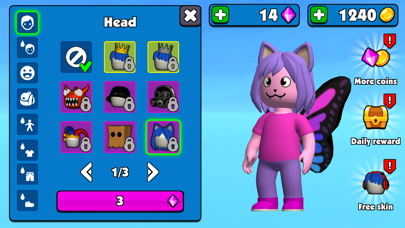
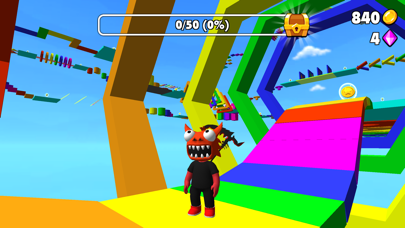
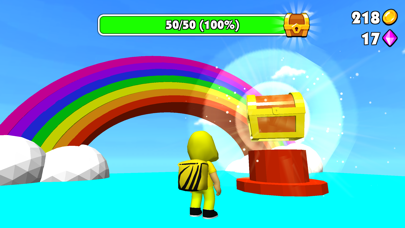
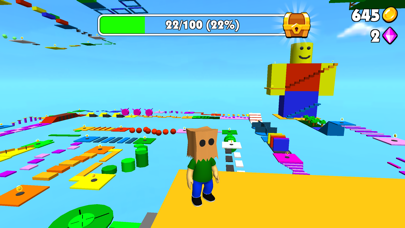
iPad screenshots
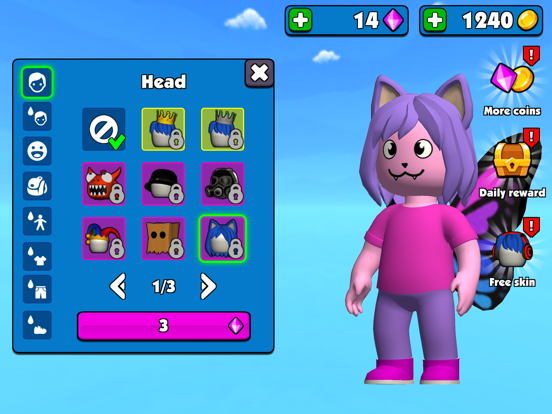
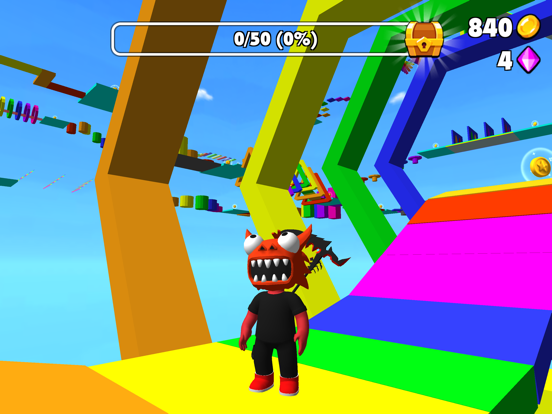
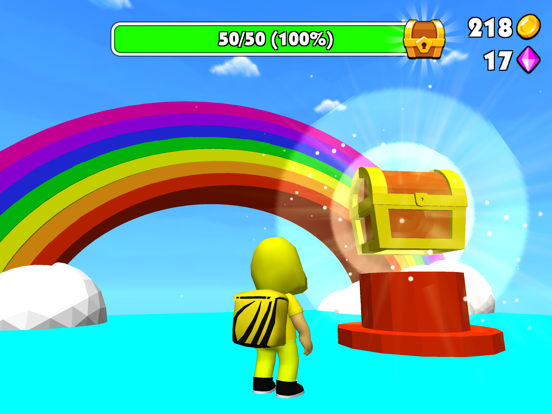
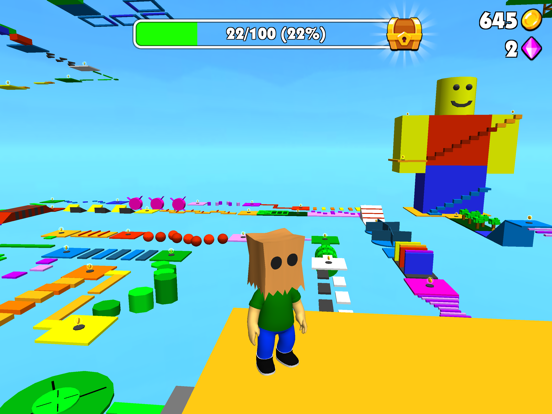
Icon palette
About this app
Welcome to Parkour: Runner Game, a world where every leap and every sprint is filled with excitement and vibrant colors. Dive into a game designed not just to challenge but also to captivate, with levels that unfold in a spectacle of color and creativity. Discover levels brimming with challenging obstacles that require both skill and strategy to overcome. Each stage is meticulously crafted with a vibrant design that makes every jump visually rewarding and engaging. As you progress, the challenges grow, but so does the fun! Key Features: - Extensive customization options that unlock as you progress, allowing you to tailor your gaming experience and character appearance. - Colorful and exciting levels that make each jump a visual feast. - Challenging obstacles that test your reflexes and puzzle-solving skills. - Vibrant design that brings the game world to life with bright, engaging gr…
App details
What you can learn from Obby Parkour: Runner Game
Every shipping app on the App Store has gone through the same decisions you're working through right now: which screenshot goes first, what caption sits over it, which device frame to show, what color the background should be. The 8 screenshots above are Obby Parkour: Runner Game's answers to those questions — they're public, they're real, and they made it through Apple's review.
Notice the first screenshot in particular. It's the one users see in search results and on the product page, and it's where most apps spend their best caption and tightest design. Look at the proportion of background to phone, where the text sits, what one thing the image is trying to communicate.
Want to see how other Games apps approach the same problem? Browse more Games apps in the showcase.
Take what works into your own screenshots
Open LaunchShots and design your App Store & Google Play screenshots — pick a device frame, drop captions, ship in minutes. Free, in your browser.
Open the screenshot editor →