Screenshot style breakdown
Sampled from 3 of SmartWorkout - Coach Fitness's App Store screenshots — background, accent and theme, measured by LaunchShots (not something Apple publishes).
#242424 bg
#424242
#C48C7C accent
#FFFFFF text
- #1Programme de musculation avec séances rapides de 20 mn par jour 0/48
- #2Focus Quadriceps Séance 4 - PUSH 2 + 45 min
- #3A, BICEPS CURL POULIE BASSE > gp SHECK-INS VISIBLE TO SW COMMERCE
Captions read from the screenshots (OCR, may contain small errors): 3 headlines, 11.3 words on average (longest 12).
Screenshots


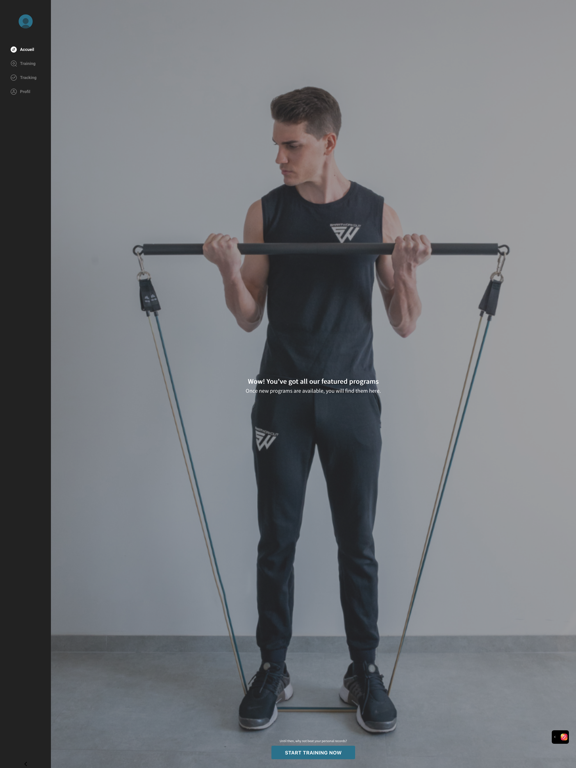
iPad screenshots

Icon palette
About this app
Transforme ton corps et dépasse tes limites avec l'app 100 % dédiée à l'entraînement avec l'équipement SmartWorkout. LE pack de musculation #1 sur le marché composé d'une barre, de 7 élastiques et de 8 accessoires, te permettant de réaliser plus de 100 mouvements de musculation afin de travailler toutes les zones de ton corps. L'application SmartWorkout propose des programmes d'entraînement fiables à effectuer à la maison ou à l'extérieur, quel que soit ton niveau et en s'adaptant à ton objectif : prise de muscle, perte de poids, tonification, reprise du sport. DES PROGRAMMES CLÉS EN MAIN POUR TE GUIDER Muscle-toi efficacement avec 6 programmes progressifs, pensés pour t'aider à rester régulier(e). Chaque séance est guidée, avec le nombre de séries, de répétitions et une vidéo de démonstration. Tu valides, tu avances, tu progresses. Simple et efficace. UNE BIBLIOTHÈQUE D'EXERCICES …
App details
What you can learn from SmartWorkout - Coach Fitness
Every shipping app on the App Store has gone through the same decisions you're working through right now: which screenshot goes first, what caption sits over it, which device frame to show, what color the background should be. The 5 screenshots above are SmartWorkout - Coach Fitness's answers to those questions — they're public, they're real, and they made it through Apple's review.
What the numbers say: SmartWorkout - Coach Fitness runs a dark set with one background colour (#242424) carried across every screenshot — the listing reads as a single poster when the shots sit side by side in search results. The accent colour we picked up, #C48C7C, is the one to reuse for badges, arrows and highlighted words if you borrow this look. Hit Use this style to open the editor with these exact colours and drop your own screenshot in.
Notice the first screenshot in particular. It's the one users see in search results and on the product page, and it's where most apps spend their best caption and tightest design. Look at the proportion of background to phone, where the text sits, what one thing the image is trying to communicate.
Want to see how other Sports apps approach the same problem? Browse more Sports apps in the showcase.
Take what works into your own screenshots
Open LaunchShots and design your App Store & Google Play screenshots — pick a device frame, drop captions, ship in minutes. Free, in your browser.
Open the screenshot editor →Apps with a similar look
Closest background + accent colours among the listings we've analysed — useful when you want to see the same palette handled by a different team.