Screenshots
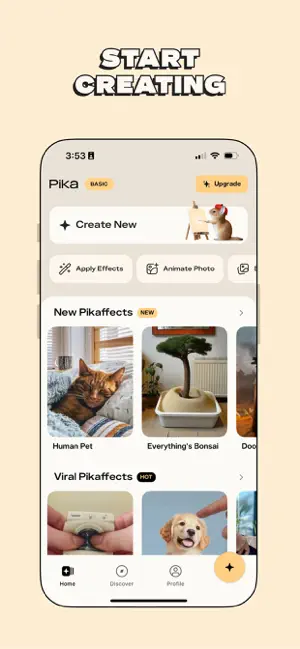


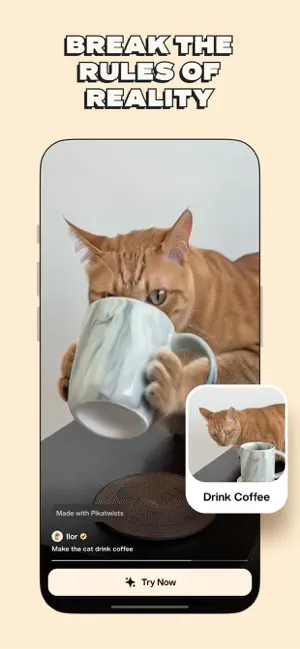
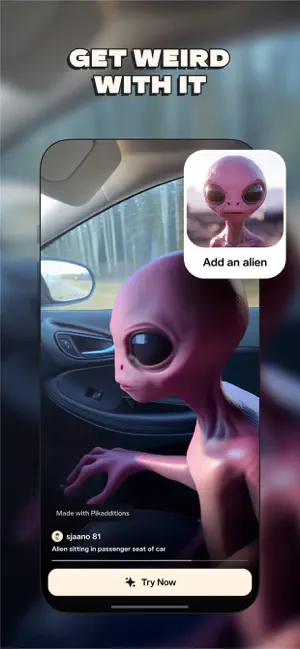
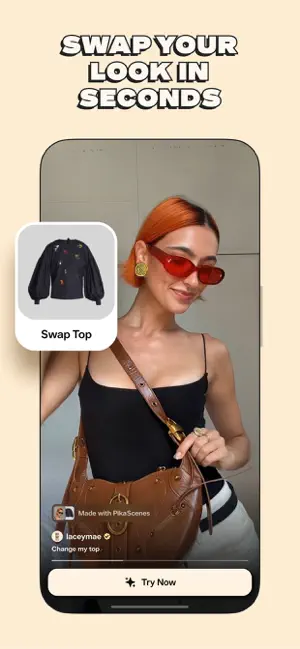
Icon palette
About this app
Meet Pika, the mind-blowing AI video maker that brings your wildest dreams and weirdest ideas to life. Insert yourself into a famous painting. Kiss a troll. Put a bunny in your bathtub. Squish a skyscraper. With Pika, literally anything is possible. 1. Pikaswaps Put your cat in the grand canyon. Turn the Mississippi River to lava. With Pikaswaps, the options are endless. Use your photos or text prompts to replace any element in any of your video, with hyper-real results. 2. Pikamemes React to posts, threads, and comments with custom GIFs, generated from just a single selfie. Turn yourself into your favorite emoji, blow an air kiss, or vomit slime. Whatever your mood, we’ve got a meme. 3. Pikadditions Catch everyone’s attention with surprising objects, people, and fantastical elements dropped right in to your videos. Let your imagination run wild on selfies, iconic clips, POV vid…
App details
What you can learn from Pika Video
Every shipping app on the App Store has gone through the same decisions you're working through right now: which screenshot goes first, what caption sits over it, which device frame to show, what color the background should be. The 6 screenshots above are Pika Video's answers to those questions — they're public, they're real, and they made it through Apple's review.
Notice the first screenshot in particular. It's the one users see in search results and on the product page, and it's where most apps spend their best caption and tightest design. Look at the proportion of background to phone, where the text sits, what one thing the image is trying to communicate.
Want to see how other Graphics & Design apps approach the same problem? Browse more Graphics & Design apps in the showcase.
Take what works into your own screenshots
Open LaunchShots and design your App Store & Google Play screenshots — pick a device frame, drop captions, ship in minutes. Free, in your browser.
Open the screenshot editor →