Screenshot style breakdown
Sampled from 6 of Доктор: Игры для детей 2-5 лет's App Store screenshots — background, accent and theme, measured by LaunchShots (not something Apple publishes).
#FC2474 bg
#FC4287
#8CE4FC accent
#FFFFFF text
Screenshots


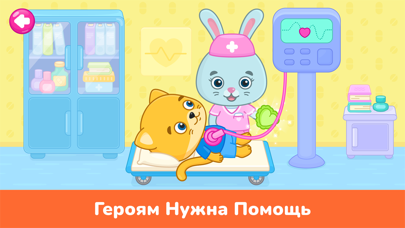
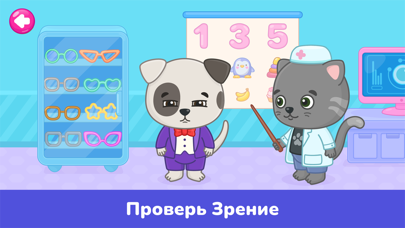

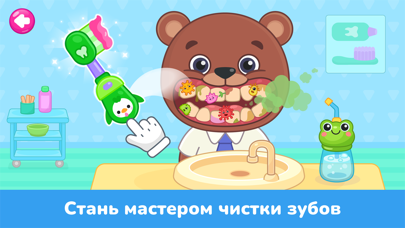

iPad screenshots



Icon palette
About this app
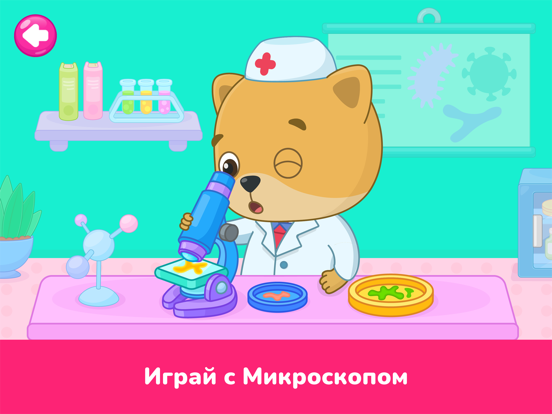
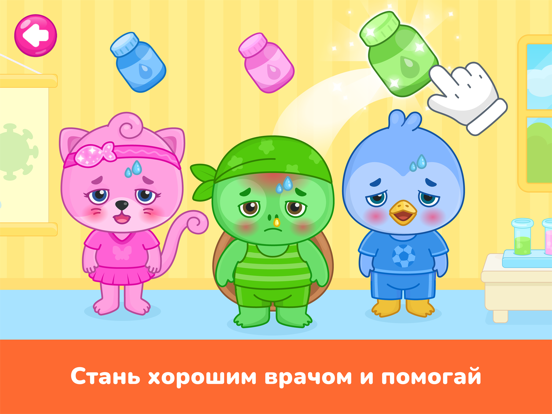
Bimi Boo возвращается с захватывающим приключением в играх про докторов и больницу! Присоединяйтесь к очаровательному Bimi Boo и его друзьям в путешествии по обучающему миру «Докторские игры для детей». Это приложение, идеально подходящее для детей и малышей до 5 лет, предлагает чудесное сочетание обучения, веселья и творчества, способствующих дошкольному обучению! Участвуйте в мини-играх для развития ваших детей: Интерактивное обучение: Наслаждайтесь 30 захватывающими мини-играми, включая пазлы, обведение и сортировку по цвету, форме, размеру и многому другому, что развивает мелкую моторику. Развитие когнитивных навыков: Улучшайте логику, память и навык решения проблем у малышей через образовательные активности, такие как сопоставление, сортировка и счет. Играя, учим цифры! Погрузитесь в ролевые «Докторские игры для детей»: Ощутите опыт диагностики, оказания первой помощи и ухода за п…
App details
What you can learn from Доктор: Игры для детей 2-5 лет
Every shipping app on the App Store has gone through the same decisions you're working through right now: which screenshot goes first, what caption sits over it, which device frame to show, what color the background should be. The 20 screenshots above are Доктор: Игры для детей 2-5 лет's answers to those questions — they're public, they're real, and they made it through Apple's review.
What the numbers say: Доктор: Игры для детей 2-5 лет runs a mixed light-and-dark set where the background shifts from screenshot to screenshot (first shot #FC2474) — each image has to stand on its own, so the captions carry more of the story. The accent colour we picked up, #8CE4FC, is the one to reuse for badges, arrows and highlighted words if you borrow this look. Hit Use this style to open the editor with these exact colours and drop your own screenshot in.
Notice the first screenshot in particular. It's the one users see in search results and on the product page, and it's where most apps spend their best caption and tightest design. Look at the proportion of background to phone, where the text sits, what one thing the image is trying to communicate.
Want to see how other Education apps approach the same problem? Browse more Education apps in the showcase.
Take what works into your own screenshots
Open LaunchShots and design your App Store & Google Play screenshots — pick a device frame, drop captions, ship in minutes. Free, in your browser.
Open the screenshot editor →Apps with a similar look
Closest background + accent colours among the listings we've analysed — useful when you want to see the same palette handled by a different team.