Screenshots

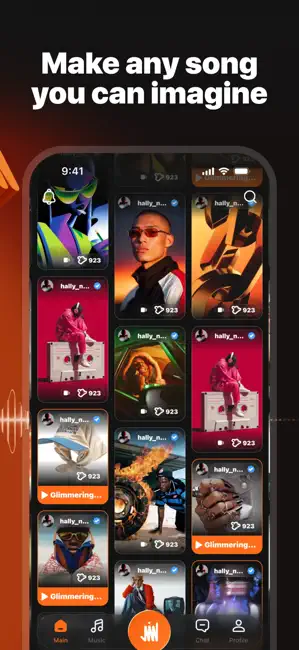
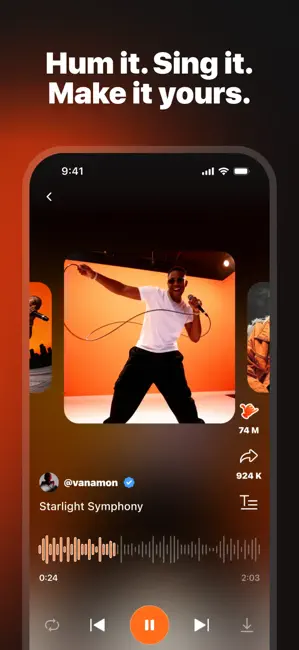
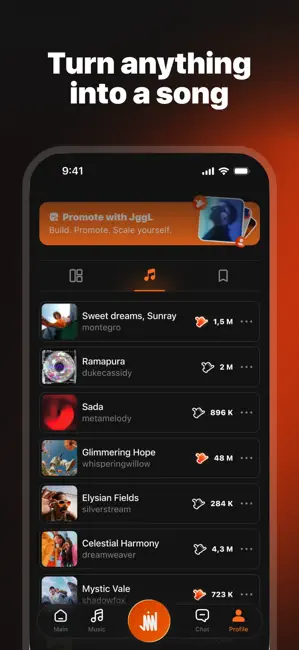
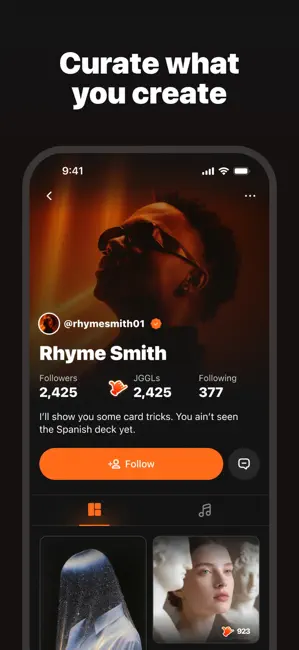

Icon palette
About this app
JGGL is the ultimate playground for AI-generated content. It's your space to create, explore, and share visuals, music, videos — all crafted with the power of AI. With your personal AI Assistant at the core, creating and promoting your content has never been easier. Whether you're here to vibe, inspire, or showcase your genius, JGGL has your back. KEY FEATURES - YOUR PERSONAL AI ASSISTANT - Meet your creative partner. Just tell your AI Assistant what you want — use voice or text. Navigate the app, generate content, publish posts, and even promote your work, all through a simple conversation. - IMMERSIVE 360° FEED - Scroll in every direction and discover a boundless world of videos, images, and music. Dive in — there's always something fresh to inspire. - AI MUSIC STUDIO & VOICE CLONING - Generate original music tracks, write lyrics, and clone your own voice to sing on your creations…
App details
What you can learn from JGGL: AI Social Network
Every shipping app on the App Store has gone through the same decisions you're working through right now: which screenshot goes first, what caption sits over it, which device frame to show, what color the background should be. The 6 screenshots above are JGGL: AI Social Network's answers to those questions — they're public, they're real, and they made it through Apple's review.
Notice the first screenshot in particular. It's the one users see in search results and on the product page, and it's where most apps spend their best caption and tightest design. Look at the proportion of background to phone, where the text sits, what one thing the image is trying to communicate.
Want to see how other Graphics & Design apps approach the same problem? Browse more Graphics & Design apps in the showcase.
Take what works into your own screenshots
Open LaunchShots and design your App Store & Google Play screenshots — pick a device frame, drop captions, ship in minutes. Free, in your browser.
Open the screenshot editor →