Chart position — tracked daily by LaunchShots
Screenshot style breakdown
Sampled from 6 of ヤップアイランド|クイズで学んで歩いてビットコインが貯まる's App Store screenshots — background, accent and theme, measured by LaunchShots (not something Apple publishes).
#FCFCEC bg
#DDDDCF
#EC641C accent
#111111 text
Reading the caption text from the screenshots in your browser…
Screenshots




iPad screenshots




Icon palette
About this app
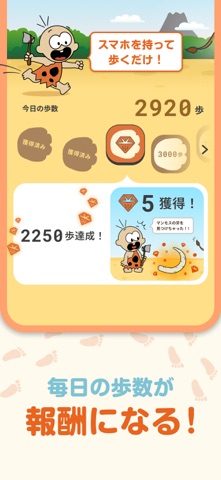
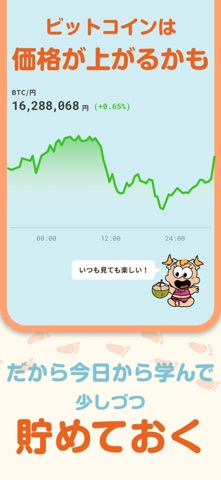
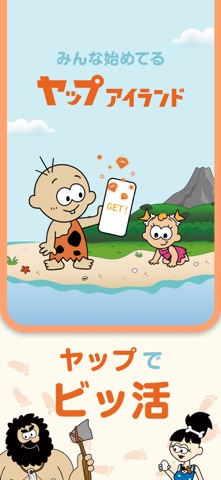
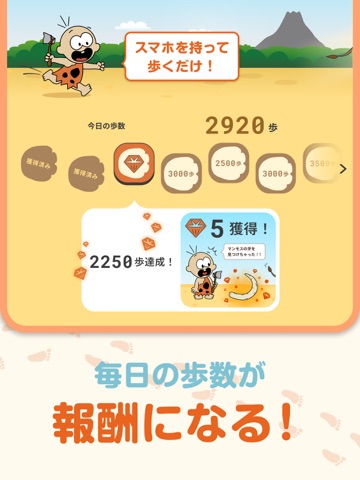
ビットコインって、なんだか難しそう…? そんなあなたのための、遊びながら学べる無料アプリです。 1日1分のクイズで、ビットコインが「分かって」「貯まる」。 もうすでに2万人が、ヤップアイランドの島民になっています。 ここは、陽気な仲間たちが暮らす、のんびりとした不思議な島。 クイズやゲームを楽しみながら、新しい知識に出会える場所です。 遊んで学んでいるうちに、気づけばビットコインが少しずつ身近になっていく。 そんな体験が、この島にはあります。 遊ぶほどに、ビットコインに交換できるアプリ内ポイント「yap」も貯まっていきます。 (yapは暗号資産ではありません。詳しくは文末の注記をご覧ください) 【ヤップアイランドでの過ごし方】 ■ クイズに挑戦(1日1分) ビットコインにまつわるクイズに答えて、島の冒険を進めよう。 「お金って何?」から始まるので、知識ゼロでも大丈夫。 報酬がぐっと豪華な特別ステージ「秘宝の海」も。 知るたびに、ビットコインが少しずつ近くなっていきます。 ■ ボーナスチャンス クイズを全問正解し…
App details
What you can learn from ヤップアイランド|クイズで学んで歩いてビットコインが貯まる
Every shipping app on the App Store has gone through the same decisions you're working through right now: which screenshot goes first, what caption sits over it, which device frame to show, what color the background should be. The 16 screenshots above are ヤップアイランド|クイズで学んで歩いてビットコインが貯まる's answers to those questions — they're public, they're real, and they made it through Apple's review.
What the numbers say: ヤップアイランド|クイズで学んで歩いてビットコインが貯まる runs a light set with one background colour (#FCFCEC) carried across every screenshot — the listing reads as a single poster when the shots sit side by side in search results. The accent colour we picked up, #EC641C, is the one to reuse for badges, arrows and highlighted words if you borrow this look. Hit Use this style to open the editor with these exact colours and drop your own screenshot in.
Notice the first screenshot in particular. It's the one users see in search results and on the product page, and it's where most apps spend their best caption and tightest design. Look at the proportion of background to phone, where the text sits, what one thing the image is trying to communicate.
Want to see how other Education apps approach the same problem? Browse more Education apps in the showcase.
Take what works into your own screenshots
Open LaunchShots and design your App Store & Google Play screenshots — pick a device frame, drop captions, ship in minutes. Free, in your browser.
Open the screenshot editor →Apps with a similar look
Closest background + accent colours among the listings we've analysed — useful when you want to see the same palette handled by a different team.