Screenshots

Icon palette
About this app
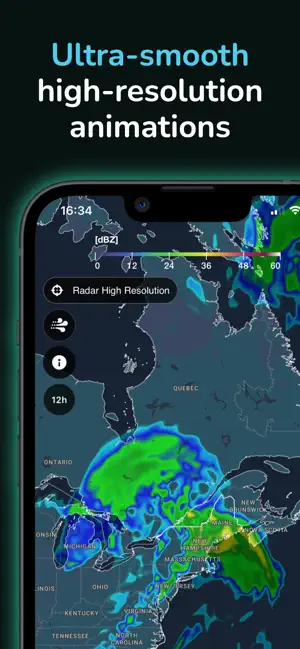
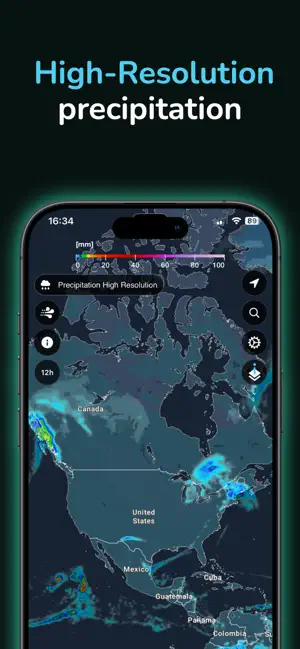
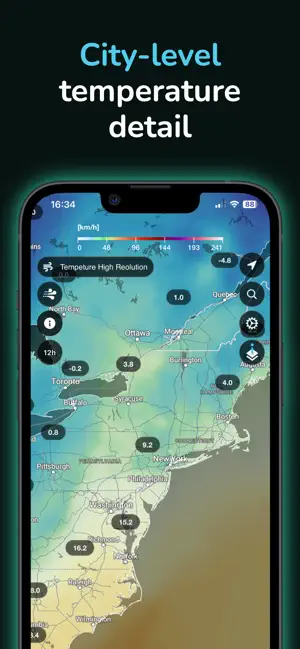
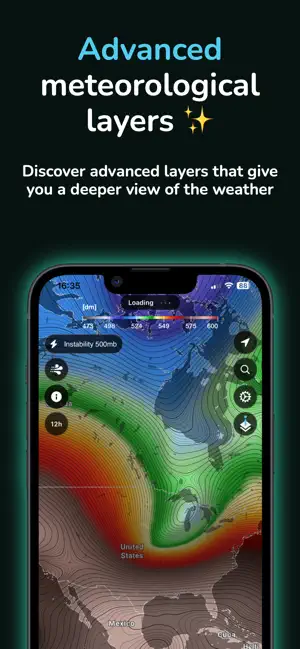
UNA NUEVA FORMA DE VER EL TIEMPO ClimaTok convierte datos meteorológicos complejos en visualizaciones intuitivas sobre un globo 3D interactivo. Explora patrones de temperatura, inestabilidad atmosférica, nubosidad y mucho más para entender de forma rápida y visual lo que sucede en la atmósfera. Descubre el tiempo de una forma completamente nueva. ClimaTok transforma datos meteorológicos complejos en impresionantes animaciones en tiempo real sobre un espectacular globo 3D interactivo — haciendo que el tiempo sea fascinante para todos. Tanto si planeas un viaje, sigues una tormenta o simplemente sientes curiosidad por lo que ocurre en la atmósfera, ClimaTok te ofrece una visión clara, dinámica y visual del tiempo en todo el mundo. Características principales Animaciones fluidas sobre un mapa global en 3D Previsiones de hasta 48 horas (gratis) y 14 días (Premium) Capas avanzadas: viento…
App details
What you can learn from ClimaTok – Mapas del Tiempo
Every shipping app on the App Store has gone through the same decisions you're working through right now: which screenshot goes first, what caption sits over it, which device frame to show, what color the background should be. The 5 screenshots above are ClimaTok – Mapas del Tiempo's answers to those questions — they're public, they're real, and they made it through Apple's review.
Notice the first screenshot in particular. It's the one users see in search results and on the product page, and it's where most apps spend their best caption and tightest design. Look at the proportion of background to phone, where the text sits, what one thing the image is trying to communicate.
Want to see how other Weather apps approach the same problem? Browse more Weather apps in the showcase.
Take what works into your own screenshots
Open LaunchShots and design your App Store & Google Play screenshots — pick a device frame, drop captions, ship in minutes. Free, in your browser.
Open the screenshot editor →