Screenshots
Icon palette
About this app
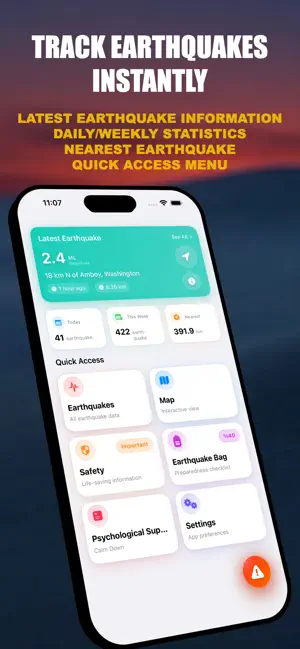
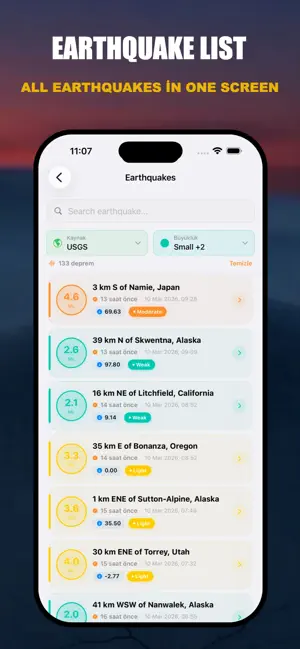
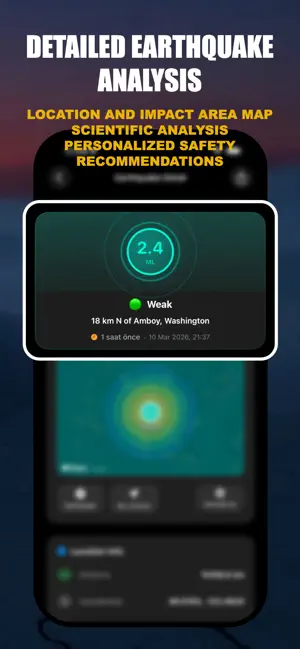
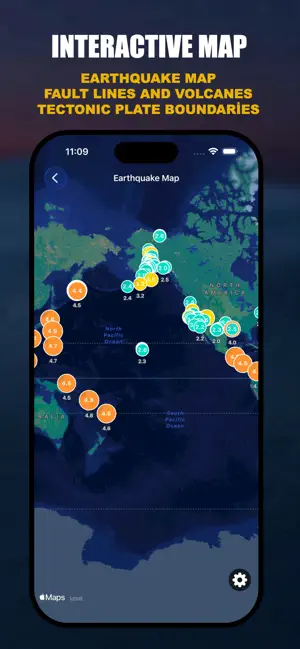
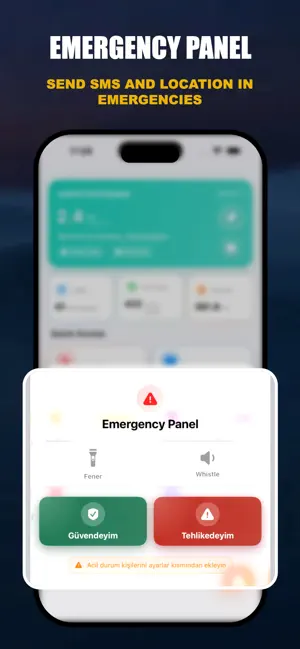
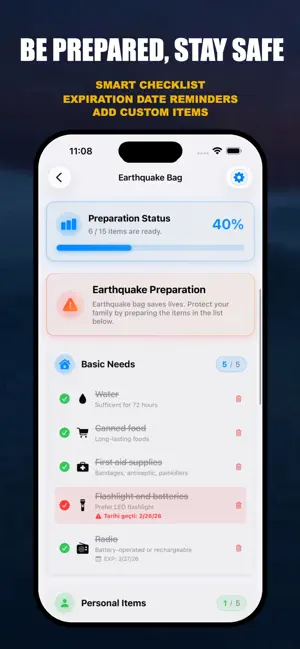
Turkey's most comprehensive earthquake safety app — be prepared, stay safe. Receive real-time earthquake alerts, sound an emergency whistle when trapped, manage your disaster kit, and use guided breathing exercises to overcome panic. Earthquake Alert & Safety is the only app that stands by you before, during, and after a disaster. REAL-TIME EARTHQUAKE TRACKING Get live earthquake data from Kandilli Observatory and USGS within seconds. Filter by magnitude, location, and time. Track every earthquake in Turkey and around the world. SMART PERSONALIZED ALERTS Receive instant push notifications for earthquakes above your custom magnitude threshold (e.g., 4.0+). Cut through the noise and focus only on what matters. OFFLINE EMERGENCY WHISTLE Trigger a high-decibel siren with no internet connection required. If you're trapped under debris, alert rescue teams instantly — even when the netw…
App details
What you can learn from Earthquake Alert & Safety
Every shipping app on the App Store has gone through the same decisions you're working through right now: which screenshot goes first, what caption sits over it, which device frame to show, what color the background should be. The 6 screenshots above are Earthquake Alert & Safety's answers to those questions — they're public, they're real, and they made it through Apple's review.
Notice the first screenshot in particular. It's the one users see in search results and on the product page, and it's where most apps spend their best caption and tightest design. Look at the proportion of background to phone, where the text sits, what one thing the image is trying to communicate.
Want to see how other Weather apps approach the same problem? Browse more Weather apps in the showcase.
Take what works into your own screenshots
Open LaunchShots and design your App Store & Google Play screenshots — pick a device frame, drop captions, ship in minutes. Free, in your browser.
Open the screenshot editor →