Screenshot style breakdown
Sampled from 6 of Tài Xế XanhGo's App Store screenshots — background, accent and theme, measured by LaunchShots (not something Apple publishes).
#C4FCDC bg
#ACDDC1
#044C3C accent
#111111 text
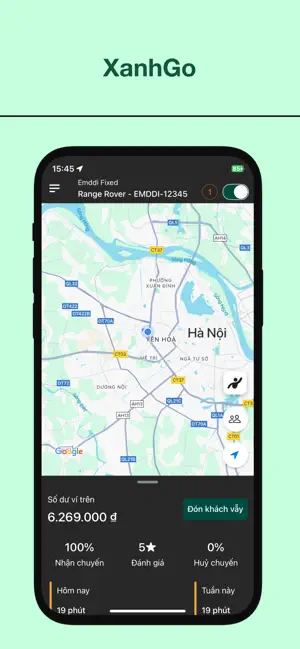
- #1XanhGo = Range Rover - EMDDI-12345 l€ J
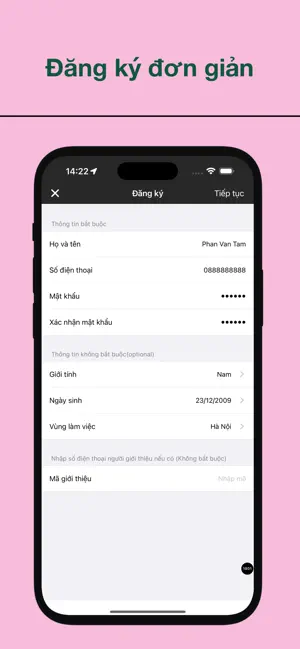
- #2Đăng ký đơn giản
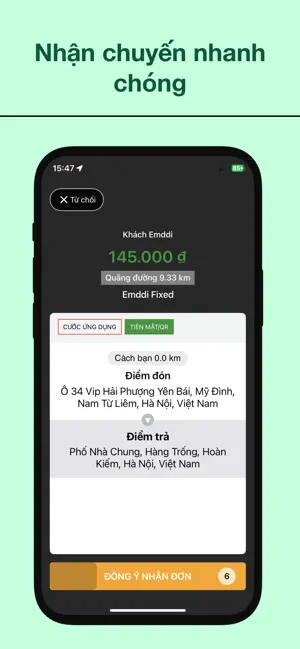
- #3Nhan chuyén nhanh chóng
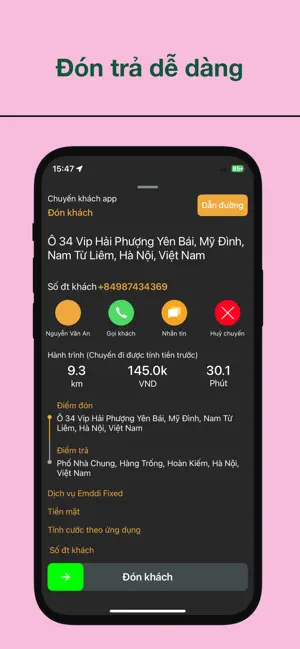
- #4Đón tra dé dang
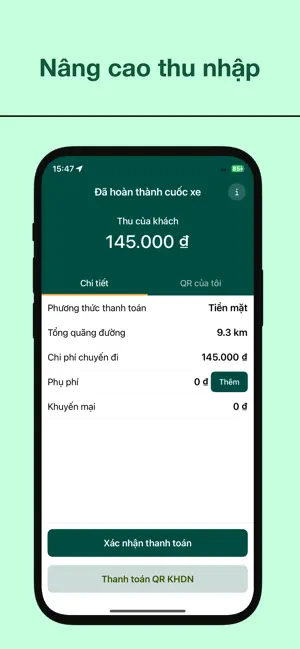
- #5Nang cao thu nhap Đã hoàn thành cuốc xe i
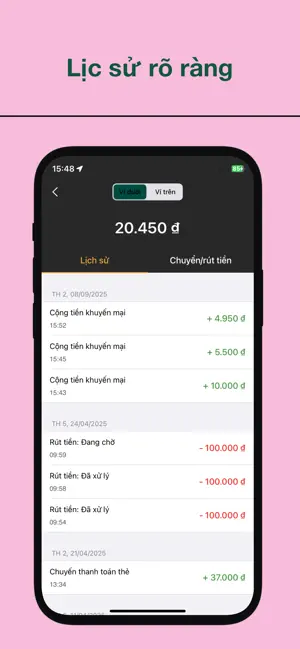
- #6Lic sử rõ ràng
Captions read from the screenshots (OCR, may contain small errors): 6 headlines, 5.7 words on average (longest 10).
Screenshots
Icon palette
About this app
XanhGo - Ứng dụng giúp đối tác tối ưu thu nhập, làm chủ công việc. Chào mừng bạn đến với XanhGo, ứng dụng đồng hành đắc lực dành cho các tài xế. Chúng tôi mang đến một nền tảng công nghệ thông minh, giúp bạn quản lý công việc hiệu quả, tăng thu nhập và làm chủ cuộc sống một cách linh hoạt. Tại sao nên trở thành đối tác của XanhGo? Thu nhập hấp dẫn, minh bạch: Với hệ thống thuật toán thông minh, XanhGo luôn đảm bảo bạn nhận được các cuốc xe phù hợp, tối ưu hóa quãng đường di chuyển và giảm thời gian chờ đợi. Thu nhập của bạn được cập nhật theo thời gian thực, minh bạch trên ứng dụng. Linh hoạt về thời gian: Bạn hoàn toàn tự do lựa chọn thời gian làm việc. Chỉ cần bật ứng dụng, bạn có thể nhận cuốc xe bất cứ lúc nào, phù hợp với lịch trình cá nhân. Đây là cơ hội tuyệt vời để kiếm thêm thu nhập hoặc làm việc toàn thời gian theo ý muốn. Hệ thống hỗ trợ chuyên nghiệp: Đội ngũ hỗ trợ tài…
App details
What you can learn from Tài Xế XanhGo
Every shipping app on the App Store has gone through the same decisions you're working through right now: which screenshot goes first, what caption sits over it, which device frame to show, what color the background should be. The 6 screenshots above are Tài Xế XanhGo's answers to those questions — they're public, they're real, and they made it through Apple's review.
What the numbers say: Tài Xế XanhGo runs a light set where the background shifts from screenshot to screenshot (first shot #C4FCDC) — each image has to stand on its own, so the captions carry more of the story. The accent colour we picked up, #044C3C, is the one to reuse for badges, arrows and highlighted words if you borrow this look. Hit Use this style to open the editor with these exact colours and drop your own screenshot in.
Notice the first screenshot in particular. It's the one users see in search results and on the product page, and it's where most apps spend their best caption and tightest design. Look at the proportion of background to phone, where the text sits, what one thing the image is trying to communicate.
Want to see how other Navigation apps approach the same problem? Browse more Navigation apps in the showcase.
Take what works into your own screenshots
Open LaunchShots and design your App Store & Google Play screenshots — pick a device frame, drop captions, ship in minutes. Free, in your browser.
Open the screenshot editor →Apps with a similar look
Closest background + accent colours among the listings we've analysed — useful when you want to see the same palette handled by a different team.