Screenshots
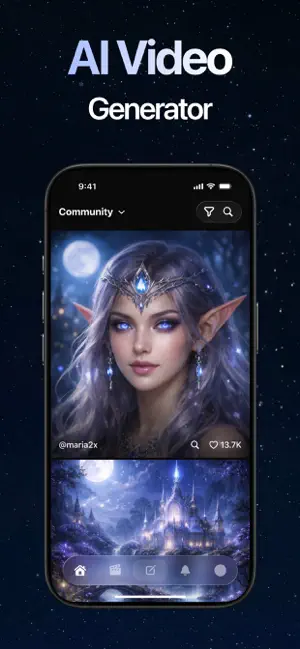


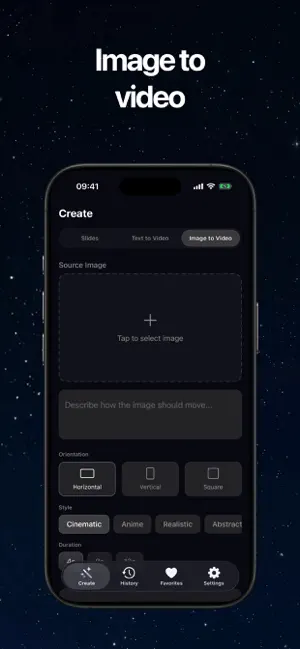

Icon palette
About this app
Our app is a modern AI-powered video generator designed to turn your ideas into stunning visual content within seconds. With a sleek dark interface highlighted by blue and cyan tones, it creates an inspiring space where creativity flows effortlessly alongside advanced AI technology. Bring your ideas to life by generating unique videos for social media, personal use, celebrations, and storytelling. Whether you start with a simple text prompt, an image, or just an idea, the app helps you create engaging videos with minimal effort. Fast & Effortless Video Creation Instantly convert your ideas into dynamic videos. Just enter your concept, and the app will generate smooth, high-quality visuals with natural motion and compelling scenes. Cinematic Style Output Produce videos with a professional cinematic feel. Enjoy rich lighting, well-balanced композиции, and immersive storytelling eleme…
App details
What you can learn from Sora 2 - AI Video Generator
Every shipping app on the App Store has gone through the same decisions you're working through right now: which screenshot goes first, what caption sits over it, which device frame to show, what color the background should be. The 6 screenshots above are Sora 2 - AI Video Generator's answers to those questions — they're public, they're real, and they made it through Apple's review.
Notice the first screenshot in particular. It's the one users see in search results and on the product page, and it's where most apps spend their best caption and tightest design. Look at the proportion of background to phone, where the text sits, what one thing the image is trying to communicate.
Want to see how other Utilities apps approach the same problem? Browse more Utilities apps in the showcase.
Take what works into your own screenshots
Open LaunchShots and design your App Store & Google Play screenshots — pick a device frame, drop captions, ship in minutes. Free, in your browser.
Open the screenshot editor →