Screenshots
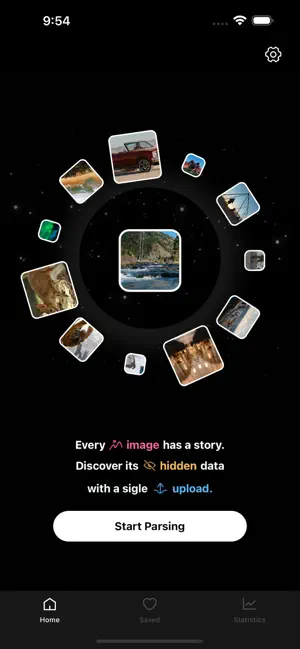
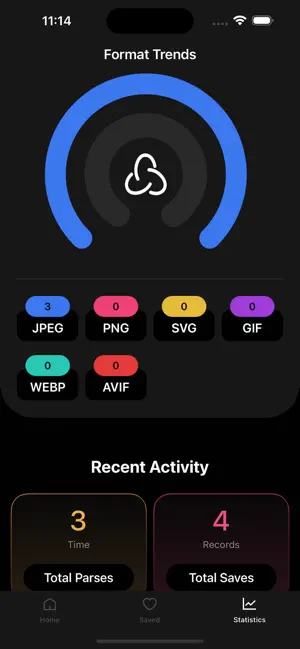
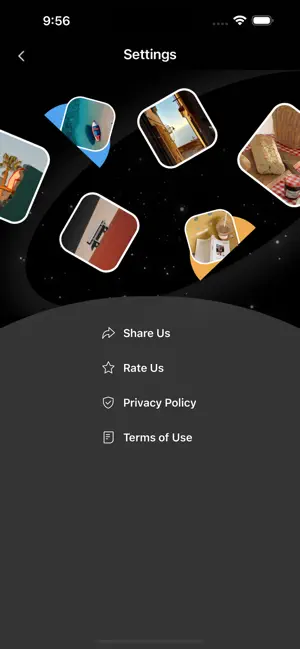
Icon palette
About this app
Perhaps you've marveled at frozen moments in art exhibitions, breathtaking scenes in movies, the beauty encountered on your travels, the grandeur of diverse architecture, and the wonder of nature. All of this stems from a pursuit of color. amaze tools helps you easily analyze the parameters behind images. Simply upload a picture to discover its numerical wonders. You can also save and share it with friends. amaze also provide data statistics, giving you a more intuitive understanding of your preferences and helping you better appreciate beauty. Try it now! SUBSCRIPTION INFO Payment will be charged to Apple Account at confirmation of purchase Subscription automatically renews unless auto-renew is turned off at least 24-hours before the end of the current period Account will be charged for renewal within 24-hours prior to the end of the current period Subscriptions may be managed and a…
App details
What you can learn from amaze tools.
Every shipping app on the App Store has gone through the same decisions you're working through right now: which screenshot goes first, what caption sits over it, which device frame to show, what color the background should be. The 3 screenshots above are amaze tools.'s answers to those questions — they're public, they're real, and they made it through Apple's review.
Notice the first screenshot in particular. It's the one users see in search results and on the product page, and it's where most apps spend their best caption and tightest design. Look at the proportion of background to phone, where the text sits, what one thing the image is trying to communicate.
Want to see how other Productivity apps approach the same problem? Browse more Productivity apps in the showcase.
Take what works into your own screenshots
Open LaunchShots and design your App Store & Google Play screenshots — pick a device frame, drop captions, ship in minutes. Free, in your browser.
Open the screenshot editor →