Screenshots
Icon palette
About this app
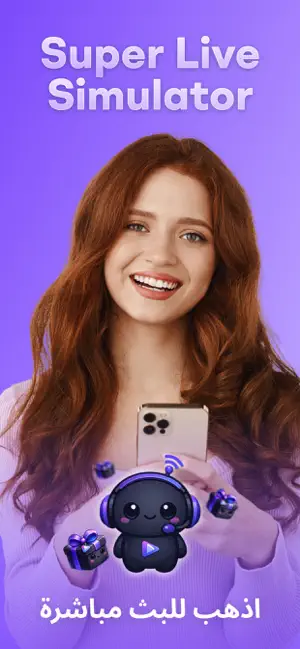
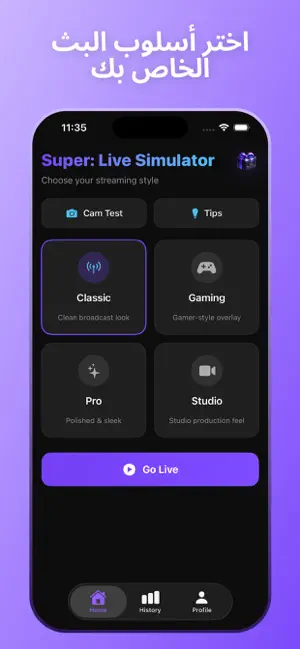
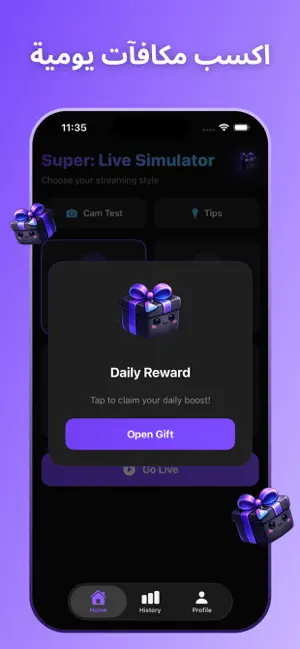
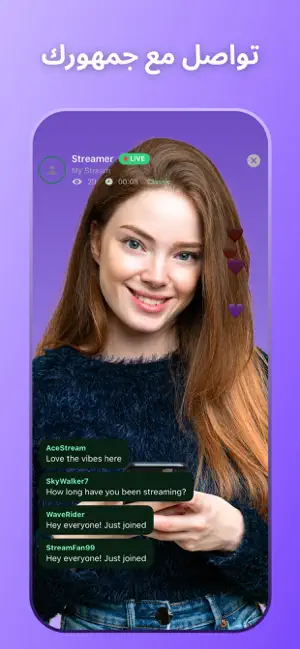
هل أردت يومًا تجربة البث المباشر ولكن لم تعرف من أين تبدأ؟ Super: Live Simulator هو تطبيق محاكاة خاص مصمم لمساعدتك على التدرّب على الظهور أمام الكاميرا، واستكشاف أفكار المحتوى، والتعوّد على بيئة تشبه البث المباشر — كل ذلك بدون البث إلى جمهور حقيقي. استخدم الكاميرا الأمامية لجهازك لمحاكاة جلسة بث. يقوم التطبيق بإنشاء عناصر مرئية مثل الدردشة، وعدد المشاهدين، والتفاعلات لتقديم تجربة مستوحاة من منصات البث المباشر. مهم لا يتصل Super: Live Simulator بأي جمهور حقيقي أو خدمات بث. جميع التفاعلات داخل التطبيق هي محاكاة لأغراض التدريب والترفيه فقط. تدرّب بأسلوبك اختر من فئات مختلفة مثل الألعاب، الموسيقى، نمط الحياة، اللياقة، الجمال، التقنية، الطعام أو الفن. جرّب أنماطًا مختلفة مثل الحديث المباشر، الأسئلة والأجوبة، الدروس أو العروض. تخصيص التجربة اختر من بين عدة أنماط وألوان لتخصيص واجهة البث الخاصة بك قبل كل جلسة. ميزات المحاكاة • عرض الكاميرا الأمامية للتدريب • رسائل دردشة وتفاعلات محاكاة •…
App details
What you can learn from Super: Live Simulator
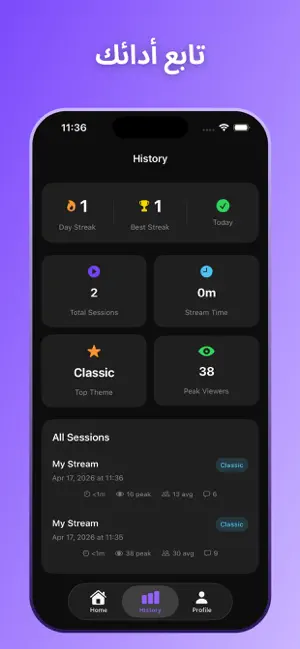
Every shipping app on the App Store has gone through the same decisions you're working through right now: which screenshot goes first, what caption sits over it, which device frame to show, what color the background should be. The 5 screenshots above are Super: Live Simulator's answers to those questions — they're public, they're real, and they made it through Apple's review.
Notice the first screenshot in particular. It's the one users see in search results and on the product page, and it's where most apps spend their best caption and tightest design. Look at the proportion of background to phone, where the text sits, what one thing the image is trying to communicate.
Want to see how other Lifestyle apps approach the same problem? Browse more Lifestyle apps in the showcase.
Take what works into your own screenshots
Open LaunchShots and design your App Store & Google Play screenshots — pick a device frame, drop captions, ship in minutes. Free, in your browser.
Open the screenshot editor →