Screenshot style breakdown
Sampled from 5 of Velgo: AI動画ジェネレーター's App Store screenshots — background, accent and theme, measured by LaunchShots (not something Apple publishes).
#0C0C14 bg
#2E2E34
#5C94BC accent
#FFFFFF text
Screenshots
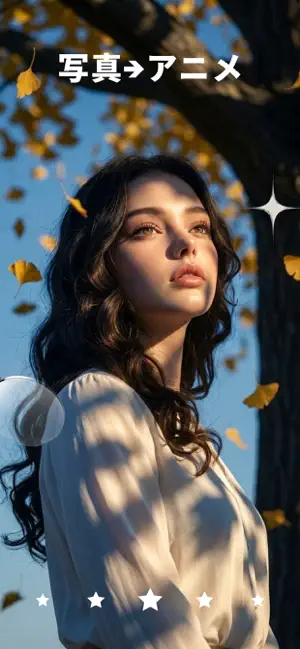
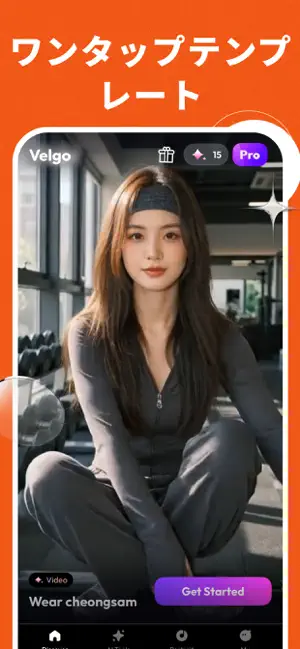
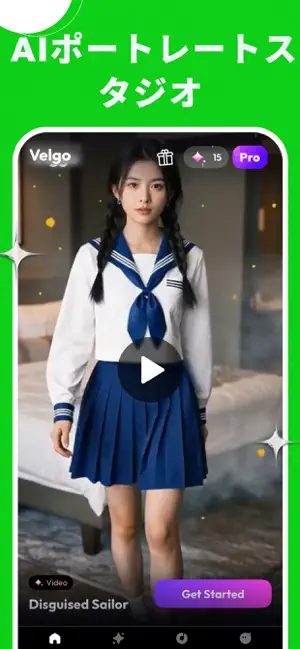
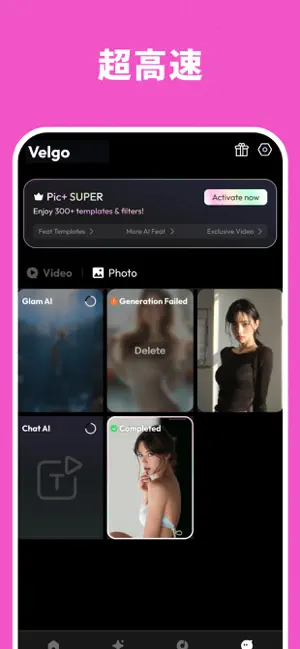

Icon palette
About this app
あなたの写真には、もっと多くの可能性があります。Velgoは AI技術を使って、1枚の静止画を滑らかな動画に変換します。編集スキル不要で、数分で完成します。 使い方 1. 写真をアップロードするか、テキストを入力 カメラロールから写真を選ぶか、作りたいシーンをテキストで説明します。VelgoのAIは画像とテキストの両方に対応しているので、インスピレーションが湧いたときにすぐ始められます。 2. スタイルを選んで生成 300以上のテンプレートとAIスタイルから選択——シネマティックなスローモーションからトレンドのSNSエフェクトまで揃っています。「生成」をタップすると、AIエンジンが数分で洗練された動画を作り上げます。 3. エクスポートしてシェア フル解像度で動画をダウンロード。Proプランならウォーターマークなしでエクスポートし、InstagramやTikTokなどに直接シェアできます。 主な機能 写真からAI動画 静止画に命を吹き込みます。VelgoのAIは写真の奥行き、光、動きを理解し、ポートレート、風景、商品写真など、あらゆる写真に滑らかなモー…
App details
What you can learn from Velgo: AI動画ジェネレーター
Every shipping app on the App Store has gone through the same decisions you're working through right now: which screenshot goes first, what caption sits over it, which device frame to show, what color the background should be. The 5 screenshots above are Velgo: AI動画ジェネレーター's answers to those questions — they're public, they're real, and they made it through Apple's review.
What the numbers say: Velgo: AI動画ジェネレーター runs a mixed light-and-dark set where the background shifts from screenshot to screenshot (first shot #0C0C14) — each image has to stand on its own, so the captions carry more of the story. The accent colour we picked up, #5C94BC, is the one to reuse for badges, arrows and highlighted words if you borrow this look. Hit Use this style to open the editor with these exact colours and drop your own screenshot in.
Notice the first screenshot in particular. It's the one users see in search results and on the product page, and it's where most apps spend their best caption and tightest design. Look at the proportion of background to phone, where the text sits, what one thing the image is trying to communicate.
Want to see how other Graphics & Design apps approach the same problem? Browse more Graphics & Design apps in the showcase.
Take what works into your own screenshots
Open LaunchShots and design your App Store & Google Play screenshots — pick a device frame, drop captions, ship in minutes. Free, in your browser.
Open the screenshot editor →Apps with a similar look
Closest background + accent colours among the listings we've analysed — useful when you want to see the same palette handled by a different team.