Screenshots


Icon palette
About this app
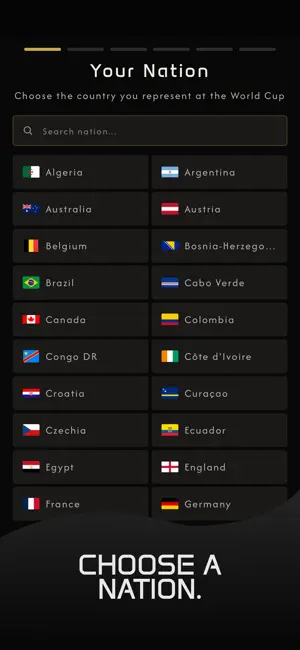
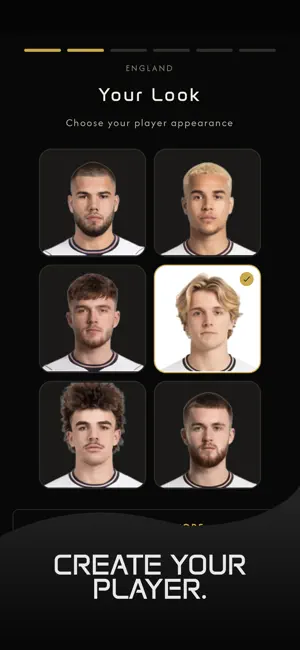
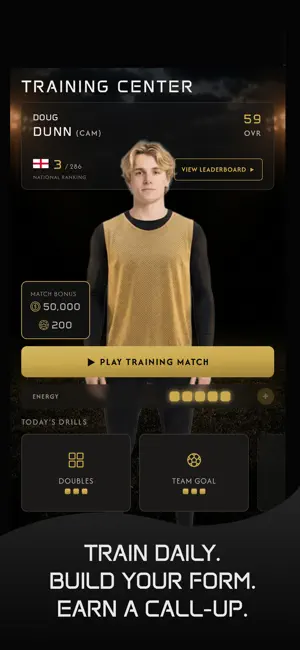
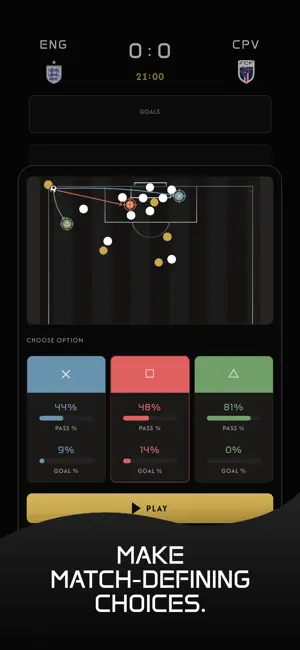
One squad. One FIFA World Cup 26™. Millions of fans want in. Do you have what it takes? One Future Football is a FIFA-licensed football gaming platform where you create a player, choose your nation, and compete with fans around the world for a place in your country's virtual World Cup squad. CHOOSE YOUR NATION. BUILD YOUR PLAYER. Pick from the nations competing at FIFA World Cup 26™ and create your player from scratch. Start with an overall rating of 60 and build toward 100. Every training session, every match decision, and every smart investment brings you closer to World Cup selection. TRAIN DAILY. BUILD YOUR FORM. EARN YOUR CALL-UP. - Play daily training matches and drills to build form and earn in-game currency and skill tokens - Allocate skill tokens to key attributes: positioning, finishing, passing and dribbling - Equip elite gear like the F50 Hyperfast Evo boots to boost you…
App details
What you can learn from One Future Football
Every shipping app on the App Store has gone through the same decisions you're working through right now: which screenshot goes first, what caption sits over it, which device frame to show, what color the background should be. The 6 screenshots above are One Future Football's answers to those questions — they're public, they're real, and they made it through Apple's review.
Notice the first screenshot in particular. It's the one users see in search results and on the product page, and it's where most apps spend their best caption and tightest design. Look at the proportion of background to phone, where the text sits, what one thing the image is trying to communicate.
Want to see how other Sports apps approach the same problem? Browse more Sports apps in the showcase.
Take what works into your own screenshots
Open LaunchShots and design your App Store & Google Play screenshots — pick a device frame, drop captions, ship in minutes. Free, in your browser.
Open the screenshot editor →