Chart position — tracked daily by LaunchShots
Screenshot style breakdown
Sampled from 6 of Yahoo!カーナビ's App Store screenshots — background, accent and theme, measured by LaunchShots (not something Apple publishes).
#4C64FC bg
#6579FC
#1CBCC4 accent
#FFFFFF text
Screenshots





iPad screenshots



Icon palette
About this app
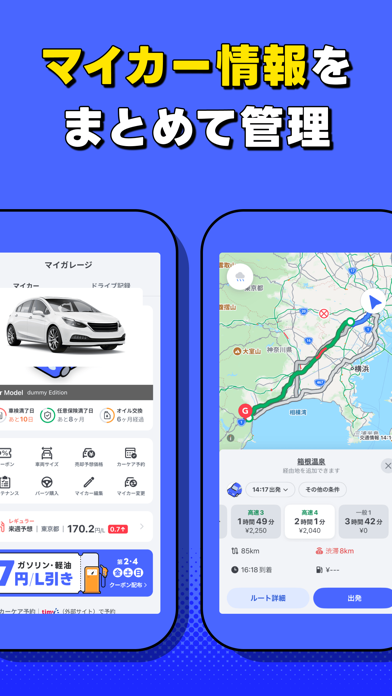
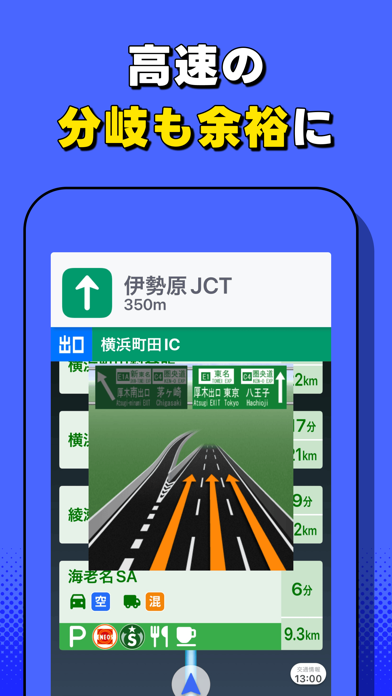
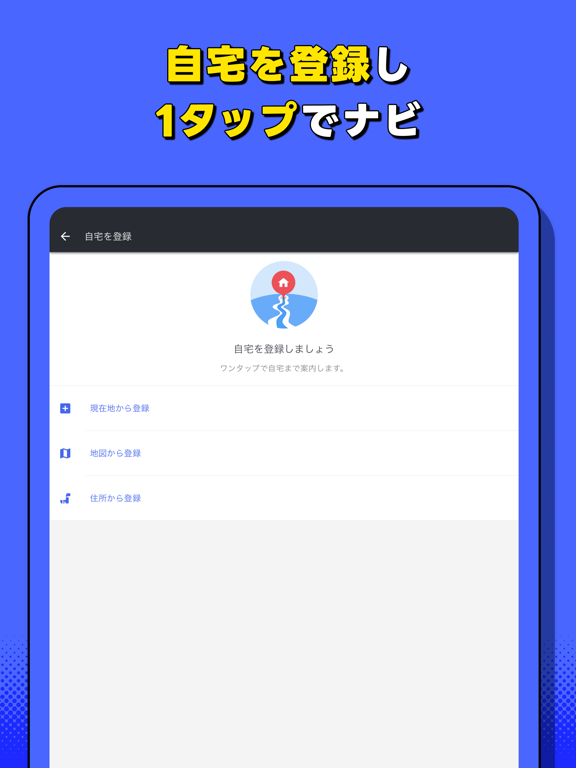
ヤフーカーナビはスマホで使える、本格カーナビです。最新の地図と丁寧な案内で、あなたを目的地までお連れします。 (1)道幅の広い道を優先案内 (2)交通規制や渋滞を考慮したルートを提案 (3)地図もナビも無料で自動更新 (4)高速道路の複雑なジャンクションはイラストで案内 (5)標識やオービスもお知らせ (6)自宅を登録すれば、ワンタップで自宅までのルートを検索 (7)マイカー登録で車幅に適したルートを案内 「いってきます」から「ただいま」まで、運転中のサポートはお任せください。 ※ご利用いただく際は、以下についてご確認ください ・ヤフーカーナビは道路交通法上の普通自動車のご利用を対象としております。 ・ナビゲーションを利用する際は、実際の交通ルールと道路状況に従って運転してください。 ・運転中の操作および画面注視は大変危険であり、交通違反になりますのでおやめください。 ・必ず安全な場所に停止してから操作および画面を注視してください。 «進化する本格カーナビ» ◆「ドライブ記録」で、累計走行距離や安全運…
App details
What you can learn from Yahoo!カーナビ
Every shipping app on the App Store has gone through the same decisions you're working through right now: which screenshot goes first, what caption sits over it, which device frame to show, what color the background should be. The 20 screenshots above are Yahoo!カーナビ's answers to those questions — they're public, they're real, and they made it through Apple's review.
What the numbers say: Yahoo!カーナビ runs a dark set with one background colour (#4C64FC) carried across every screenshot — the listing reads as a single poster when the shots sit side by side in search results. The accent colour we picked up, #1CBCC4, is the one to reuse for badges, arrows and highlighted words if you borrow this look. Hit Use this style to open the editor with these exact colours and drop your own screenshot in.
Notice the first screenshot in particular. It's the one users see in search results and on the product page, and it's where most apps spend their best caption and tightest design. Look at the proportion of background to phone, where the text sits, what one thing the image is trying to communicate.
Want to see how other Navigation apps approach the same problem? Browse more Navigation apps in the showcase.
Take what works into your own screenshots
Open LaunchShots and design your App Store & Google Play screenshots — pick a device frame, drop captions, ship in minutes. Free, in your browser.
Open the screenshot editor →Apps with a similar look
Closest background + accent colours among the listings we've analysed — useful when you want to see the same palette handled by a different team.