Screenshot style breakdown
Sampled from 6 of MetaMoJi ClassRoom's App Store screenshots — background, accent and theme, measured by LaunchShots (not something Apple publishes).
#FCFCFC bg
#DDDDDD
#34A4FC accent
#111111 text
Screenshots
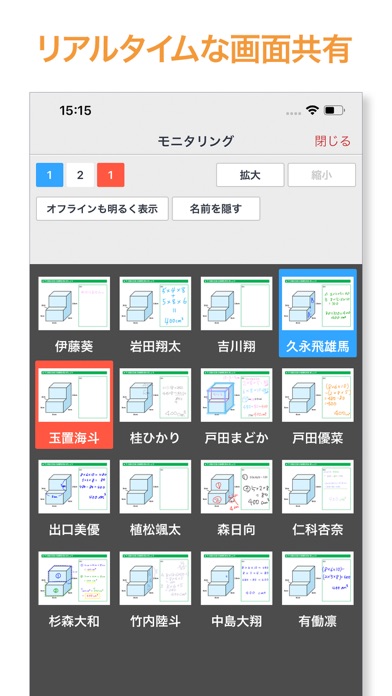
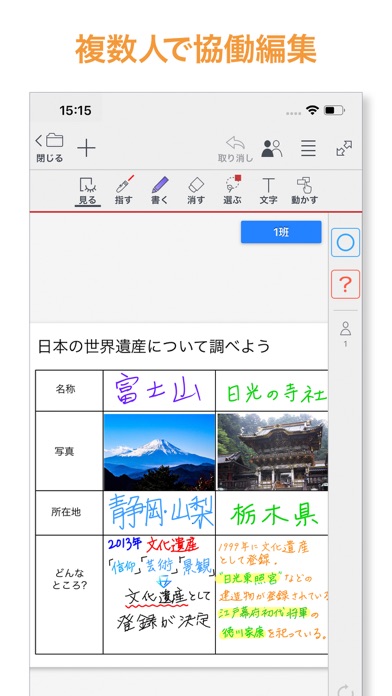
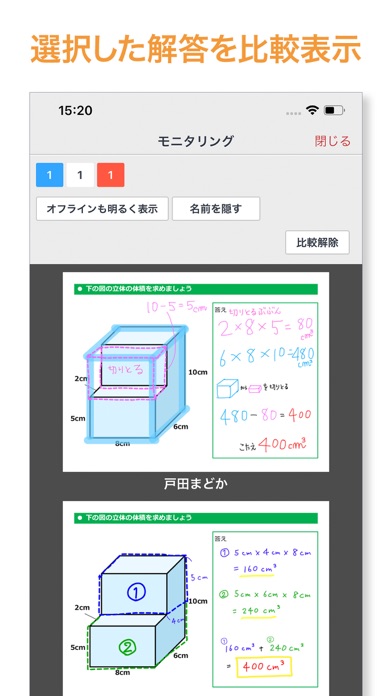
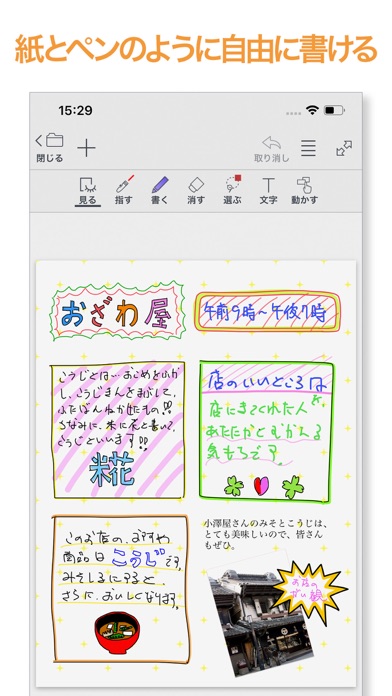
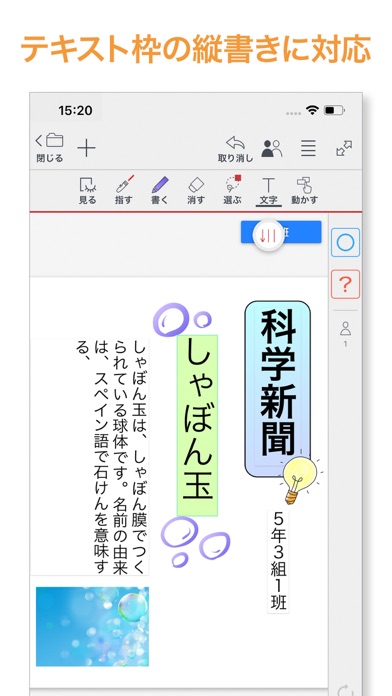
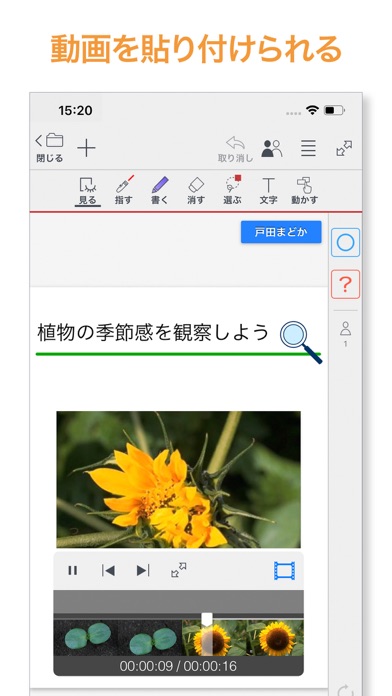
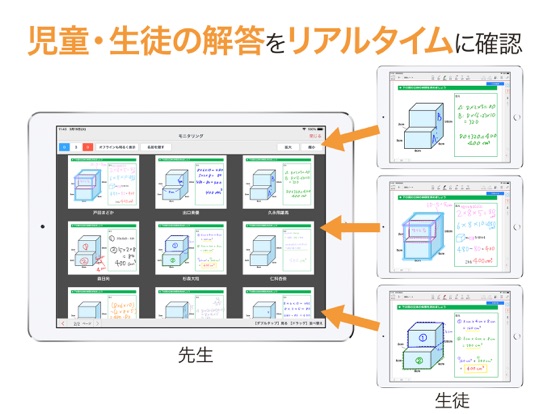
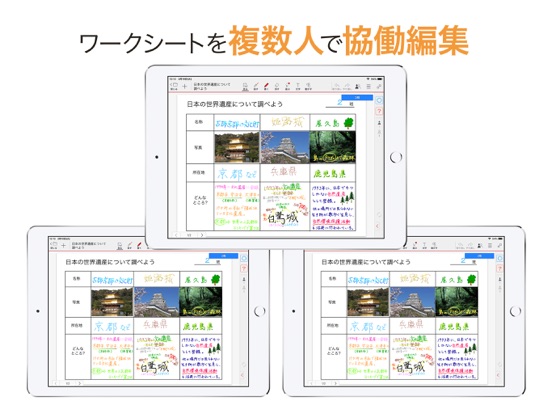
iPad screenshots
Icon palette
About this app
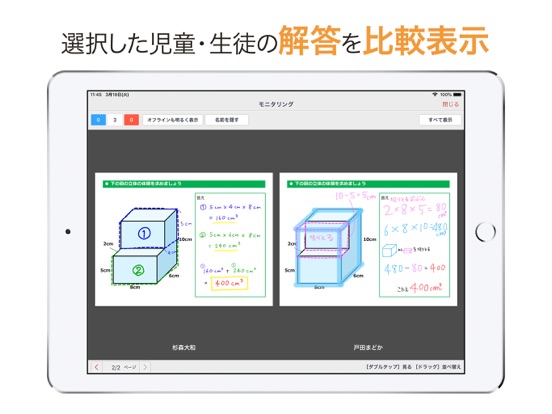
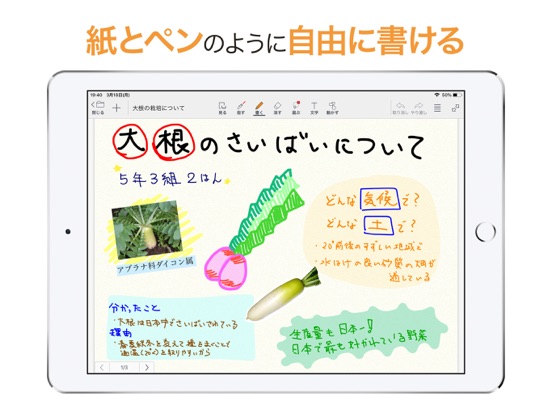
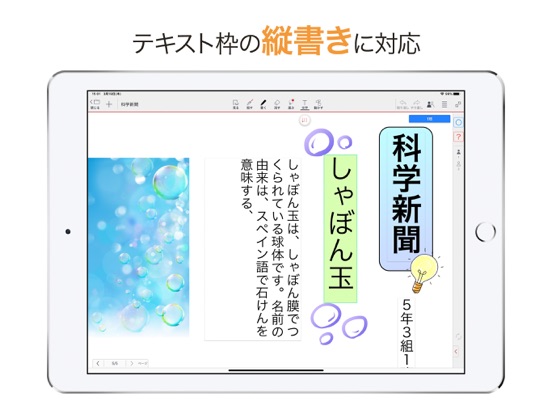
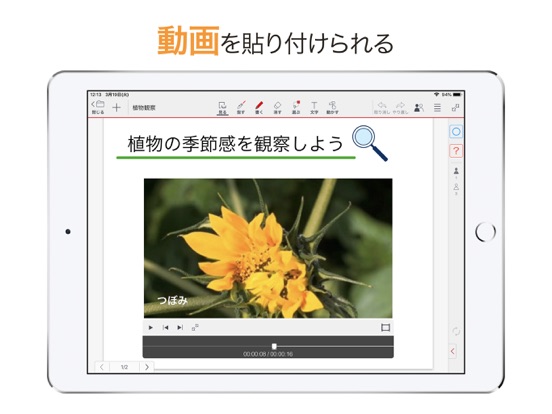
MetaMoJi ClassRoomは、学校向けの製品です。個人のお客様はご利用いただけません。 MetaMoJi ClassRoomのご利用には専用のアカウントが必要です。 MetaMoJi ClassRoomは、子どもの成長や授業内容に合わせ、シンプルなノート機能から、高度な協働学習まで幅広く柔軟に対応できるリアルタイム授業支援アプリです。 小学校低学年から中学・高校まで、タブレットを活用したアクティブ・ラーニングを支援します。 ■ アクティブ・ラーニングを支援する MetaMoJi ClassRoom の3つの特長 ■ ◎豊かな表現力 最大2,500倍の超拡大で、紙とペンのように自由自在に表現できます。写真や音声による表現も可能で、子どもたちの思考力・表現力を豊かに高めます。 ◎超リアルタイムな画面共有 生徒一人ひとりの学習状況をリアルタイムにモニタリングしたり、生徒同士で協働的に学習できます。 ◎さまざまな学習で使える 教材を選ばない汎用性の高さで幅広い授業形態(一斉学習、個別学習、協働学習)に対応します。授業での活用はもちろん、校外学習、家庭学習、職員室での利用…
App details
What you can learn from MetaMoJi ClassRoom
Every shipping app on the App Store has gone through the same decisions you're working through right now: which screenshot goes first, what caption sits over it, which device frame to show, what color the background should be. The 12 screenshots above are MetaMoJi ClassRoom's answers to those questions — they're public, they're real, and they made it through Apple's review.
What the numbers say: MetaMoJi ClassRoom runs a light set with one background colour (#FCFCFC) carried across every screenshot — the listing reads as a single poster when the shots sit side by side in search results. The accent colour we picked up, #34A4FC, is the one to reuse for badges, arrows and highlighted words if you borrow this look. Hit Use this style to open the editor with these exact colours and drop your own screenshot in.
Notice the first screenshot in particular. It's the one users see in search results and on the product page, and it's where most apps spend their best caption and tightest design. Look at the proportion of background to phone, where the text sits, what one thing the image is trying to communicate.
Want to see how other Education apps approach the same problem? Browse more Education apps in the showcase.
Take what works into your own screenshots
Open LaunchShots and design your App Store & Google Play screenshots — pick a device frame, drop captions, ship in minutes. Free, in your browser.
Open the screenshot editor →Apps with a similar look
Closest background + accent colours among the listings we've analysed — useful when you want to see the same palette handled by a different team.