Chart position — tracked daily by LaunchShots
Screenshot style breakdown
Sampled from 6 of マガポケ - 人気マンガが毎日楽しめるコミックアプリ's App Store screenshots — background, accent and theme, measured by LaunchShots (not something Apple publishes).
#3454A4 bg
#506BB0
#FCFC04 accent
#FFFFFF text
Screenshots
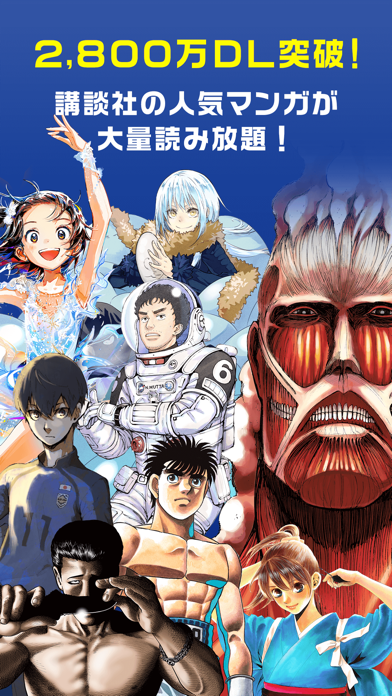


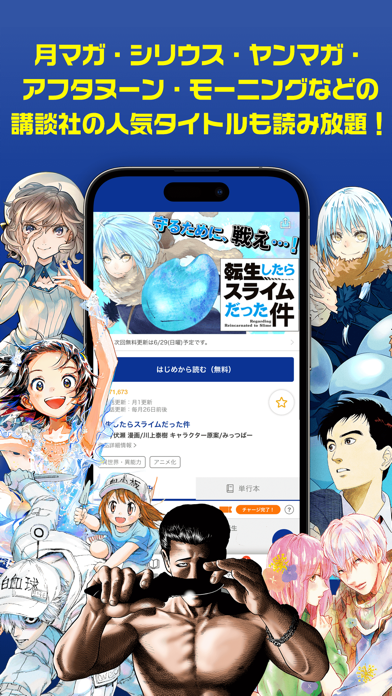
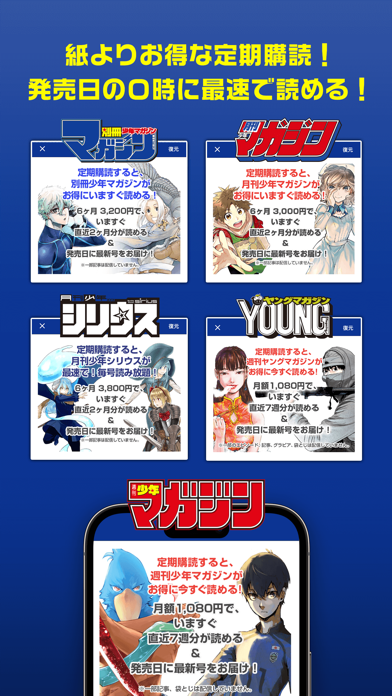
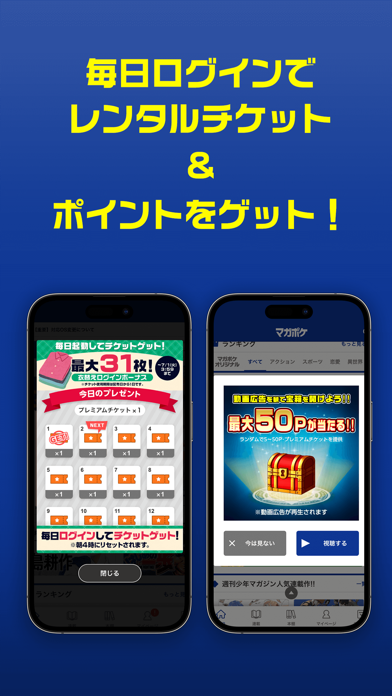
iPad screenshots



Icon palette
About this app
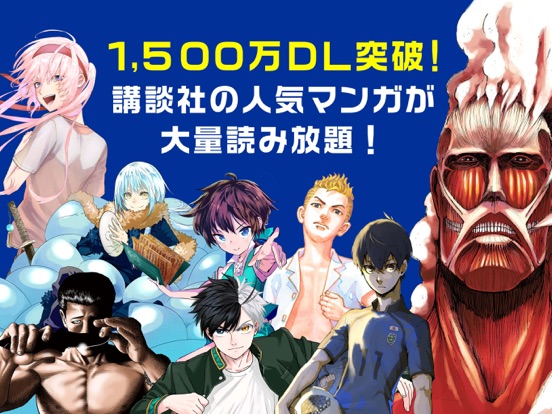
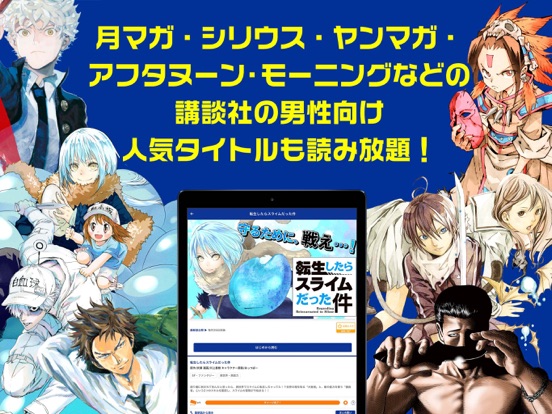
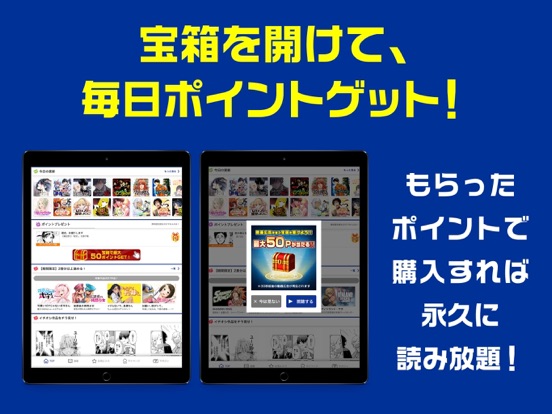
<「マガポケ」ってどんなアプリ? > ◎「週刊少年マガジン」&「別冊少年マガジン」の公式マンガアプリ!! ◎人気の連載最新話を ""最速"" で読めるのはマガポケだけ! ◎ マンガ好き必見! の限定オリジナル連載も続々登場! ◎「月マガ」「シリウス」「ヤンマガ」「モーニング」「アフタヌーン」作品も読める! 毎日たっぷり無料で楽しめる、「新しくて、おもしろい」 キミのためのマンガアプリ、それがマガポケ(マガジンポケット)! =-=-=-=-=-=-=-=-=-= ▼だから、こんな人に特にオススメ! =-=-=-=-=-=-=-=-=-= ◆週マガ・別マガ・月マガ・シリウスほか講談社の人気漫画をスマホで最速で読みたい! 『ブルーロック』『シャングリラ・フロンティア~クソゲーハンター、神ゲーに挑まんとす~』『はじめの一歩』『彼女、お借りします』『転生したらスライムだった件』など、人気連載を本誌発売日の0時に配信! ◆ヒマをつぶしたい、もちろん無料<タダ>で……! マガポケは無料話を毎日たっぷり更新! ◆名作・傑作マンガをじっ…
App details
What you can learn from マガポケ - 人気マンガが毎日楽しめるコミックアプリ
Every shipping app on the App Store has gone through the same decisions you're working through right now: which screenshot goes first, what caption sits over it, which device frame to show, what color the background should be. The 12 screenshots above are マガポケ - 人気マンガが毎日楽しめるコミックアプリ's answers to those questions — they're public, they're real, and they made it through Apple's review.
What the numbers say: マガポケ - 人気マンガが毎日楽しめるコミックアプリ runs a dark set where the background shifts from screenshot to screenshot (first shot #3454A4) — each image has to stand on its own, so the captions carry more of the story. The accent colour we picked up, #FCFC04, is the one to reuse for badges, arrows and highlighted words if you borrow this look. Hit Use this style to open the editor with these exact colours and drop your own screenshot in.
Notice the first screenshot in particular. It's the one users see in search results and on the product page, and it's where most apps spend their best caption and tightest design. Look at the proportion of background to phone, where the text sits, what one thing the image is trying to communicate.
Want to see how other Book apps approach the same problem? Browse more Book apps in the showcase.
Take what works into your own screenshots
Open LaunchShots and design your App Store & Google Play screenshots — pick a device frame, drop captions, ship in minutes. Free, in your browser.
Open the screenshot editor →Apps with a similar look
Closest background + accent colours among the listings we've analysed — useful when you want to see the same palette handled by a different team.