Screenshots
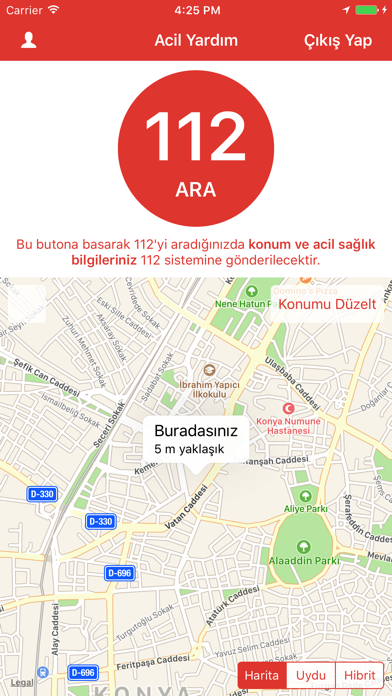
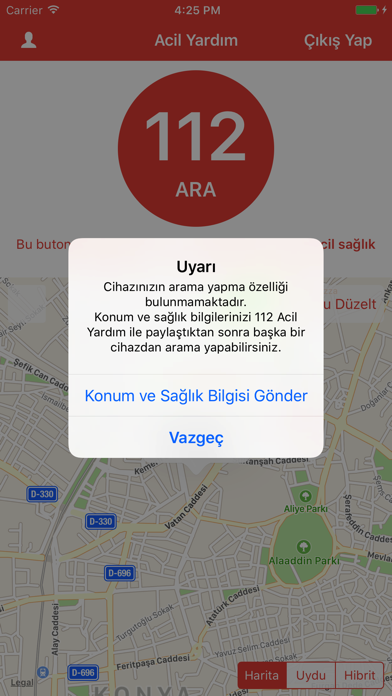
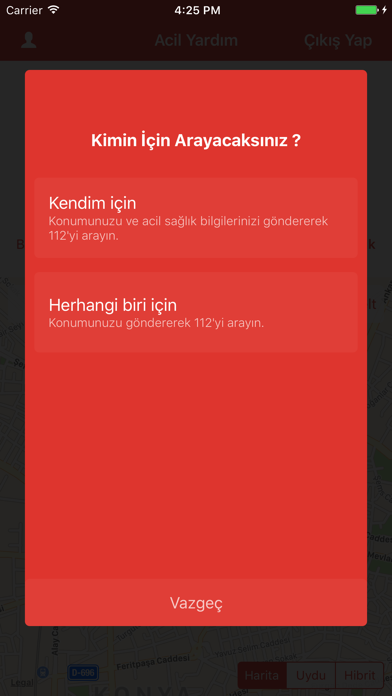

iPad screenshots
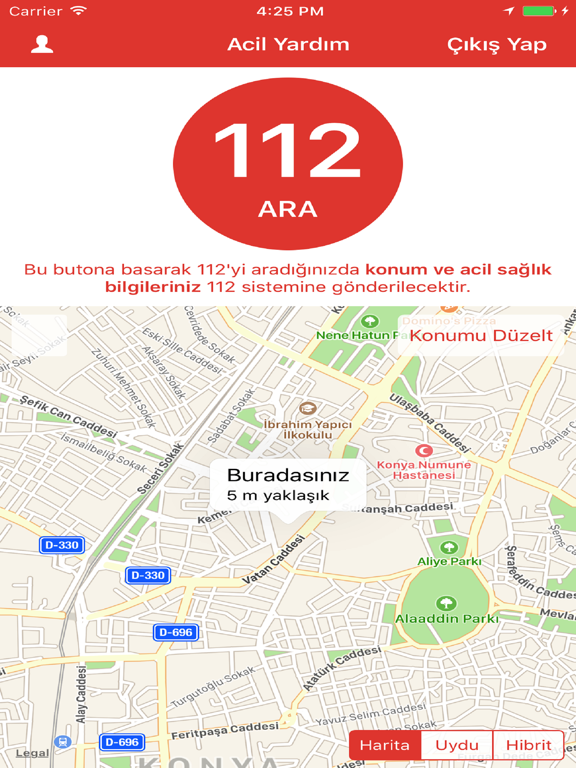
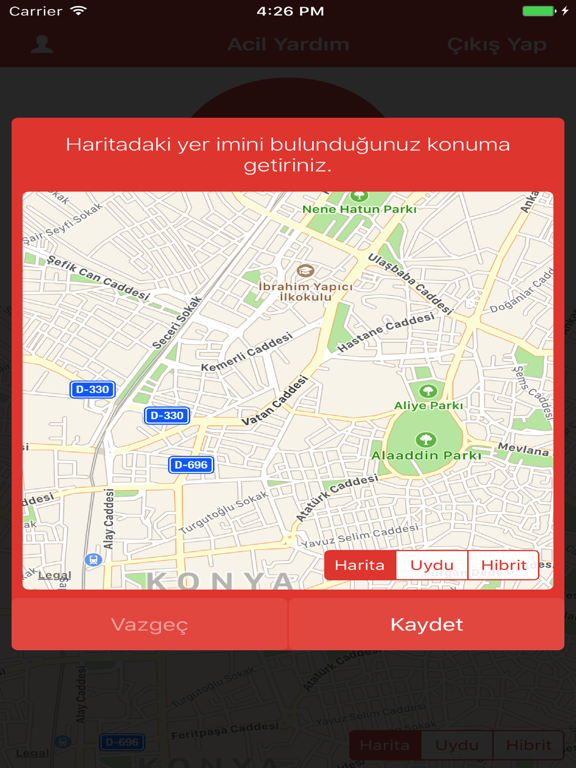
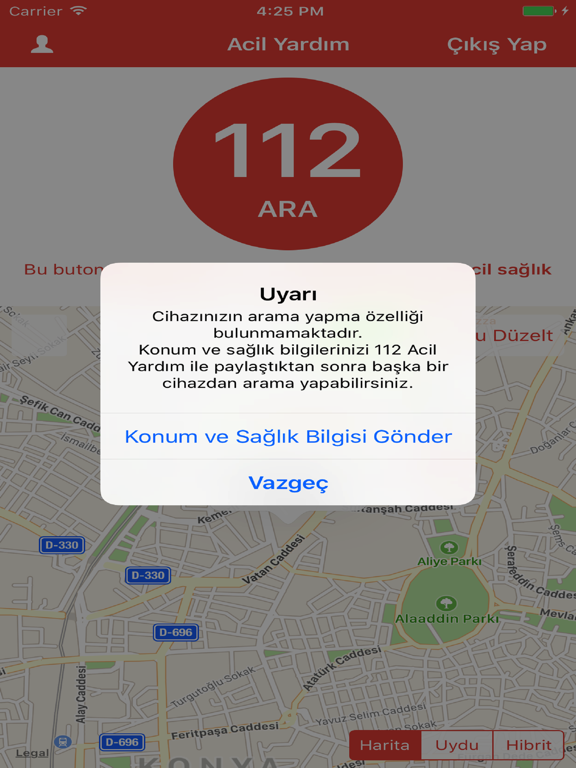
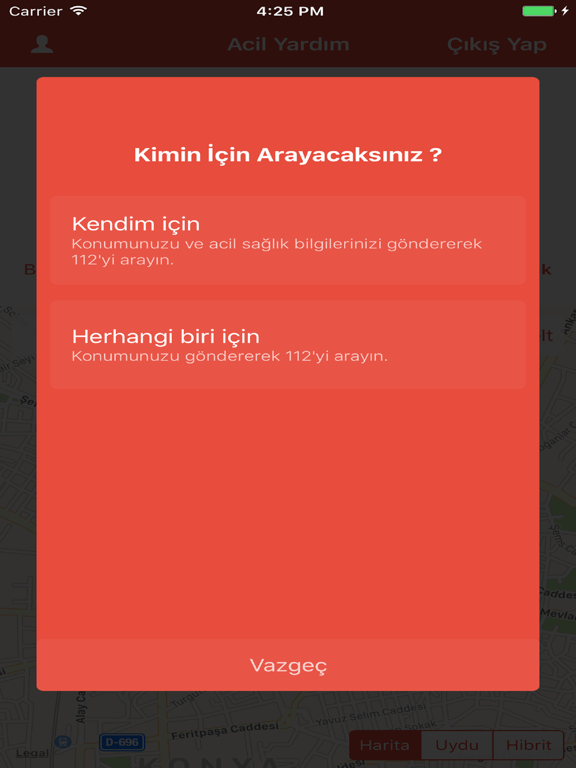
Icon palette
About this app
T.C. Sağlık Bakanlığı’nın sunduğu “112 Acil Yardım Butonu” mobil uygulaması, IOS telefonunuz için özel tasarlanmış olup uygulamanın kendisi ücretsizdir. 112 Acil Yardım Butonu uygulamasını kullanarak acil durumlarda sizin ya da yakınlarınızın yaşadığı veya çevrenizde gerçekleşen acil müdahale gerektiren bir olayda acil servisi haberdar edebilir ve uygulamanın göndereceği konum bilgisiyle, size en kısa sürede ulaşılmasını sağlayabilirsiniz. 112 Acil Yardım Butonu uygulamasına T.C. Kimlik Numaranızı ve e-Nabız için oluşturduğunuz şifrenizi yazarak giriş yapabilirsiniz. e-Nabız şifrenizi, www.enabiz.gov.tr adresinde yayınlanan "E-Devlet ile Giriş" sekmesinden giriş yaparak kendinize özel olarak oluşturabilirsiniz. Soru ve sorunlarınız için enabiz@saglik.gov.tr adresimizi kullanarak bize ulaşabilirsiniz.
App details
What you can learn from 112 Acil Yardım Butonu
Every shipping app on the App Store has gone through the same decisions you're working through right now: which screenshot goes first, what caption sits over it, which device frame to show, what color the background should be. The 8 screenshots above are 112 Acil Yardım Butonu's answers to those questions — they're public, they're real, and they made it through Apple's review.
Notice the first screenshot in particular. It's the one users see in search results and on the product page, and it's where most apps spend their best caption and tightest design. Look at the proportion of background to phone, where the text sits, what one thing the image is trying to communicate.
Want to see how other Health & Fitness apps approach the same problem? Browse more Health & Fitness apps in the showcase.
Take what works into your own screenshots
Open LaunchShots and design your App Store & Google Play screenshots — pick a device frame, drop captions, ship in minutes. Free, in your browser.
Open the screenshot editor →