Screenshots

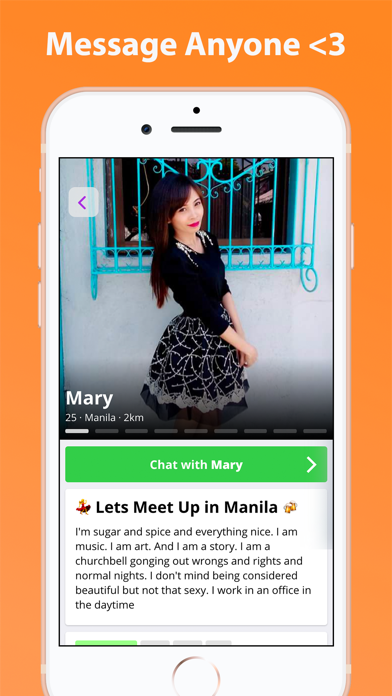

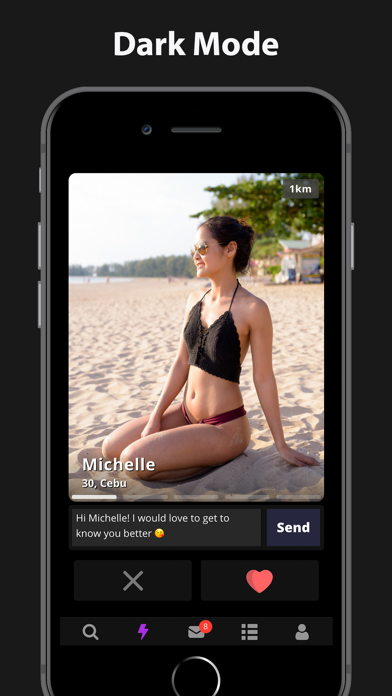
iPad screenshots
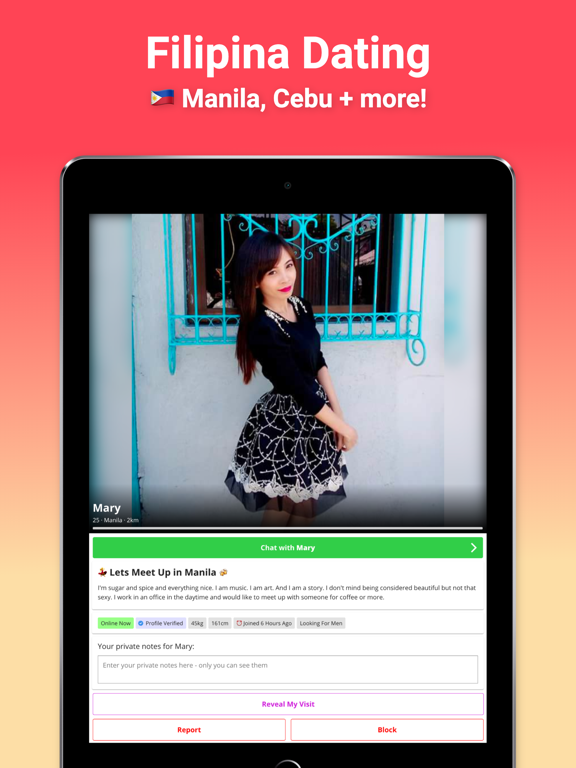
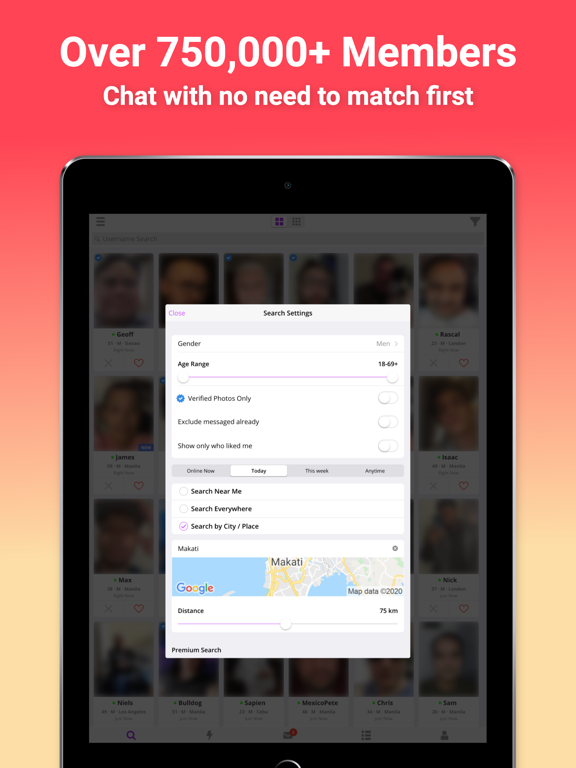
Icon palette
About this app
The official PinaLove app has over 750,000 active members! Download the app and access your existing account or make a new one for free. Features: • Browse through 1 million+ active photo profiles • Search for profiles in Manila, Cebu - all over the Philippines • Message members without needing to match first • Send messages and photos for free (free limit 1 message per 10 minutes) While the Pina Love app is free to use there is the option to purchase a monthly subscription "PinaLove Premium" within the app. The subscription length is 1 month and costs $19.99/month. If you choose to purchase a subscription then payment will be charged to your iTunes Account and your account will be charged for renewal within a 24 hour period prior to the end of the current period. You may turn off auto-renewal at any time by visiting your iTunes Account Settings after purchase. No cancellation of t…
App details
What you can learn from PinaLove Filipina Dating
Every shipping app on the App Store has gone through the same decisions you're working through right now: which screenshot goes first, what caption sits over it, which device frame to show, what color the background should be. The 6 screenshots above are PinaLove Filipina Dating's answers to those questions — they're public, they're real, and they made it through Apple's review.
Notice the first screenshot in particular. It's the one users see in search results and on the product page, and it's where most apps spend their best caption and tightest design. Look at the proportion of background to phone, where the text sits, what one thing the image is trying to communicate.
Want to see how other Social Networking apps approach the same problem? Browse more Social Networking apps in the showcase.
Take what works into your own screenshots
Open LaunchShots and design your App Store & Google Play screenshots — pick a device frame, drop captions, ship in minutes. Free, in your browser.
Open the screenshot editor →