Screenshots
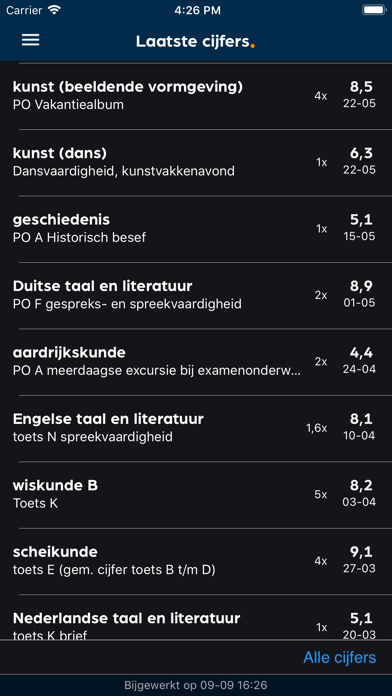
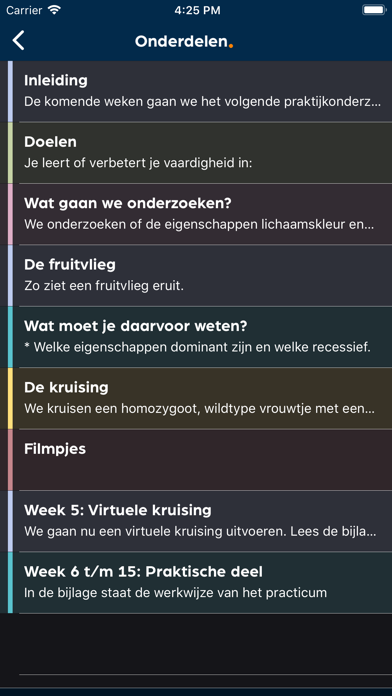
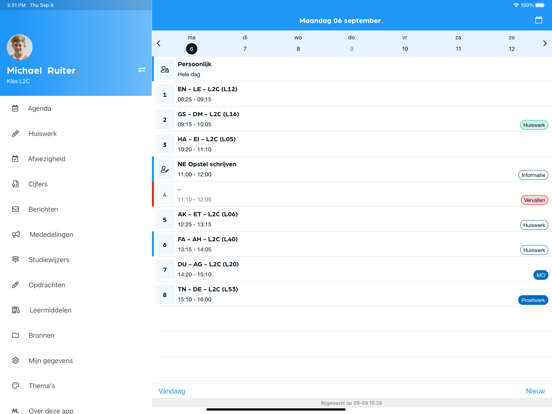
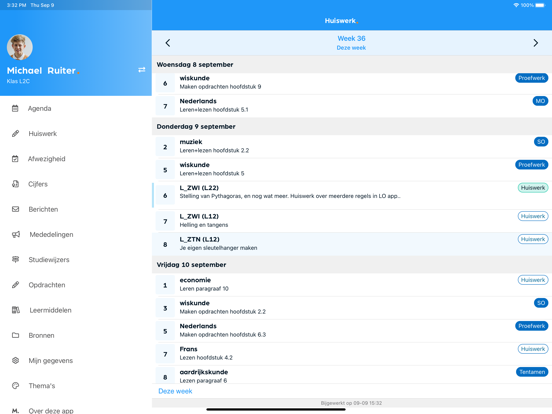
iPad screenshots
Icon palette
About this app
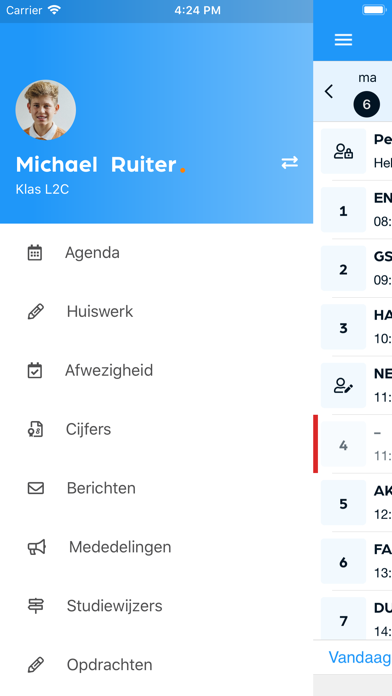
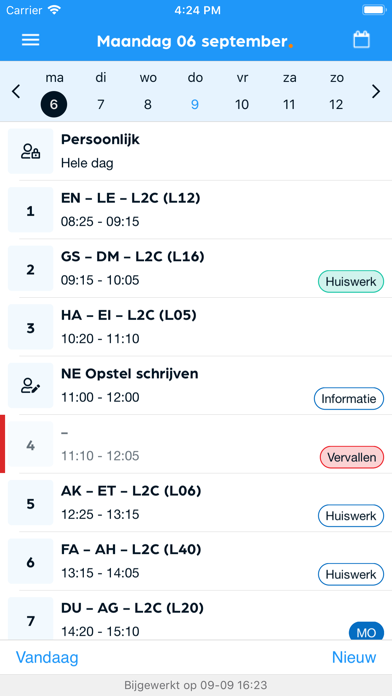
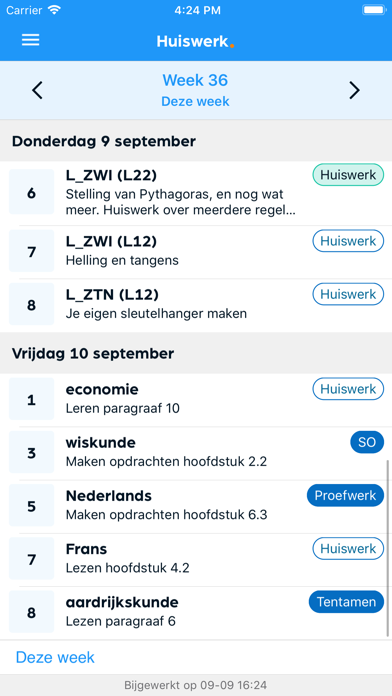
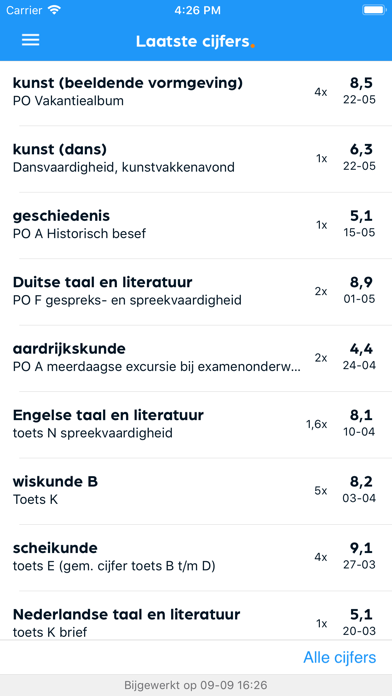
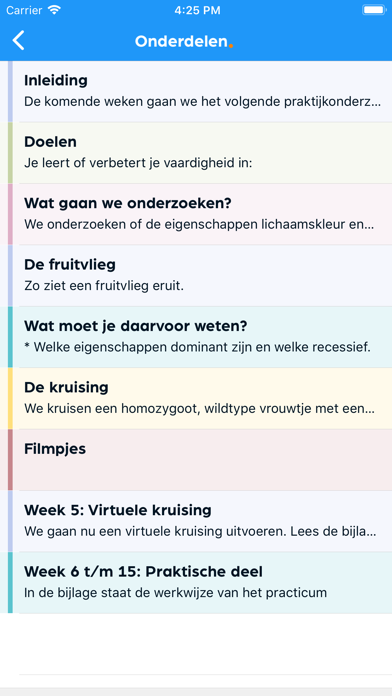
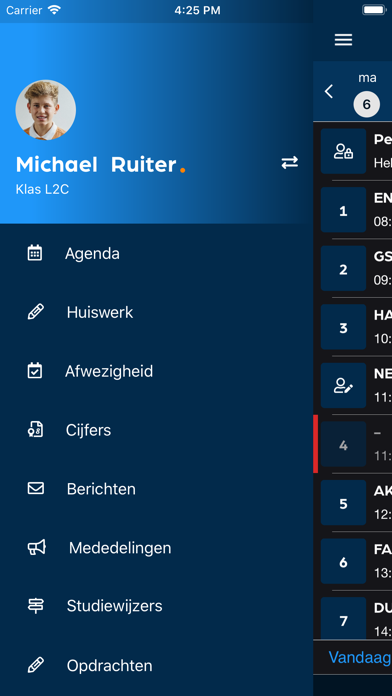
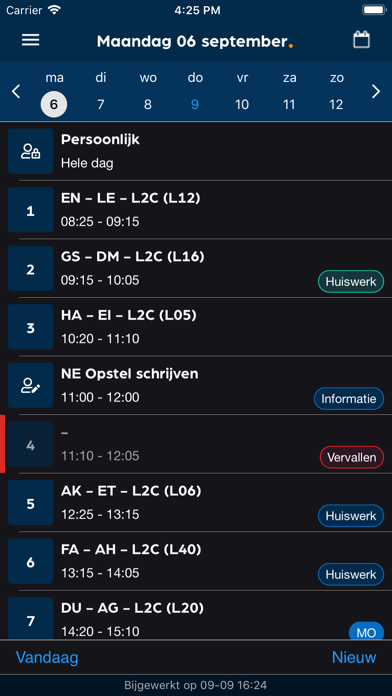
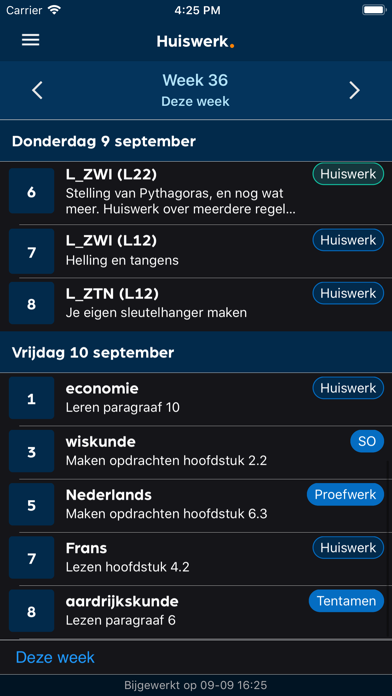
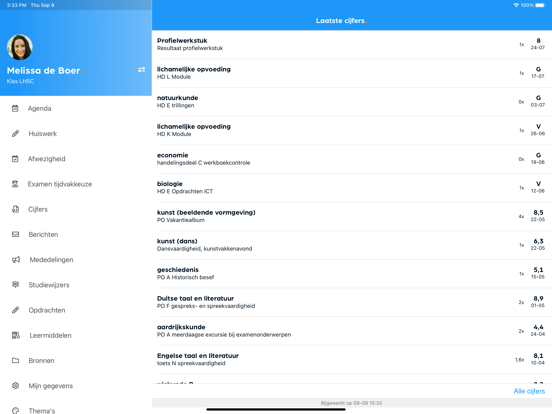
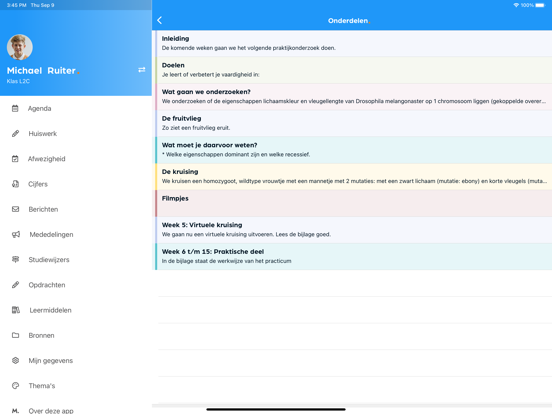
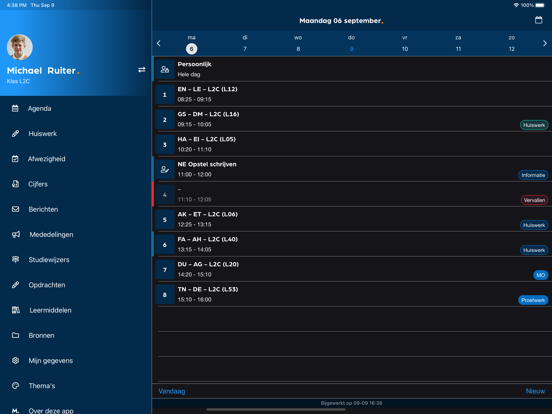
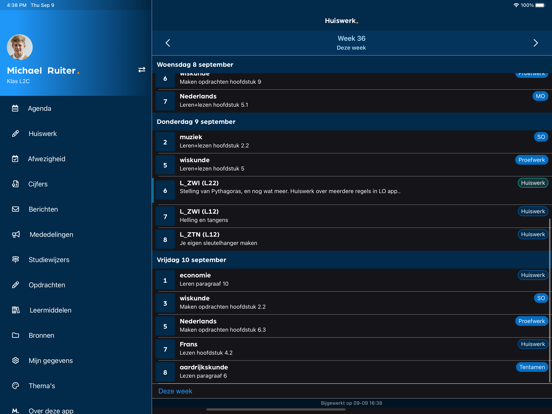
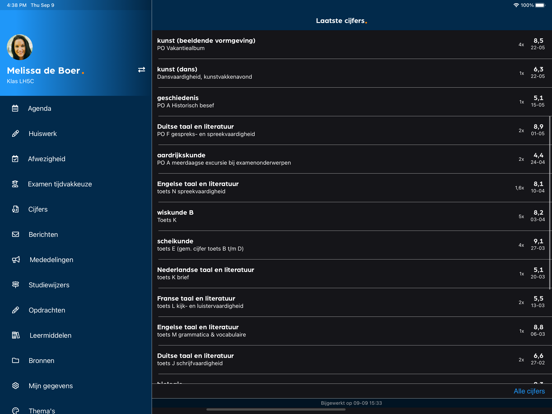
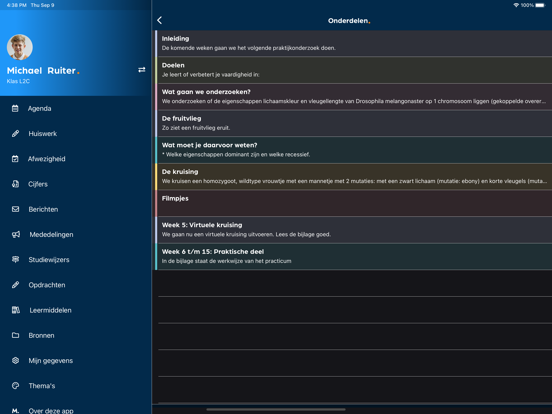
Met de Magister App heb je als leerling en ouder altijd en overal zicht op de laatste informatie van je school. Actuele roosterwijzigingen, berichten en mededelingen zijn direct in te zien. Daarnaast hebben leerlingen en ouders toegang tot zaken als roosters, studiewijzers, cijfers en digitaal lesmateriaal. De voordelen van de Magister App: - Eenvoudig inzicht in je rooster, huiswerk en de laatste cijfers - Push-notificaties ontvangen bij een nieuw of gewijzigd cijfer - Online toegang tot je meest recente gegevens - Regel huiswerk vanaf school, thuis of onderweg - De gegevens zijn veilig, vertrouwd en up-to-date - Als ouder kun je gemakkelijk schakelen tussen kinderen Meer informatie en vragen: - Jouw school bepaalt welke functies je in de Magister App ziet - Voor vragen kun je naar de Magisterbeheerder op jouw school gaan
App details
What you can learn from Magister - Leerling en Ouder
Every shipping app on the App Store has gone through the same decisions you're working through right now: which screenshot goes first, what caption sits over it, which device frame to show, what color the background should be. The 18 screenshots above are Magister - Leerling en Ouder's answers to those questions — they're public, they're real, and they made it through Apple's review.
Notice the first screenshot in particular. It's the one users see in search results and on the product page, and it's where most apps spend their best caption and tightest design. Look at the proportion of background to phone, where the text sits, what one thing the image is trying to communicate.
Want to see how other Education apps approach the same problem? Browse more Education apps in the showcase.
Take what works into your own screenshots
Open LaunchShots and design your App Store & Google Play screenshots — pick a device frame, drop captions, ship in minutes. Free, in your browser.
Open the screenshot editor →