Screenshots


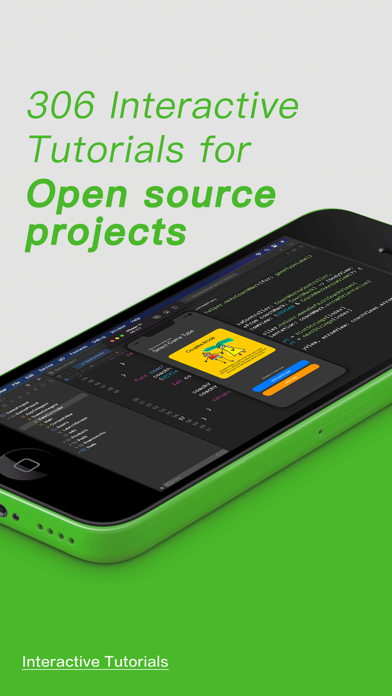
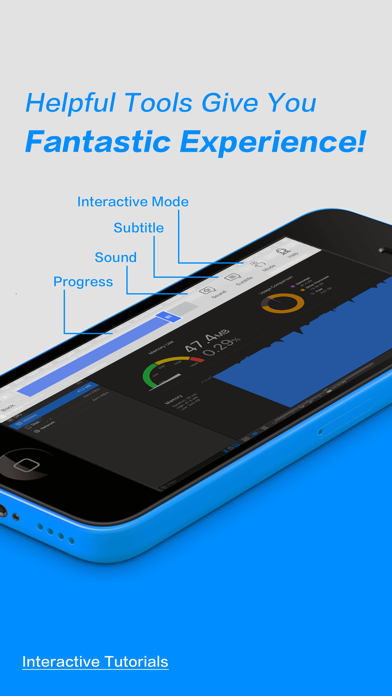
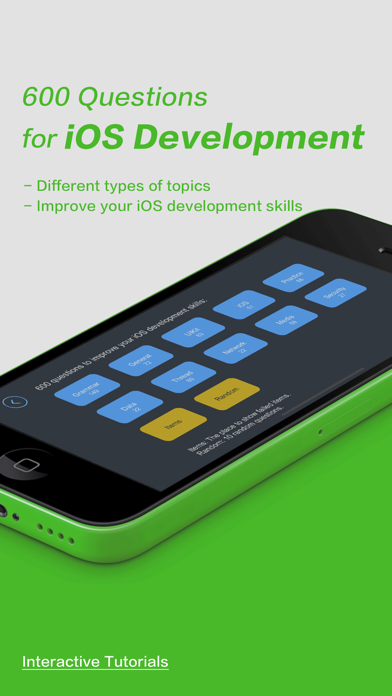
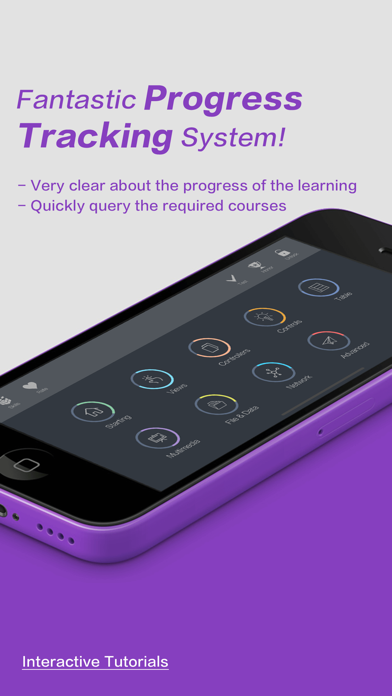
iPad screenshots


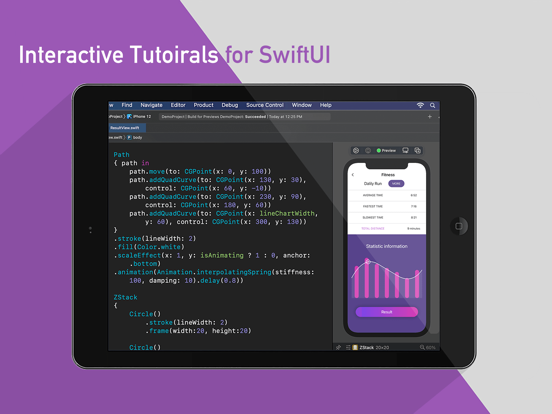


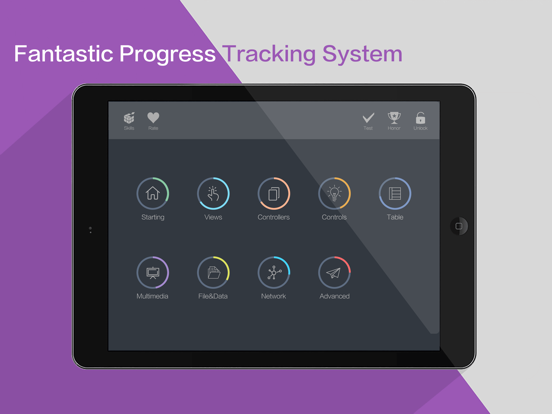
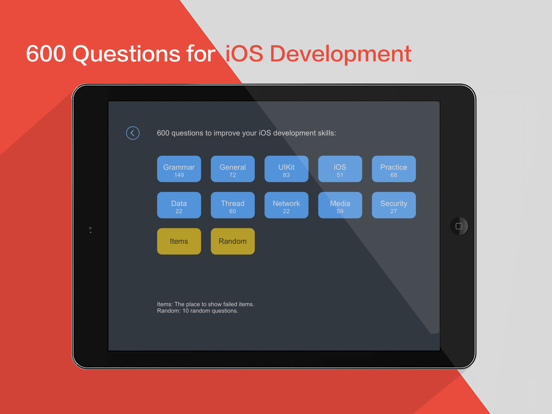
Icon palette
About this app
WHAT IS XCODE AND SWIFT TUTORIALS? WHAT IS XCODE AND SWIFT TUTORIALS brings you simple, funny, interactive learning app for Xcode and Swift. The app teaches you about each of the features of Xcode and show you how to use them in detail. With candid, jargon-free advice and step-by-step guidance, you’ll get everything from the core aspects of working to advanced techniques for refined workflows and professional results. It's like having your own personal tutor teaching you the newest version of Xcode. You'll learn how to express yourself and create great Apps quickly and directly! It’s the first and only app to bring the whole process together in such a clear, concise, and interactive way. There is no faster, more straight-to-the-point, or more fun way to learn Xcode than with this app. In addition to the Interactive-Mode, app supports the Inspector-Mode, it converts the app to be 2…
App details
What you can learn from Tutorials for iOS programming
Every shipping app on the App Store has gone through the same decisions you're working through right now: which screenshot goes first, what caption sits over it, which device frame to show, what color the background should be. The 18 screenshots above are Tutorials for iOS programming's answers to those questions — they're public, they're real, and they made it through Apple's review.
Notice the first screenshot in particular. It's the one users see in search results and on the product page, and it's where most apps spend their best caption and tightest design. Look at the proportion of background to phone, where the text sits, what one thing the image is trying to communicate.
Want to see how other Developer Tools apps approach the same problem? Browse more Developer Tools apps in the showcase.
Take what works into your own screenshots
Open LaunchShots and design your App Store & Google Play screenshots — pick a device frame, drop captions, ship in minutes. Free, in your browser.
Open the screenshot editor →