Screenshots

Icon palette
About this app
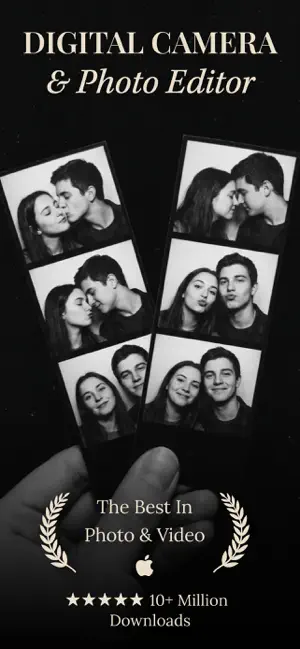
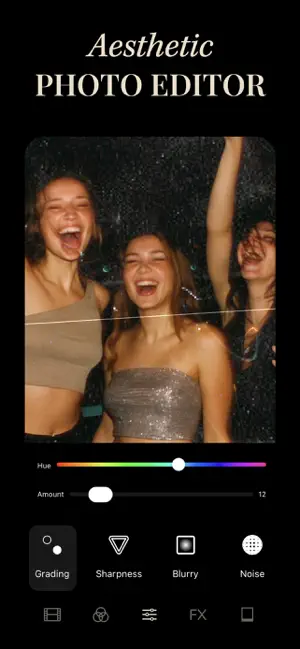
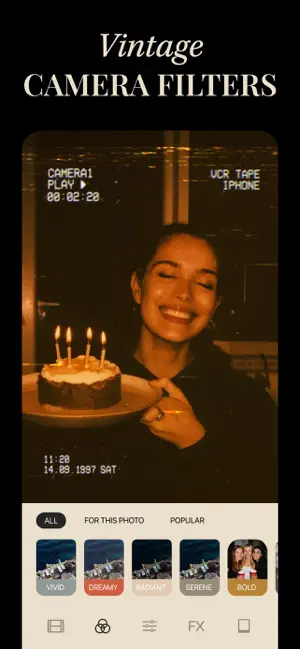
Aesthetic photo editor used by 10M+ users worldwide! Radcam brings the most popular editing styles into one app: film-inspired tones, vintage looks, moody presets, retro grain, disposable camera vibes, and more. Use the live camera to shoot with filters applied instantly, or import your photos and edit with our curated preset library designed for creators. Features 60+ presets and filters Film presets, vintage filters, moody edits, clean tones, warm aesthetics, everything you need for standout photos. Live camera Shoot photos with real-time filters, film overlays, VHS vibes, grain, and more. Effects and textures Add grain, dust textures, retro film looks, and lens flares. Vintage and film frames Authentic Kodak, disposable camera, 35mm, and Polaroid-style frames. Full photo editing toolkit Adjust exposure, contrast, highlights, shadows, color, and more with pro-level controls. …
App details
What you can learn from radcam: digital camera
Every shipping app on the App Store has gone through the same decisions you're working through right now: which screenshot goes first, what caption sits over it, which device frame to show, what color the background should be. The 4 screenshots above are radcam: digital camera's answers to those questions — they're public, they're real, and they made it through Apple's review.
Notice the first screenshot in particular. It's the one users see in search results and on the product page, and it's where most apps spend their best caption and tightest design. Look at the proportion of background to phone, where the text sits, what one thing the image is trying to communicate.
Want to see how other Photo & Video apps approach the same problem? Browse more Photo & Video apps in the showcase.
Take what works into your own screenshots
Open LaunchShots and design your App Store & Google Play screenshots — pick a device frame, drop captions, ship in minutes. Free, in your browser.
Open the screenshot editor →