Screenshots


Icon palette
About this app
HeeSay: Real Connections, Real Fun, Real You Join 54 million LGBTQ+ individuals worldwide in a vibrant community designed for authentic connections and unforgettable moments. With HeeSay, you’re not just meeting people—you’re stepping into a colorful world of socializing and sharing. --- Your Community, Your World Discover new friends, meaningful connections, or even your favorite influencers. Stay updated and in sync by linking your socials like Instagram, X, or Facebook, creating a seamless social experience that’s all about you. --- Your Space, Your Rules HeeSay puts your safety first with some features and anti-screenshot protection. Explore, share, and connect confidently in a space designed for your privacy and comfort. --- Seamless Chat From text and voice messages to GIFs and real-time sharing, HeeSay makes staying connected easy and fun. Share moments, laugh together, and cr…
App details
What you can learn from HeeSay:Blued Gay Chat & Dating
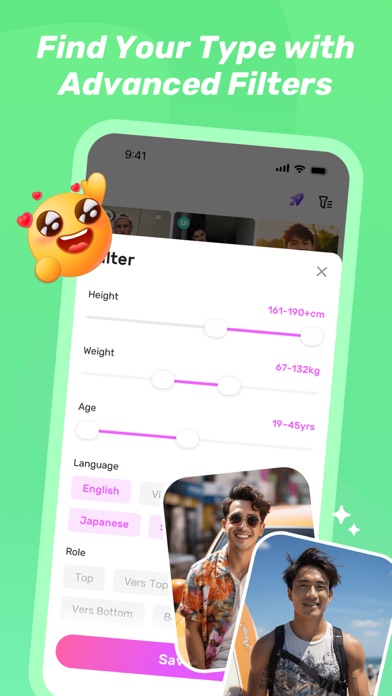
Every shipping app on the App Store has gone through the same decisions you're working through right now: which screenshot goes first, what caption sits over it, which device frame to show, what color the background should be. The 5 screenshots above are HeeSay:Blued Gay Chat & Dating's answers to those questions — they're public, they're real, and they made it through Apple's review.
Notice the first screenshot in particular. It's the one users see in search results and on the product page, and it's where most apps spend their best caption and tightest design. Look at the proportion of background to phone, where the text sits, what one thing the image is trying to communicate.
Want to see how other Social Networking apps approach the same problem? Browse more Social Networking apps in the showcase.
Take what works into your own screenshots
Open LaunchShots and design your App Store & Google Play screenshots — pick a device frame, drop captions, ship in minutes. Free, in your browser.
Open the screenshot editor →